IR Function
(*)
4
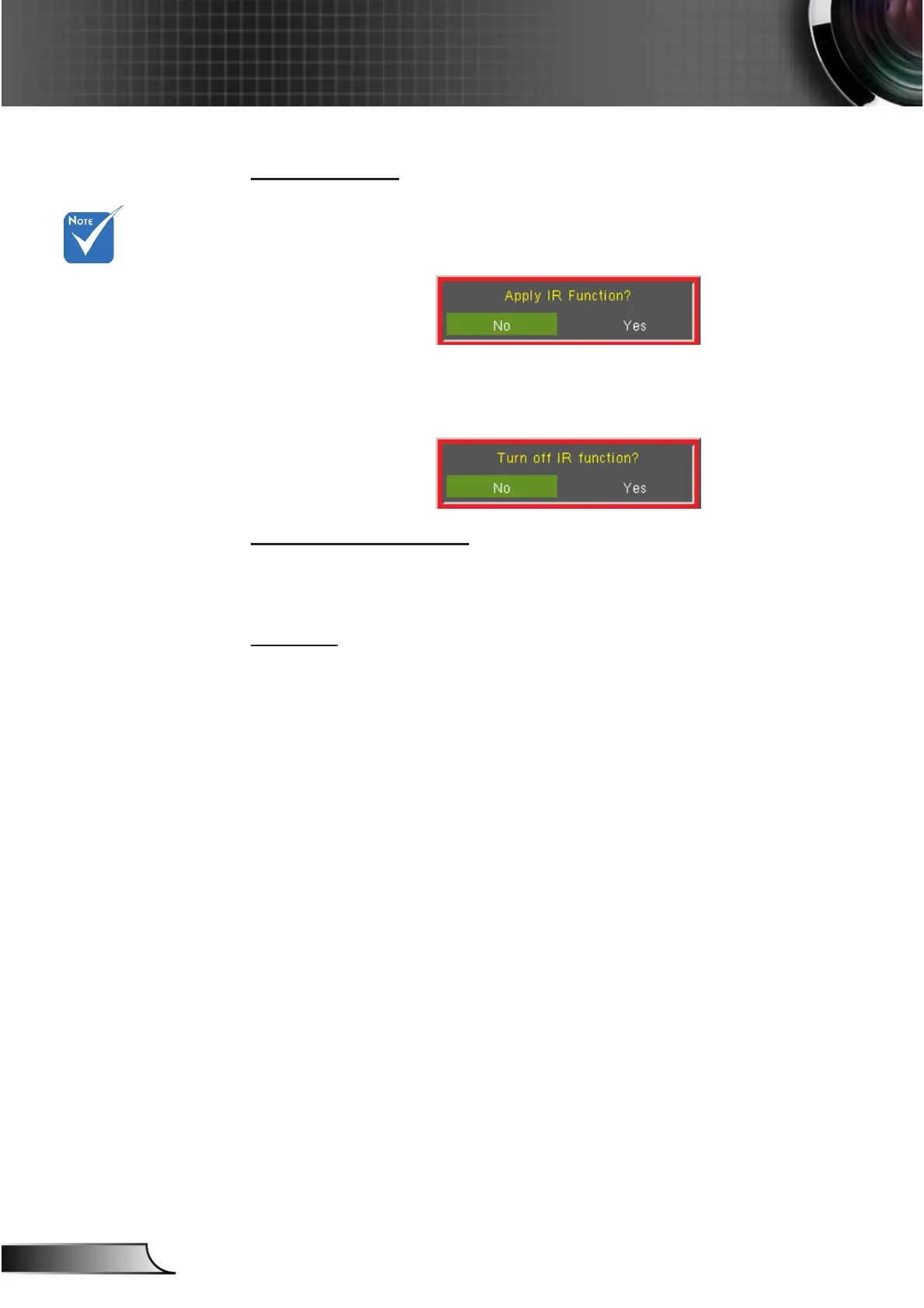
On: Choose “On”, the projector can be operated by the remote
control. When you change the setting from “Off” to “On”, it will
display a warning message:
4
Off: Choose “Off”, you will only be able to use the control panel
keys. When you change the setting from “On” to “Off”, it will
display a warning message:
Background Color
Use this feature to display a “Black”, “Red”, “Blue”, “Green” or
“White”, screen when no signal is available.
Reset
Choose “Yes” to return the display parameters on all menus to the
factory default settings.
(*) The function de-
pends on model’s
specications.



 To Next Page