IN3138HD User’s Manual
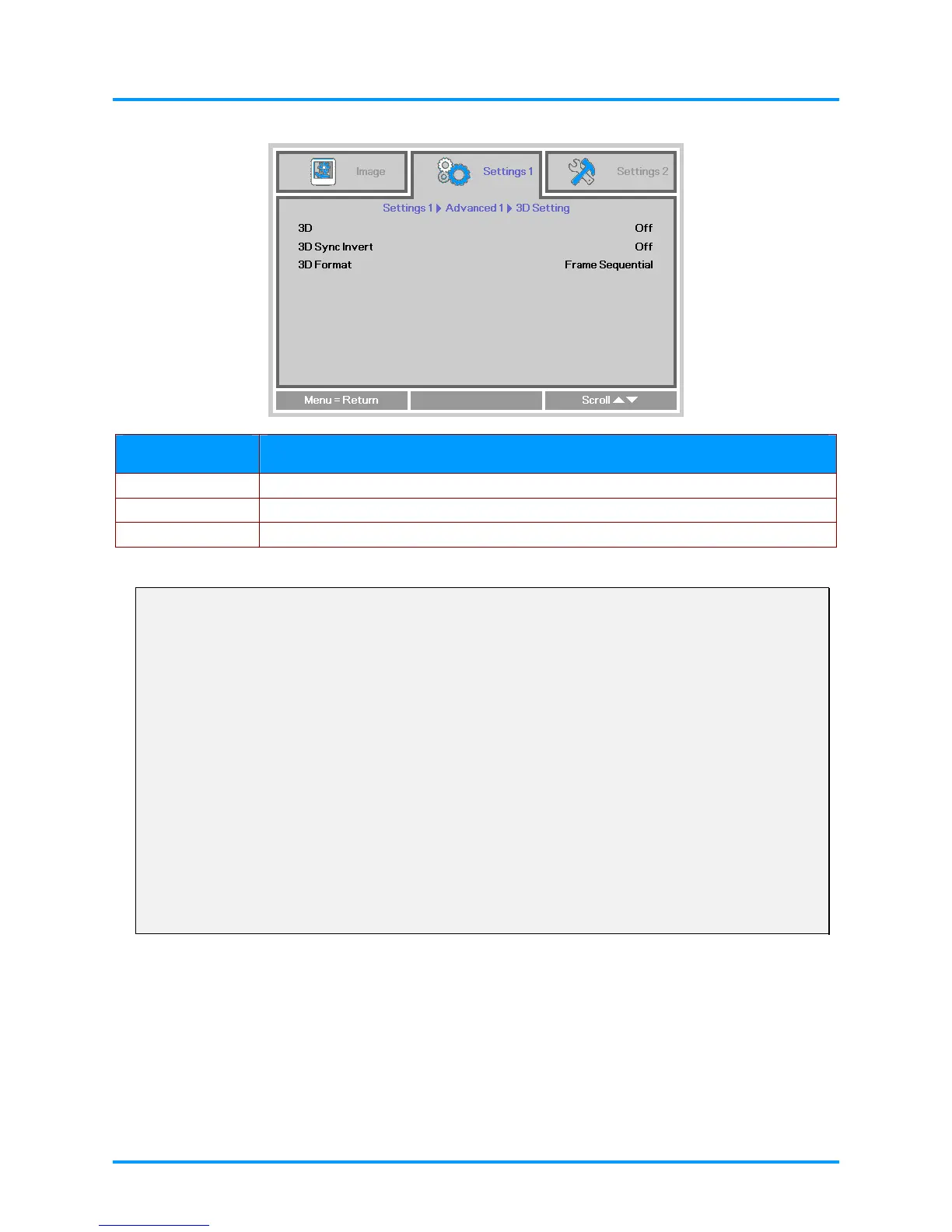
3D Setting
ITEM DESCRIPTION
3D Press the ◄► buttons to enter and select different 3D modes.
3D Sync Invert Press the ◄► buttons to enter and enable or disable 3D Sync Invert.
3D Format Press the ◄► buttons to enter and enable or disable different 3D Format.
Note:
1. By default, if no 3D source is detected, the 3D OSD menu items will not be available.
2. When the projector is connected to an appropriate 3D source, the 3D OSD menu items are available
for selection.
3. Use 3D glasses to view a 3D image.
4. You need 3D content from a 3D DVD or 3D media file.
5. You need to enable the 3D source (some 3D DVD content may have a 3D on-off selection feature).
6. You need DLP link 3D glasses.
7. The OSD 3D mode needs to match the type of glasses (DLP link).
8. Power on the glasses. Glasses normally have a power on -off switch.
Each type of glasses has their own configuration instructions. Please follow the configuration
instructions that come with your glasses to finish the setup process.
–26 –



 To Next Page