IN3138HD User’s Manual
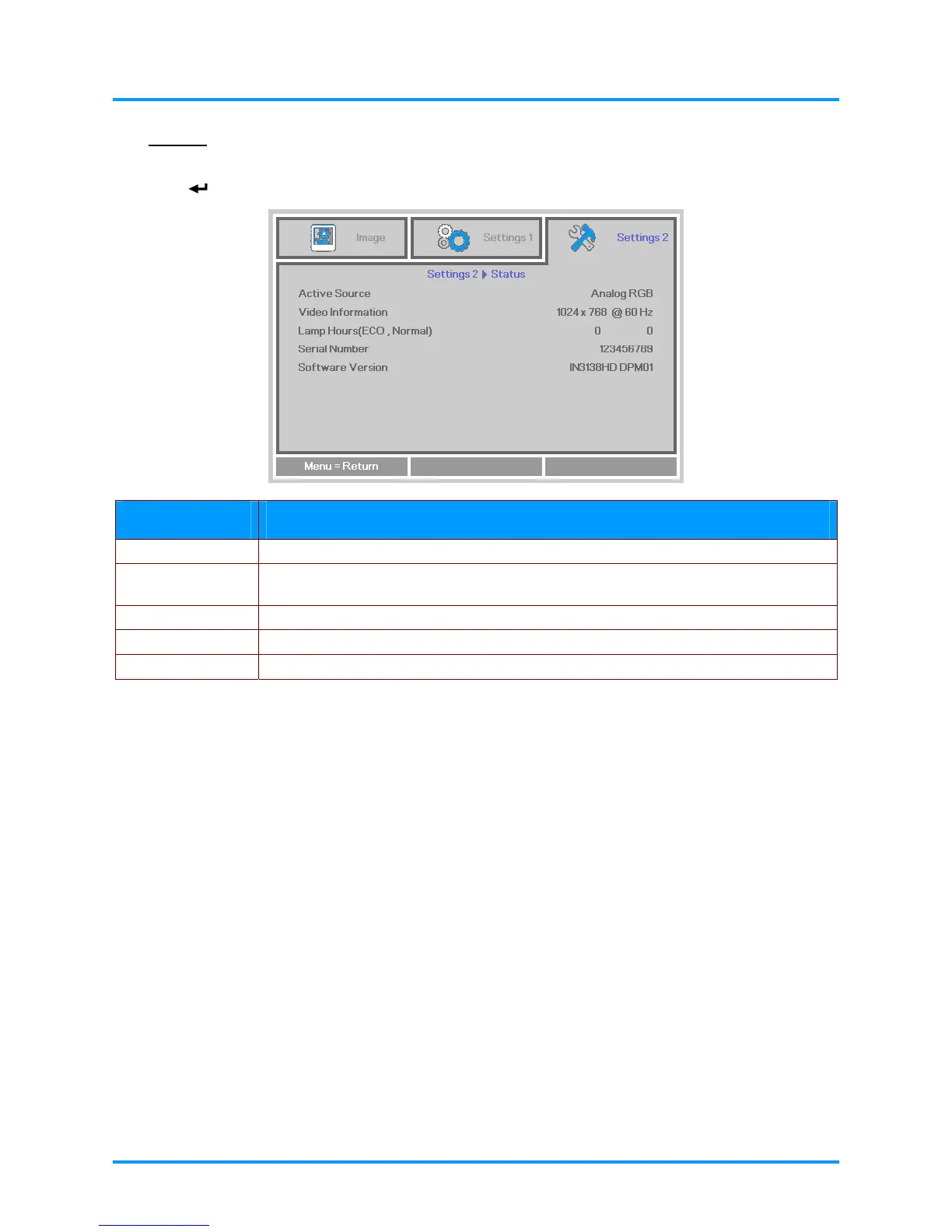
Status
Press the ▲▼ buttons to move up and down in the Settings 2 menu. Select the Status menu and
press
(Enter) or ► to enter.
ITEM DESCRIPTION
Active Source Displays the current active source type.
Video Information
Displays resolution/video information for RGB sources and color standard for Video
sources.
Lamp Hours Lamp hour usage information is displayed. (ECO. and Normal)
Serial Number Showing serial number of product.
Software version Showing system software version.
– 29 –



 To Next Page