IN3138HD User’s Manual
–54 –
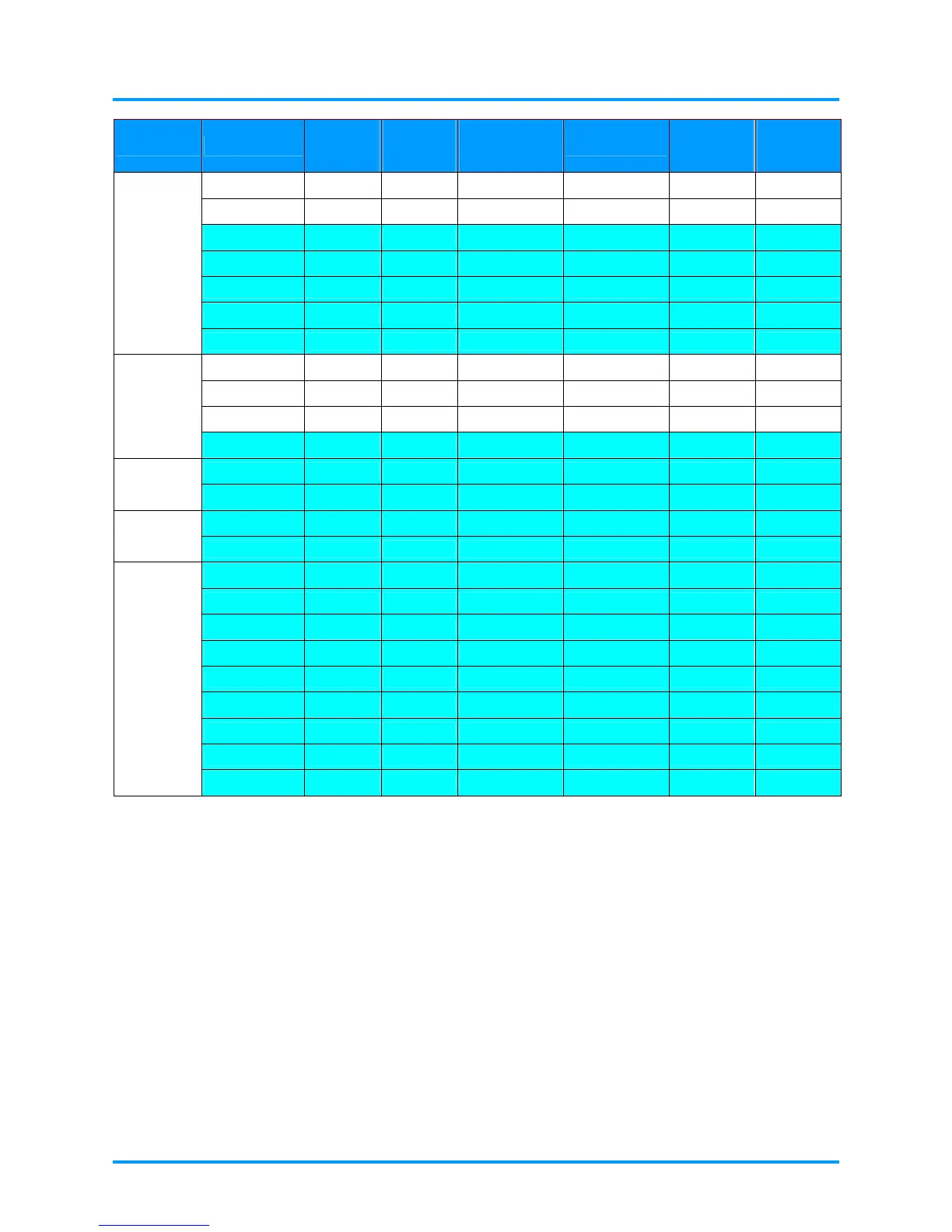
SIGNAL RESOLUTION
H-SYNC
( KHZ )
V-SYNC
( HZ )
COMPOSITE
S_VIDEO
COMPONENT
RGB
(ANALOG)
HDMI
(DIGITAL)
1440 x 900 55.9 60 - - ○ ○
1440 x 900 70.6 75 - - ○ ○
1600 x1200 75 60 - - ○ ○
1680 x 1050 64.7 59.9 - - ○ ○
1680 x 1050 65.3 60 - - ○ ○
1920 x 1200 74 60 - - ○ ○
1920 x 1080 67.5 60 - - ○ ○
640 x 480 35 66.7 - - ○ ○
832 x 624 49.7 74.5 - - ○ ○
1024 x 768 60.2 74.9 - - ○ ○
Apple
Macintosh
1152 x 870 68.7 75.1 - - ○ ○
480i 15.734 60 - ○ - ○
SDTV
576i 15.625 50 - ○ - ○
576p 31.3 50 - ○ - ○
EDTV
480p 31.5 60 - ○ - ○
720p 37.5 50 - ○ - ○
720p 45 60 - ○ - ○
1080i 33.8 60 - ○ - ○
1080i 28.1 50 - ○ - ○
1080p 27 24 - ○ - ○
1080p 28 25 - ○ - ○
1080p 33.7 30 - ○ - ○
1080p 56.3 50 - ○ - ○
HDTV
1080p 67.5 60 - ○ - ○
O:Frequency supported
—:Frequency not supported
The native resolution of the panel is 1920x1080
Resolutions listed above other than 1920 x 1080 (the native resolution of the projector) will be resized and displayed,
however they may contain lines or uneven looking text. This is normal.
A yellow background means that the resolution will be displayed in a 4:3 aspect ratio.
A blue background means that these resolutions may display some video noise. This is normal.


 To Next Page