10
What is Aspect Ratio?
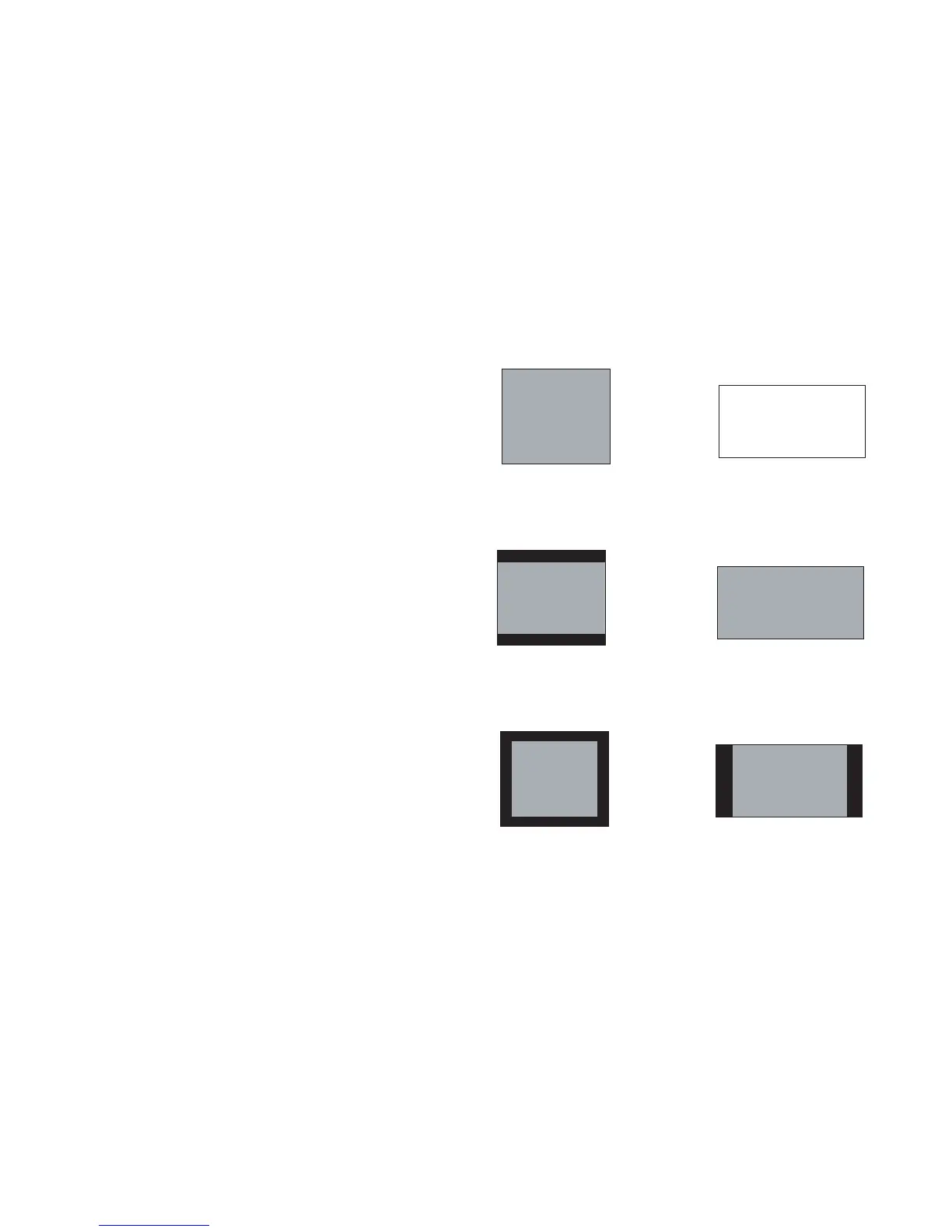
Aspect ratio is the ratio of the image width to image height. Standard TV screens
and older laptops are 4:3; HDTV and most DVDs are 16:9; and widescreen
computers are 16:10. If you are projecting onto a screen, the size/shape of the
screen will influence the aspect ratio you decide to use. If you are projecting onto a
blank wall, there are no screen size restrictions. What you plan to project will also
help you choose between 4:3, 16:9 or 16:10. Many TV shows are 4:3, while most
movies are 16:9.
If you have a 16:9 screen then you should select an aspect
ratio of 16:9 for
widescreen movies or HDTV, and Native for 4:3 content. If you have a 4:3 screen
you should still use 16:9 for widescreen movies or HDTV, but you also have the
option of using either 4:3 (to fill the screen) or Native (for direct pixel mapping).
Force Wide can also be enabled to automatically resize less common aspect ratios to
16:10.



 To Next Page