12
Adjusting the image
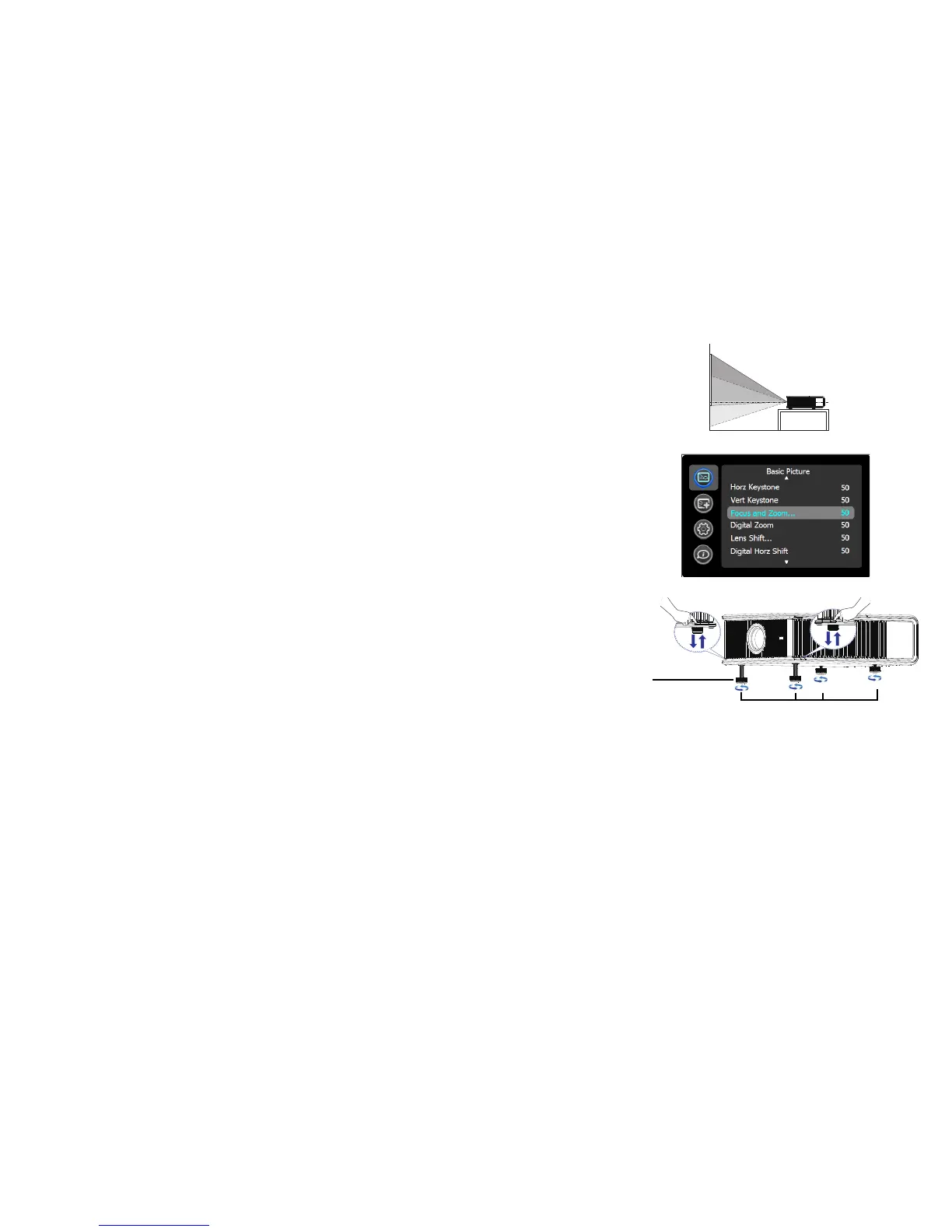
Position the projector to the desired distance from the screen at a 90 degree angle to
the screen. See the Appendix for screen sizes and distances associated with the
various lens options.
If the image is square but not centered on the screen or viewing area,
adjust Zoom
or Focus in the Basic Picture menu. (You can also hold down the Select button for
10 seconds to turn the focus control on.) Then adjust Digital Horz Shift and Digital
Vert Shift until the image is centered. See page 28 for help with these menu
adjustments.
Rotate the elevator feet for granular adju
stment of the projector’s height. Avoid
placing your hands near the hot exhaust vent at the back of the projector.
Adjust the Contrast or Brightness in the
Basic Picture menu. See page 28 for help
with these menu adjustments.



 To Next Page