29
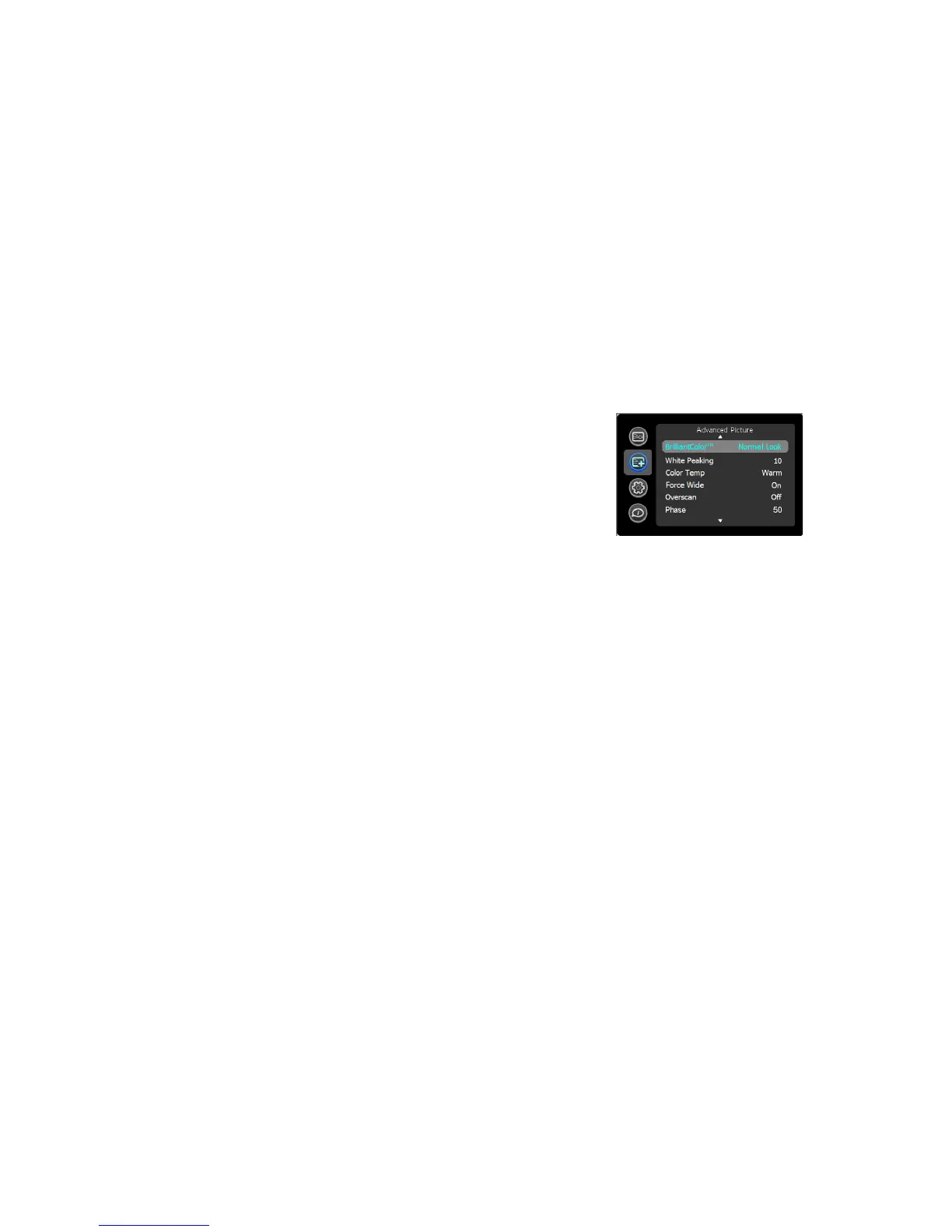
Advanced Picture menu
BrilliantColor™: Produces an expanded onscreen color spectrum that delivers
enhanced color saturation for bright, true-to-life images. Choose Normal Look for
most video sources and Bright Look for most computer sources.
White Peaking: (video
sources only) Increases the brightness of whites that are
near 100%.
Color Temperature: C
hanges the intensity of the colors. Select a listed relative
warmth value.
Force Wide: Wh
en this is off, the analog locking algorithms choose the standard
mode resolution (4:3) as the preferred default resolution. When this is on, the
analog locking algorithms choose wide mode resolution (16:10) as the preferred
default resolution.
Overscan: Removes noise
around the video image.
Phase: Adjusts the horizontal phase of a computer source.
Sync Threshold: (progressive signals
only) If a hardware device, such as a DVD
player, is not syncing properly with the projector, select this option to help it to sync
when connected to the projector.
Tracking: Adjusts the vertical scan of a computer source.
Color Space: This op
tion applies to computer and component video sources. It
allows you to select a color space that has been specifically tuned for the input
signal. When Auto is selected, the projector automatically determines the standard.
To choose a different setting, turn off Auto, then choose RGB for computer sources
or choose either REC709 or REC601 for component video sources.
Noise Reduction: Redu
ces temporal and/or spatial noise in the image.
Flesh Tone Correction:
Controls the amount of flesh tone correction applied to the
image.
Set Black Level...: Analyzes the current input imag
e and calculates an offset value
which is then added to the analog to digital converter black level value. This
ensures optimum black level for each analog source.
Detect Film: Contro
ls film mode detection, and determines whether the original
source of the input video was film or video.
Gamma: Se
lect the appropriate gamma from among Video, Film, Bright, and CRT.
Color Gain Settings: Adjusts the
gain of the red, green, or blue channel of the
image.
Color Offset Settings: Adjusts the
offset of the red, green, or blue channel of the
image.
Horizontal/Vertical Position:
Adjusts the position of a computer source.
Horizontal/Vertical Pincushion: Corrects
optical pincushion distortion.



 To Next Page