32
number, you must enter 5 numbers and press the Select button in order to access the
“Wrong PIN” message and re-enter the code.
To enter the PIN at projector startup:
Power up the projector. The “Enter PIN” d
ialog box appears after the startup screen.
Enter the PIN. Use the navigation buttons on the remote or keypad to enter the
correct button press sequence. See the description above for instructions.
To change the PIN:
Select “Change PIN...” in the
Setup menu. Enter the existing PIN. Enter the new
PIN. You can navigate between OK and Cancel by pressing the arrow buttons on
the keypad. Select OK or Cancel by pressing the Select button. Verify the new PIN.
If you lose or forget your custom PIN:
Contact InFocus support at www
.infocus.com/support.
Serial Port, Baud Rate: Selects the serial port and baud rate.
Serial Port Echo:
Controls whether the serial port echoes characters.
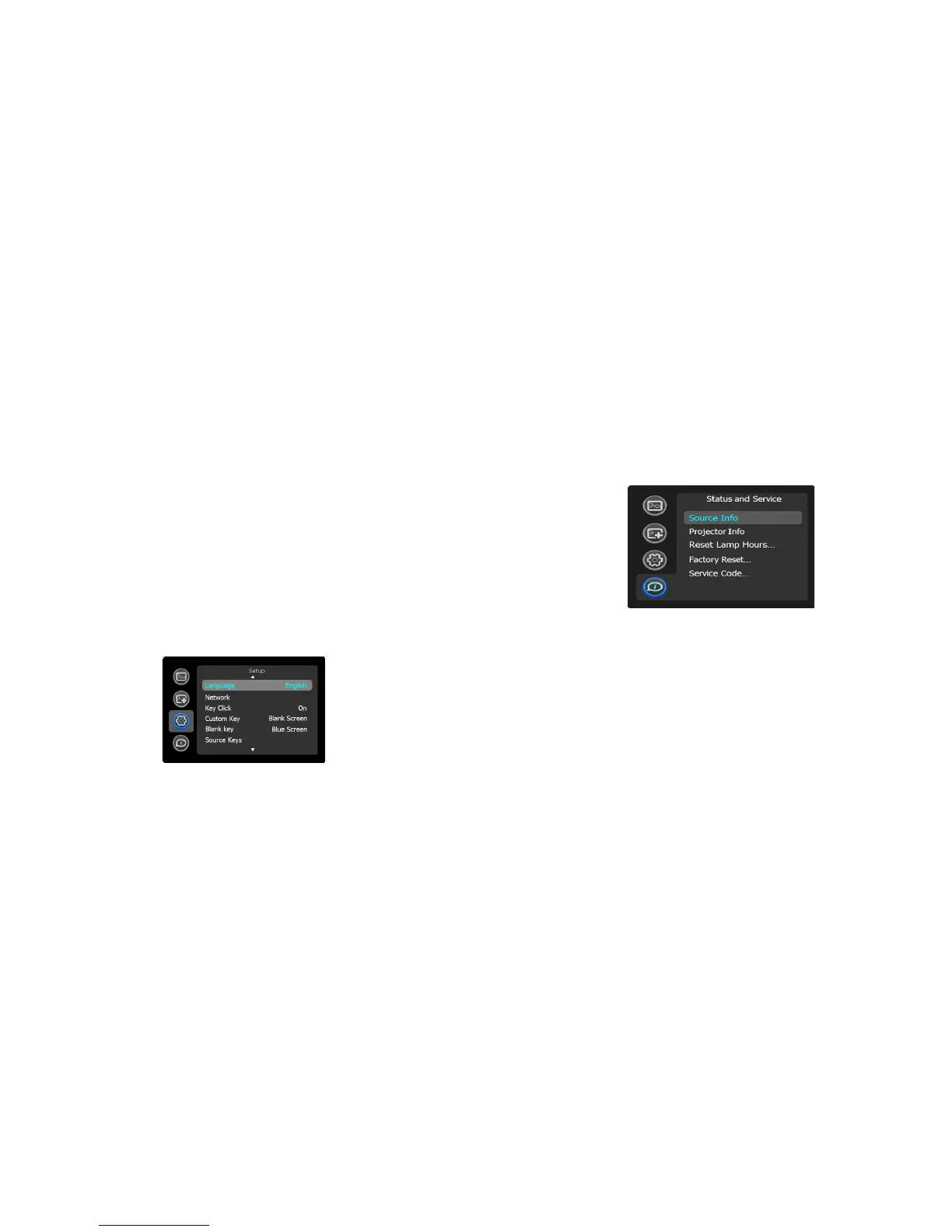
Status and Service menu
Source Info: Displays current source settings (read-only).
Projector Info: Displays current projector settings (read-only).
Reset Lamp Hours:
Resets the lamp hours used counter in the Projector Info menu
to zero. Do this only after changing the lamp.
Factory Reset: Re
stores all settings to their default.
Service Code: Only used by
authorized service personnel.



 To Next Page