45
3
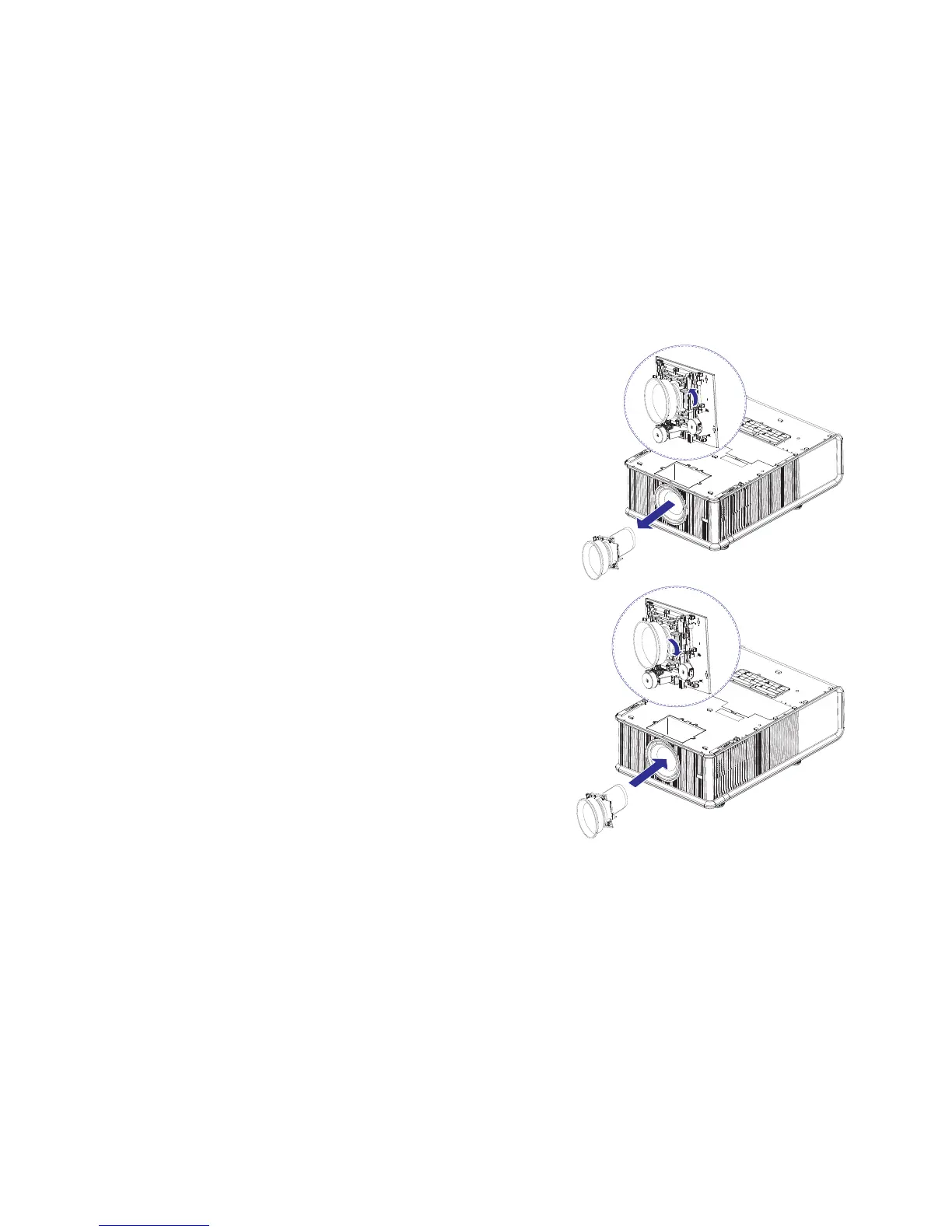
Remove the lens by:
(a) Pushing the release lever up to release lock
(b) Removing the lens through the fro
nt of the projector
4 Install the new lens by:
(a) Inserting the new lens into the projector
, label side up, through the front of
the projector
(b) Aligning the alignment pins at the top of
the lens retaining frame and insert
into the front of the engine.
(c) Pushing the release lever down to loc
k the lens in place.
5 Replace the lens door by securing the 4 screws.
6 Replace the top front cover by sliding it back.
7 The cover latches lock automatically.
(b)
(a)
(c)
(a)



 To Next Page