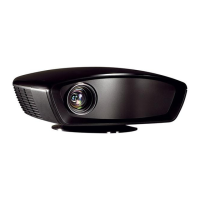
IN8606HD User’s Manual
5.
To turn the projector off, press the
POWER button. When the “Power
Off? Press Power again” message
appears, press the POWER button.
The projector turns off.
Caution:
1. Be sure to remove the lens cap before starting projector.
2. Do not unplug the power cord until the POWER LED stops flashing–indicating the projector has
cooled down.
–12 –


 To Next Page