IN8606HD User’s Manual
Audio
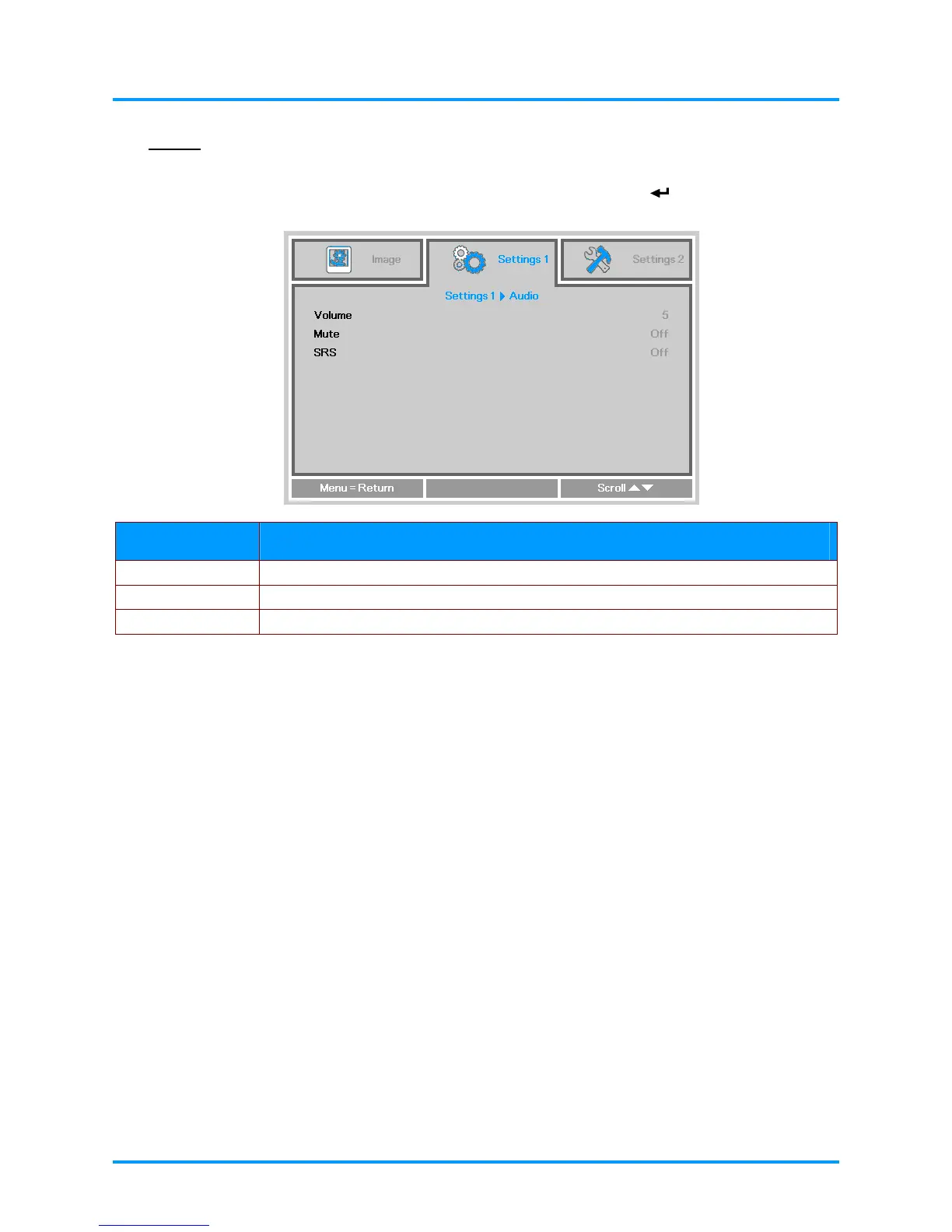
Press the Menu button to open the OSD menu. Press the ◄► buttons to move to the Settings 1
menu. Press the ▼▲ buttons to move to the Audio menu and then press
(Enter) or ►. Press the
▼▲ buttons to move up and down in the Audio menu.
ITEM DESCRIPTION
Volume Press the ◄► buttons to enter and adjust the audio volume.
Mute Press the ◄► buttons to enter and turn on or off the speaker.
SRS Press the ◄► buttons to enter and turn on or off the audio surround.
–26 –



 To Next Page