IN8606HD User’s Manual
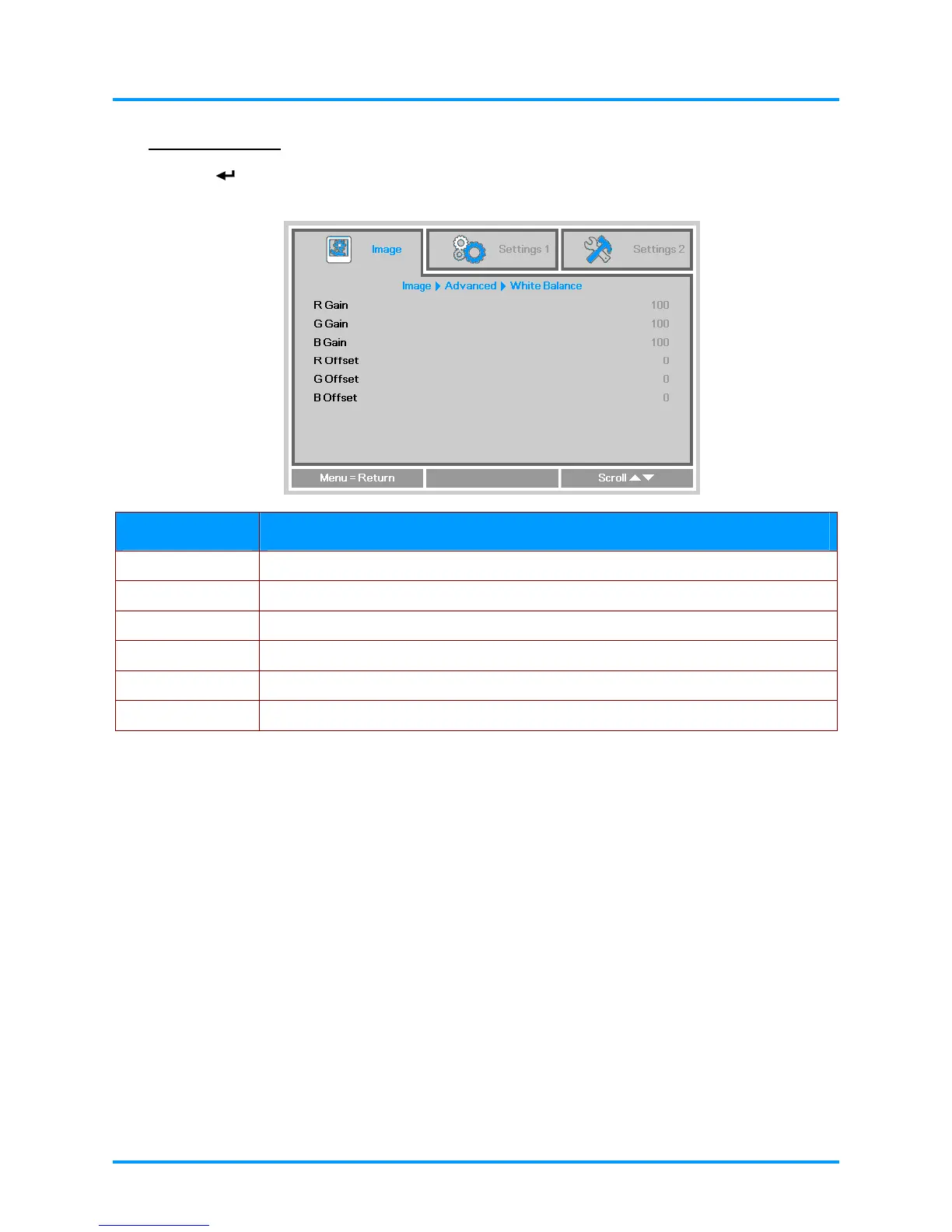
White Balance
Press the (Enter) or ► button to enter the White Balance sub menu. Press ▼▲ to move up and
down in the White Balance menu.
ITEM DESCRIPTION
R Gain Press the ◄► buttons to adjust the Red Gain.
G Gain Press the ◄► buttons to adjust the Green Gain.
B Gain Press the ◄► buttons to adjust the Blue Gain.
R Offset Press the ◄► buttons to adjust the Red Offset.
G Offset Press the ◄► buttons to adjust the Green Offset.
B Offset Press the ◄► buttons to adjust the Blue Offset.
– 23 –



 To Next Page