IN8606HD User’s Manual
Computer Menu
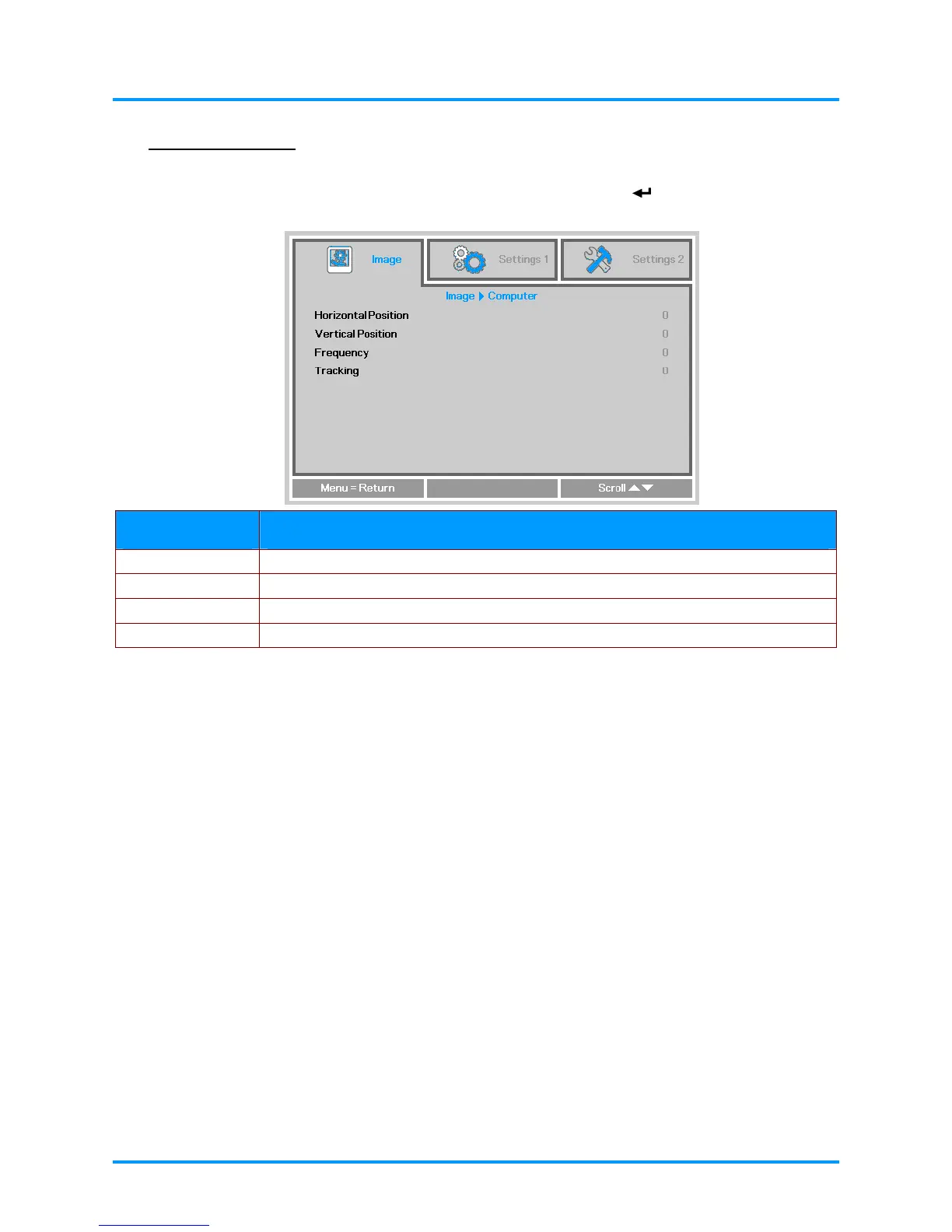
Press the MENU button to open the OSD menu. Press the ◄► buttons to move to the Image menu.
Press the ▲▼ buttons to move to the Computer menu and then press
(Enter) or ►. Press the
▲▼ buttons to move up and down in the Computer menu.
ITEM DESCRIPTION
Horizontal Position Press the ◄► buttons to enter and adjust the display position to left or right.
Vertical Position Press the ◄► buttons to enter and adjust the display position to up or down.
Frequency Press the ◄► buttons to enter and adjust the A/D sampling clock.
Tracking Press the ◄► buttons to enter and adjust the A/D sampling dot.
– 21 –



 To Next Page