34
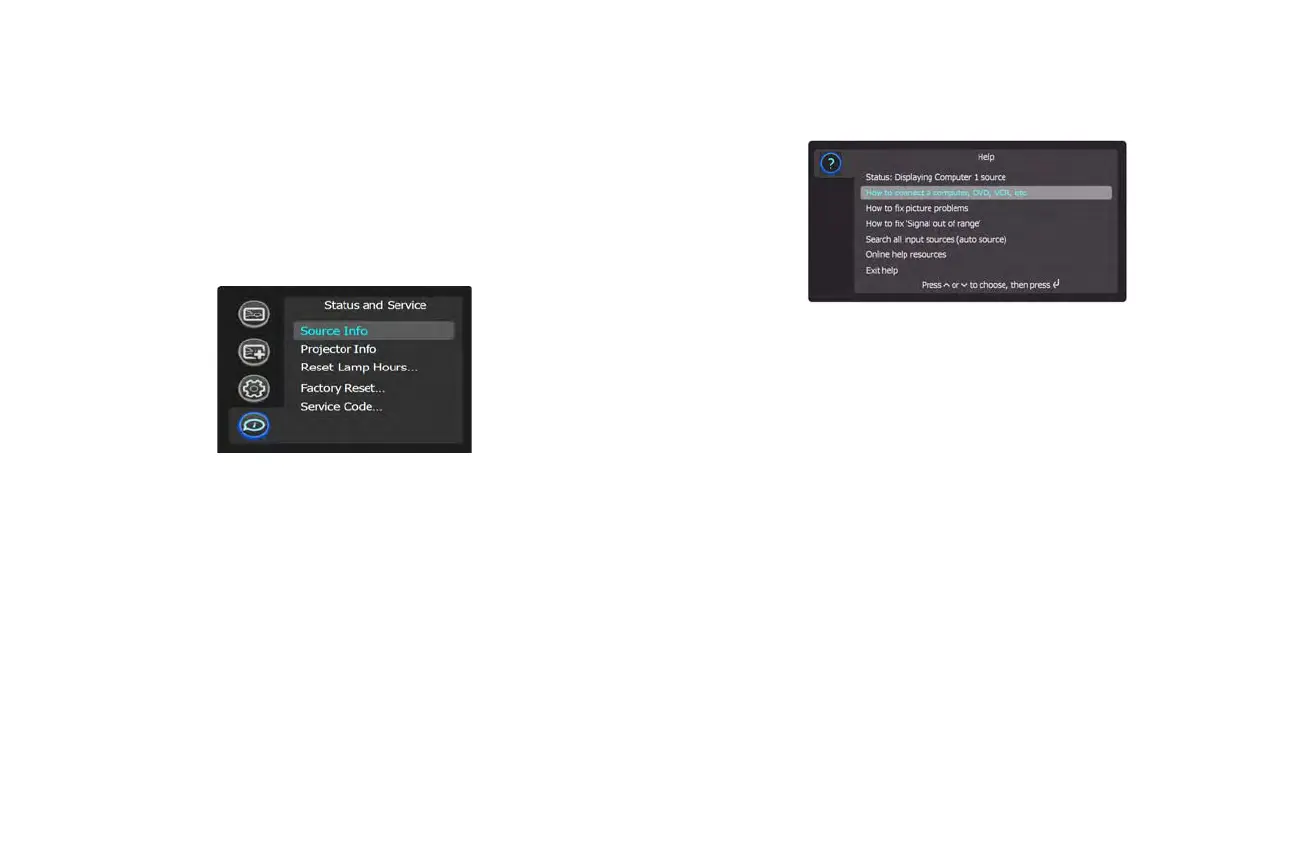
Status and Service menu
Source Info: Displays current source settings (read-only).
Projector Info: Dis
plays current projector settings (read-only).
Reset Lamp Hours: Rese
ts the lamp hours used counter in the Projector Info
menu to zero. Do this only after changing the lamp.
Factory Reset: Restores all sett
ings to their default.
Service Code:
Only used by authorized service personnel.
Help
Press Help (on the keypad or remote) at any time to get interactive help for
solving common, picture, sound, and cabling problems.
NOTE: The
projector can be re-programmed to display a custom (non-inter-
active) screen when Help is pressed. To do this: Create your custom screen
on a computer and display it on the projector, then use the Take Snapshot
command in the Setup menu. When you see the Snapshot Successful mes-
sage, hold down the Help button until the message is removed.
To revert a customized Help screen back to the InFocus default Help screen,
a Factory Reset will be needed.



 To Next Page