INFOSEC UPS SYSTEM - 4, rue de la Rigotière - 44700 Orvault - FRANCE - www.infosec-ups.com
Hot Line – Tel + 33 (0)2 40 76 15 82 - Fax + 33 (0)2 40 94 29 51 - hotline@infosec.fr – 07 11 AA 59 203 07
12
3.4 LCD display wording index
Abbreviations Display contents Meanings
ENA
Enable
DIS
Disable
ESC
Escape
EP
EPO
FA
Fan
TP
Temperature
CH
Charger
RAC
Rack display
TOE
Tower display
SF
Site Fault
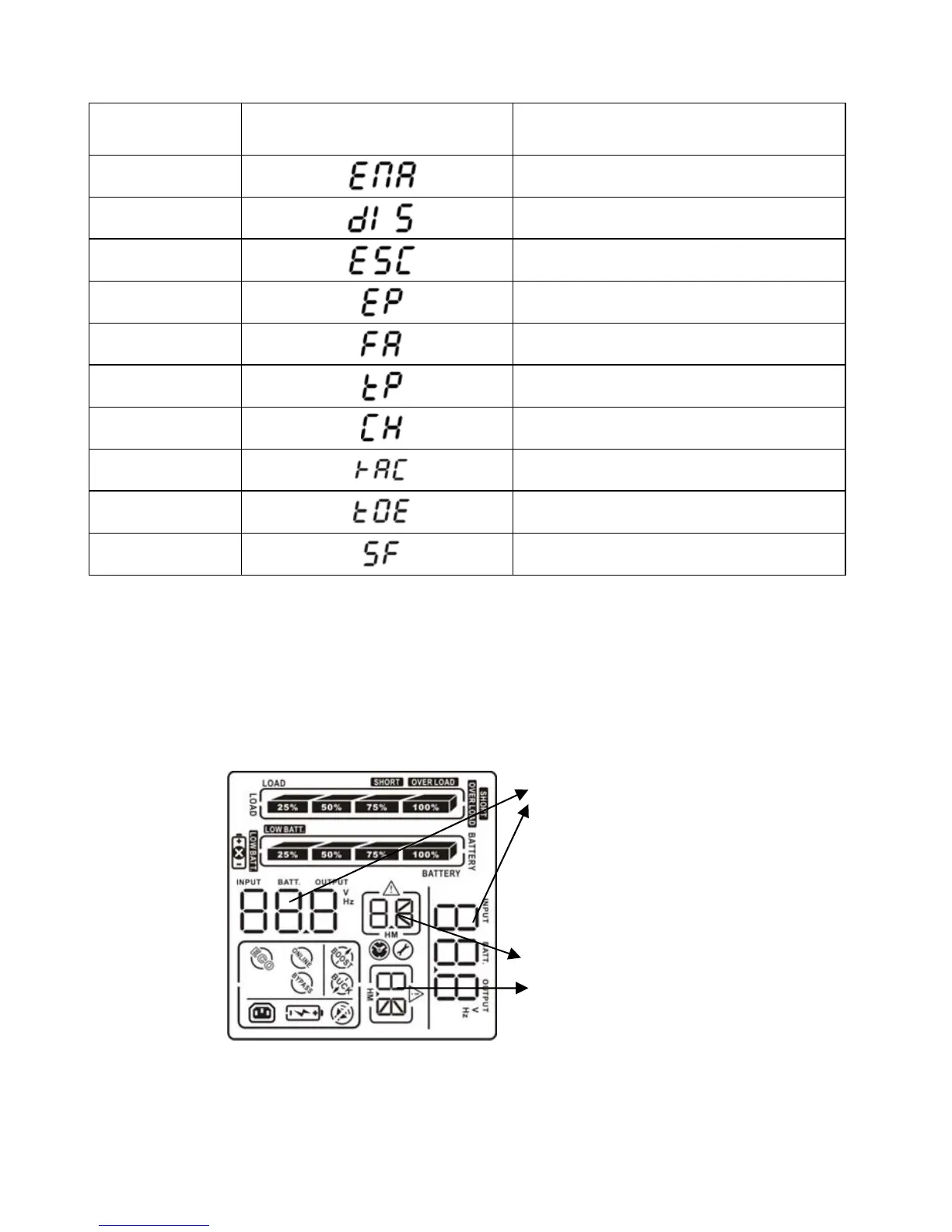
3.5 UPS setting
There are two parameters to set up the UPS.
Parameter 1 – Program alternatives. There are 4 programs to set up: output voltage setting,
programmable outlets enable/disable, programmable outlets setting, LCD display direction
and exit.
Parameter 2 – Setting figures.
Parameter 1
Parameter 2















 To Next Page