24
5_3 Adjusting the contrast
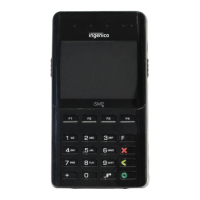
The screen of your payment module is colour 320x240 pixels,
illuminated with white light.
If you wish to increase or to decrease the contrast of the characters
displayed on screen, press simultaneously on the ‘-‘ key and F2 key
in order to decrease the contrast, or the ‘-‘ key and F3 key in order to
increase.
Keep pressing the keys as long as necessary.
5_4 Barcode reader
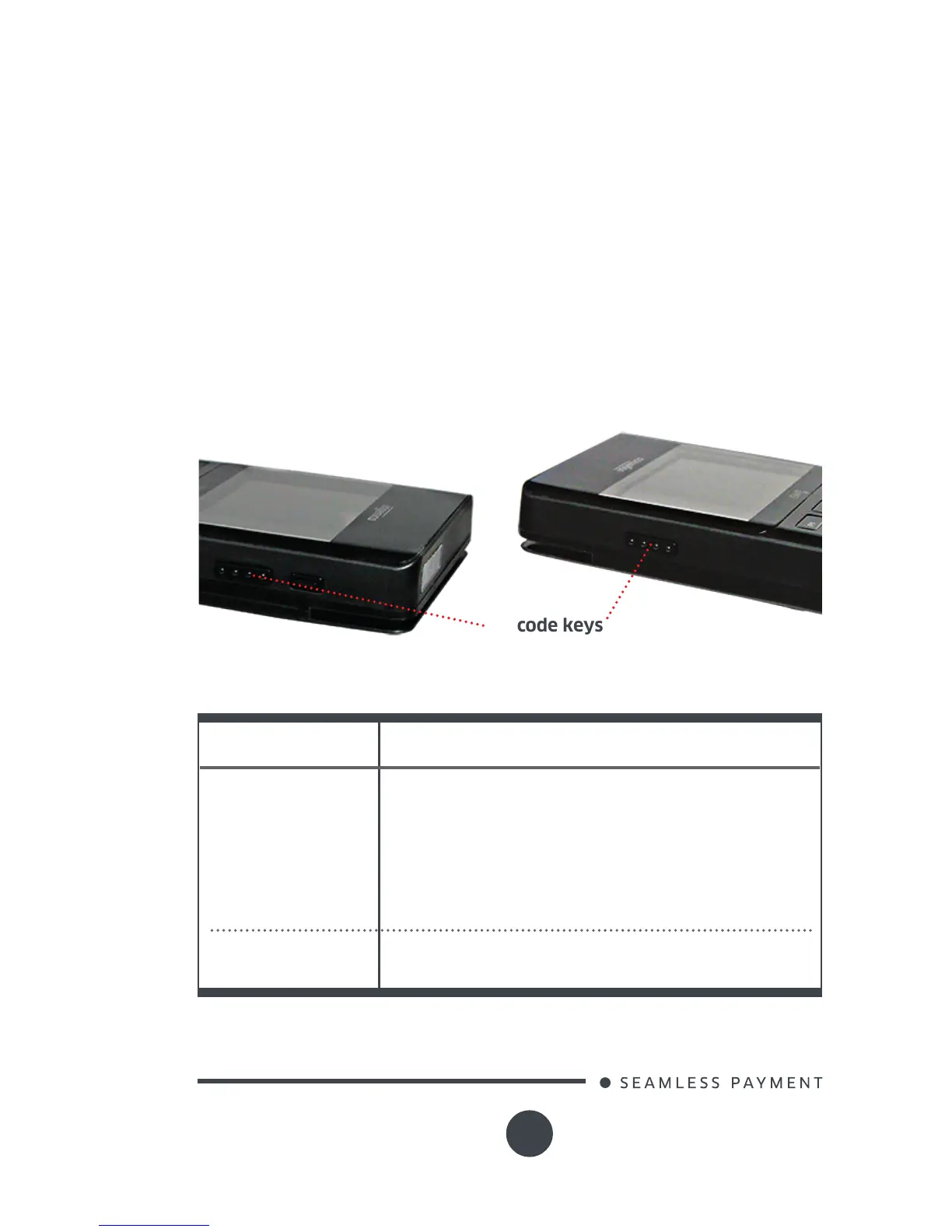
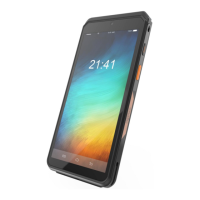
Barcode is activated with the 2 side keys as shown below.
Barcode keys
List of bar codes supported:
2D: MicroPDF, Codeblock, Aztec, QRCode, Maxi-
Code, DataMatrix, PDF417
1D
2D
1D: Codabar, Code 3 of 9, Code 11, Code 32
Pharmaceutical (PARAF), Code 93, Code 128,
EAN with Add-On and EAN with Extended Cou-
pon Code, EAN-13, Interleaved 2 or 5, Matrix 2
of 5, Plessey, GS1DataBar, Straight 2 of 5 IATA,
Straight 2 of 5 Industrial, Telepen, Trioptic Code,
UCC/EAN-128, UPC and UPC-A
Reader type CMOS Imaging reader
Reads 1D and 2D codes






 To Next Page