25
5_5 Card insertion
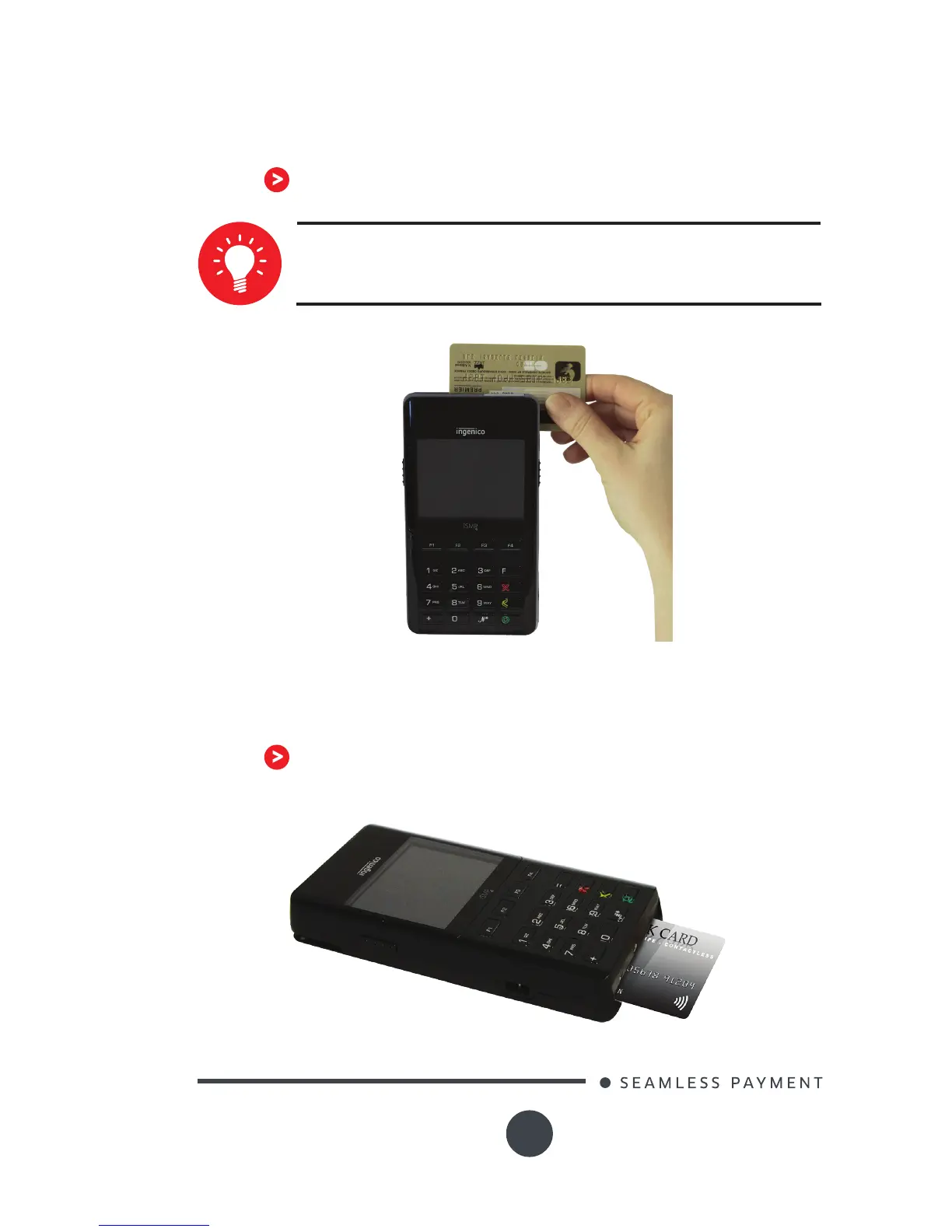
5_5_1 Swiping a card
Insert the card manually in the driver, magstripe-facing
top.
Swipe the card with constant speed, not too slow not
too fast, to maximize the reading and avoid annoying
repetitions.
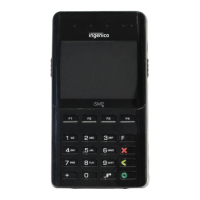
5_5_2 Inserting a chip card
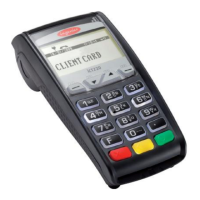
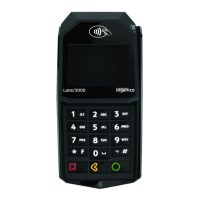
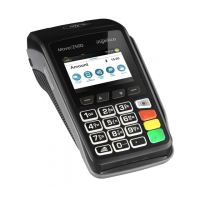
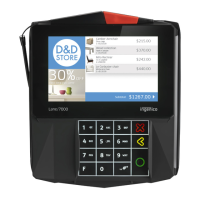
Chip Cards should be inserted into your terminal as
illustrated with the chip facing up and into the card reader






 To Next Page