Battery icon: Battery Gauge, 5 bars
More than 3 bars: Green
2 bars and 3 bars: Yellow
0 bar and 1 bar: Red, the gauge flashes to warn low battery
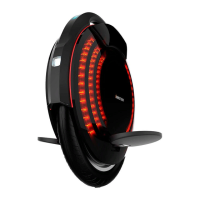
Panel icon:
Bar 1, 3 and 5 flash in blue when the INMOTION SCV is in
Standby Mode.
Under Balance Mode, Assist Mode or Remote Control Mode, the
circle will rotate following the sequence (6,1)(2,3)(4,5)(6,1), the
faster you ride, the faster the circle rotates.
Bar 1, 3 and 5 flash in red when the INMOTION SCV encounters
a problem.
2.7.2. Sound Prompt
The built-in speaker on the INMOTION SCV will make different sounds to indicate running state and working mode. The
Sound Prompt is on by default. You can turn off the tone or customize the sounds using the INMOTION Smartphone App. See
Section 2.12, Smart phone App, for more information.
2.8. Working Mode
2.8.1. Introduction


 To Next Page
 Loading...