-23-
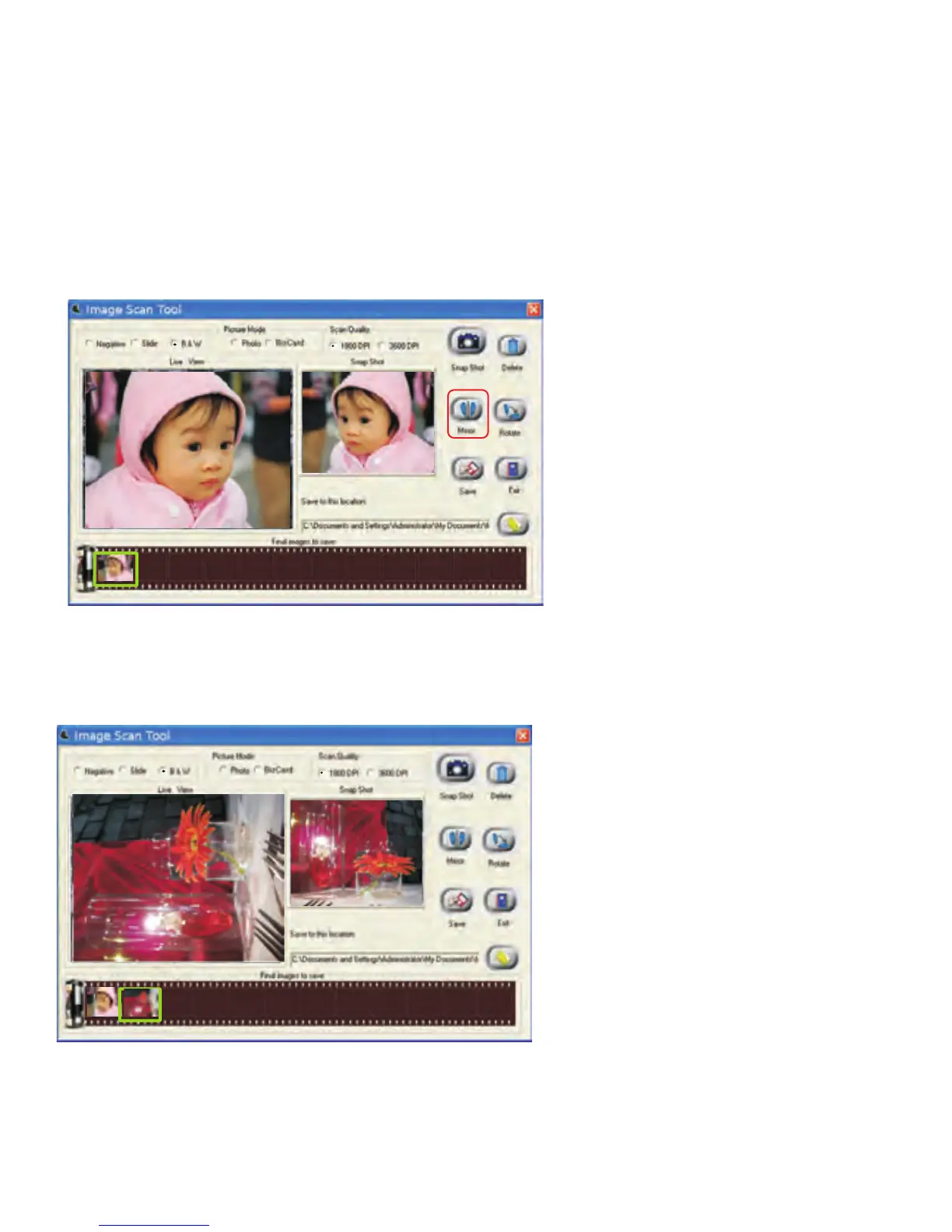
Apply the Mirror function by pressing the “Mirror” icon, that will flip the
image and be shown in the “Snap Shot” window as well as the “Final images
to Save”window.
Or apply the Rotate function by pressing “Rotate” button, the image will be
rotated 90 degrees each time. Images can be continuously rotated a full 360
degrees or until desired.


 To Next Page