5.2 Select Input Source
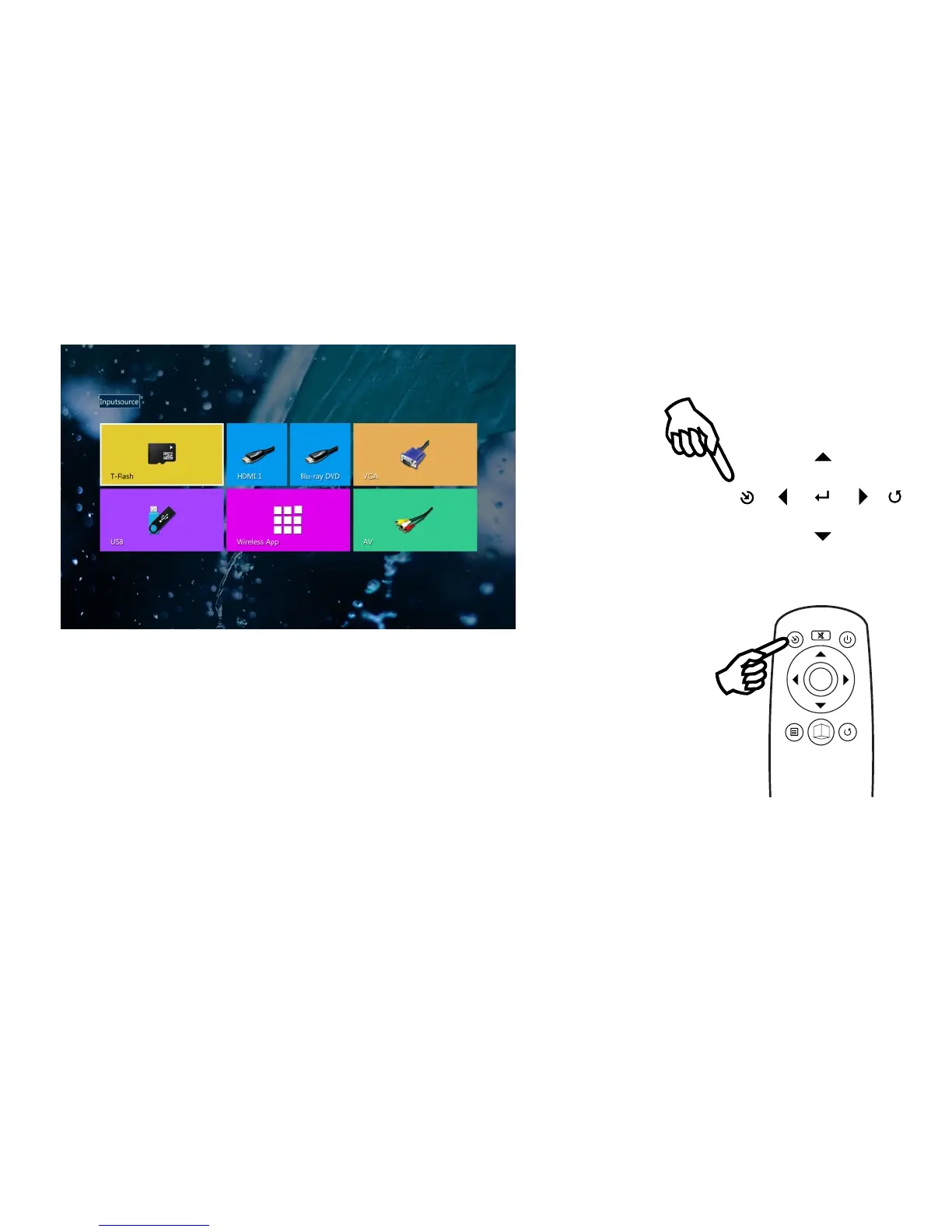
This projector support following sources:
T-Flash------Play contents inside TF-card
HDMI------Connect to external devices with HDMI output
Blue-ray DVD----Connect Blue-ray player with HDMI output
VGA-----Connect to PC with VGA output
USB----play contents inside USB stick
AV----connect external devices with AV output
Press “Source” button upon the projector or the remote control and select related source input,
press “OK” or “Enter” button for confirmation.
OK
3
3
D
D
»É´ĂĽ
15



 To Next Page