14
TF
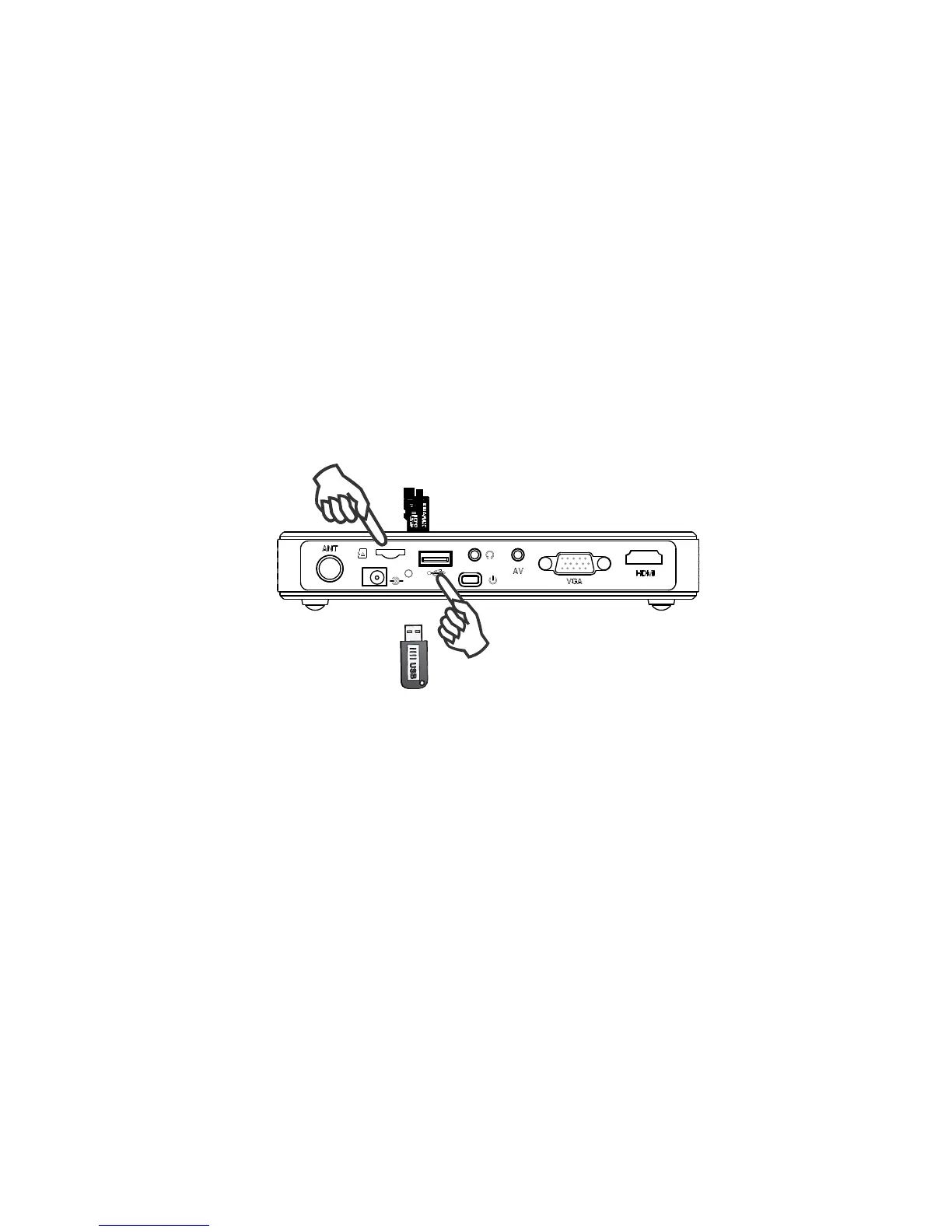
U-flash memory or mobile HDD
5.3 Connect to U-Disk or Multimedia
Operating the projector into multimedia system
Connecting U-disk or TF card, insert U-disk or TF card into the marked direction of the
projector, select the media type in the main menu, enter the file fold of the USB or TF,
choose the corresponding file to play.
16



 To Next Page