30
7.2 Multimedia Interface
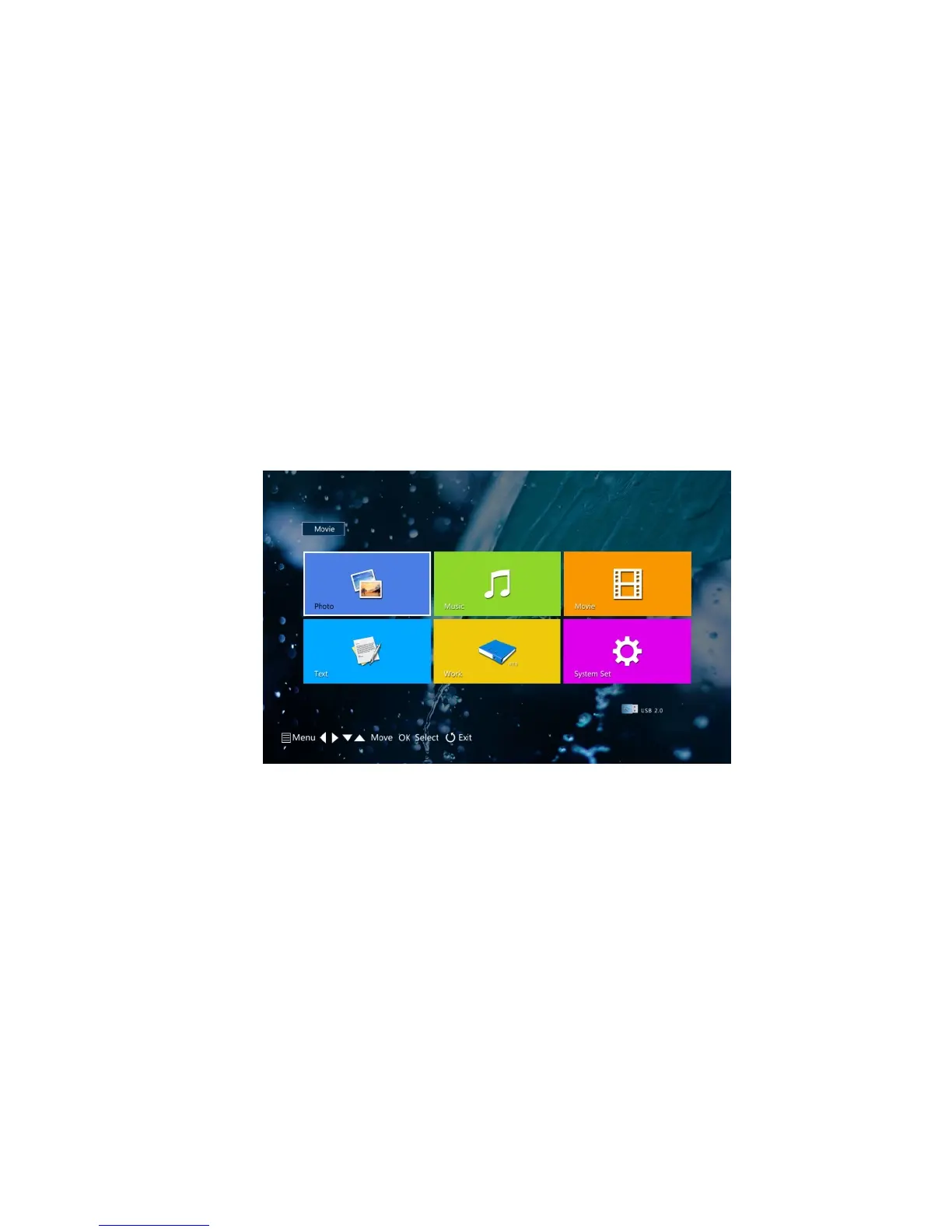
Enter multimedia operating interface, press “left” “right” button at remote control or upon
projector to select corresponding file type(photo,music,video,txt); then press “ok” and get
interface as below image:
Select the right storage device, find the right file and press “Ok” button to play.



 To Next Page