EasyManua.ls Logo

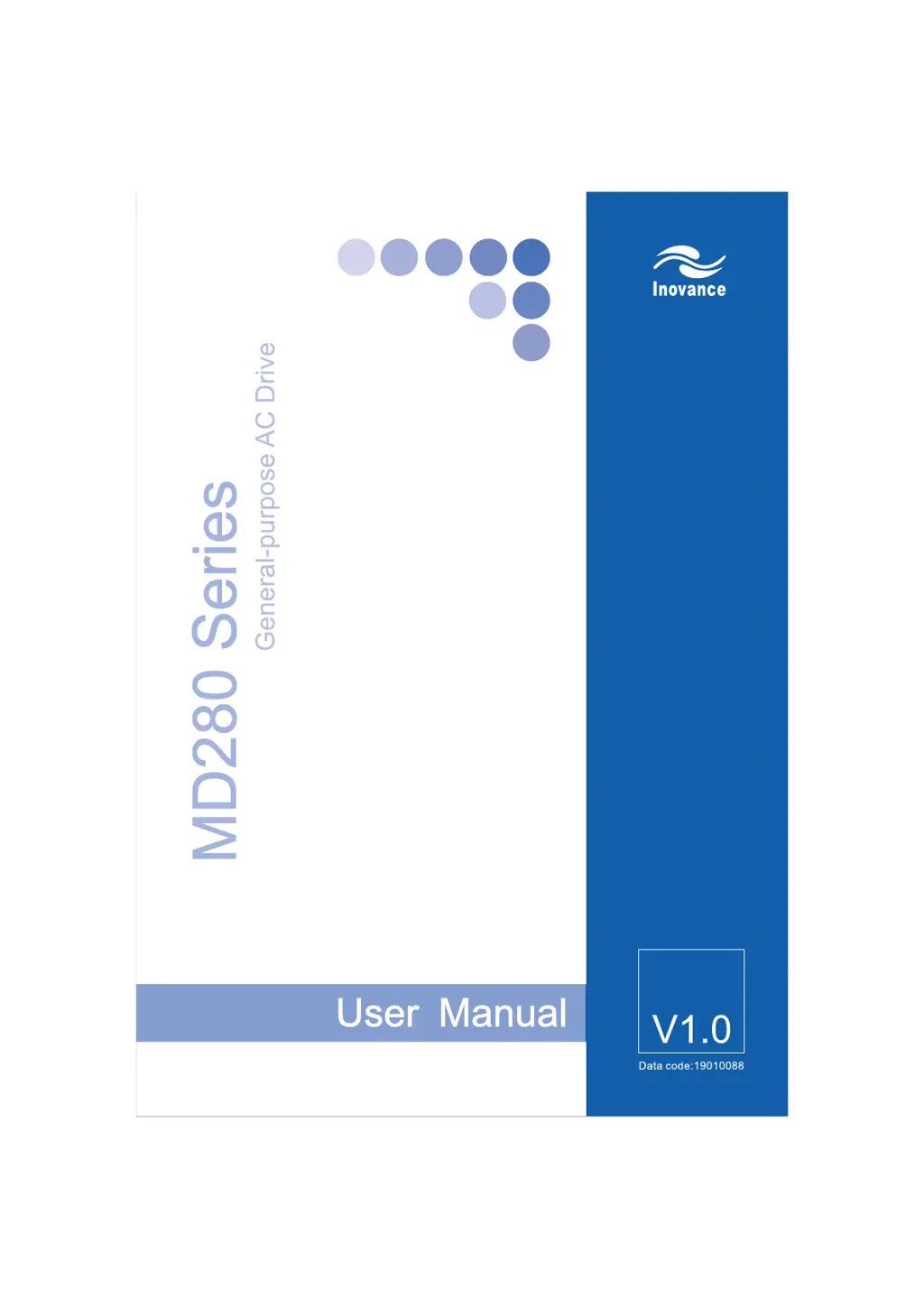
Inovance MD280NT3.7GB - User Manual

Inovance MD280NT3.7GB
168 pages
Print Icon
To Next Page IconTo Next Page
Loading...
efesotomasyon.com

Table of Contents

Questions and Answers

  • A
    anthonymartinSep 19, 2025
    Why does Inovance MD280NT3.7GB Inverter display "H&" and stops immediately?
    • P
      Parker JohnsonSep 22, 2025
      If the AC drive display is normal upon power-on but "H&" is displayed after running and the AC drive stops immediately, the cooling fan is damaged or locked-rotor occurs. Replace the damaged fan.
  • K
    Kimberly SimmonsAug 25, 2025
    What to do if Inovance MD280NT3.7GB Inverter shows overcurrent during deceleration?
    • A
      Angie SmithAug 25, 2025
      If your Inovance Inverter indicates overcurrent during deceleration, it could be due to a grounded or short-circuited output circuit, a deceleration time that is too short, low voltage, a sudden load added during deceleration, or the absence of a braking unit and braking resistor. Consider the following solutions: * Replace external faults. * Increase the deceleration time. * Adjust the voltage to the normal range. * Remove the added load. * Install the braking unit and braking resistor.
  • C
    Cynthia FoxAug 25, 2025
    Why does Inovance Inverter show overcurrent at constant speed?
    • A
      Angela HayesAug 26, 2025
      An Inovance Inverter displaying overcurrent at a constant speed may be caused by a grounded or short-circuited output circuit, a sudden load added during operation, or the AC drive model being of too small a power class. To address this: * Replace external faults. * Remove the added load. * Select an AC drive of a higher power class.
  • N
    nlawsonAug 27, 2025
    How to resolve overvoltage during deceleration in Inovance MD280NT3.7GB Inverter?
    • J
      Jeffrey LarsonAug 27, 2025
      If you are experiencing overvoltage during deceleration with your Inovance Inverter, the possible causes are: the input voltage is too high, an external force drives the motor during deceleration, the deceleration time is too short, or the braking unit and braking resistor are not installed. Here are some possible solutions: * Adjust the voltage to the normal range. * Cancel the external force or install the braking resistor. * Increase the deceleration time. * Install the braking unit and braking resistor.
  • U
    uhoffmanSep 23, 2025
    What does "Err23" displayed at power-on mean for Inovance MD280NT3.7GB Inverter?
    • W
      William MuellerSep 23, 2025
      If "Err23" is displayed at power-on, the motor or the motor output cable is short-circuited to the ground. Measure the insulation of the motor and the output cable with a megger.
  • K
    knightjustinSep 23, 2025
    Why is there no display at power-on on Inovance MD280NT3.7GB Inverter?
    • C
      charleswarrenSep 23, 2025
      If there is no display at power-on, there is no power supply to the AC drive or the power input to the AC drive is too low. Check the power supply. Also, the cable connecting the control board and the drive board and the operation panel breaks. Re-connect the 8-core and 16-core cables.
  • S
    Scott WagnerSep 10, 2025
    How to resolve initial position fault on Inovance MD280NT3.7GB Inverter?
    • M
      Michael FrySep 10, 2025
      An initial position fault may occur because the motor parameters are not set based on the actual situation. Check whether the motor parameters are set correctly and whether the setting of rated current is too small.
  • M
    Mr. Kevin MolinaSep 12, 2025
    What causes motor overheat with Inovance MD280NT3.7GB?
    • T
      Tamara LopezSep 12, 2025
      Motor overheat when using an Inovance Inverter can be caused by the cabling of the temperature sensor becoming loose or the motor temperature being too high. Check the temperature sensor cabling and eliminate the cabling fault. You can also lower the carrier frequency or adopt other heat radiation measures.
  • J
    Janet RothSep 3, 2025
    What causes power input phase loss in Inovance MD280NT3.7GB Inverter?
    • J
      Jennifer BoothSep 3, 2025
      Power input phase loss in your Inovance Inverter may be due to the three-phase power input being abnormal. You can try to replace external faults.
  • T
    Timothy MataSep 1, 2025
    What to do if Inovance MD280NT3.7GB displays motor overload?
    • J
      jpowellSep 2, 2025
      If your Inovance Inverter indicates a motor overload, possible causes include FB-01 being set improperly, the load being too heavy or locked-rotor occurring on the motor, or the AC drive model being of too small a power class. To resolve this: * Set FB-01 correctly. * Reduce the load and check the motor and mechanical conditions. * Select an AC drive of larger power class.

Summary

Introduction

Safety Information and Precautions

1.1 Safety Information

Details safety notices, grades (DANGER, WARNING), and precautions for installation and use.

Product Information

Mechanical and Electrical Installation

Operation and Display

4.1 Operation Panel

Describes the components and indicators of the AC drive's operation panel, with and without a potentiometer.

4.2 Function Code Viewing;Modification

Explains the three-level menu structure for navigating and modifying function codes on the operation panel.

4.4 Starting;Stopping AC Drive

Outlines methods for starting and stopping the AC drive using operation panel, terminals, or communication.

4.6 Running Frequency Setting

Covers setting the running frequency using main and auxiliary sources, including manual, analog, and digital inputs.

4.7 Motor Parameters & Auto-tuning

Guides on setting motor parameters and performing static auto-tuning for optimal performance.

Function Code Table

Group F0: Basic Parameters

Covers fundamental settings like command source, frequency sources, and protection.

Group F1: Motor Parameters and V;F Control

Details motor-specific settings, V/F curves, auto-tuning, and protection parameters.

Group F2: Input Terminals

Explains configuration of digital and analog input terminals for control and sensing.

Group F3: Output Terminals

Details configuration of output terminals for status indication, alarms, and pulse outputs.

Group F4: Start;Stop Control

Parameters for managing drive start, stop, acceleration, deceleration, and braking modes.

Group F5: Auxiliary Functions

Covers functions like JOG running, jump frequency, dormant/wakeup modes, and protection settings.

Group F6: PID Function

Details parameters for PID closed-loop control, including gains, limits, and action settings.

Group F7: Swing Frequency, Length, Count

Covers functions for swing frequency, fixed length control, and counting operations.

Group F8: Multi-Reference & Simple PLC

Covers multi-reference settings and parameters for the built-in Simple PLC functionality.

Group FA: Communication Parameters

Configures serial communication settings for host computer interaction.

Group FB: Overload & Protection

Parameters for motor overload, overvoltage, overcurrent protection, and ride-through functions.

Troubleshooting

8.1 Faults and Solutions

Provides a table of common faults, their possible causes, and recommended solutions for the AC drive.

8.2 Common Faults and Solutions

Lists common AC drive faults, their causes, and troubleshooting steps.

Inovance MD280NT3.7GB Specifications

General IconGeneral
ModelMD280NT3.7GB
Rated Power3.7kW
Protection LevelIP20
Cooling MethodForced air cooling
TypeInverter
Output Voltage3-phase 0 - Input Voltage
Control ModeV/F control
Communication InterfaceRS485

Related product manuals