EasyManua.ls Logo

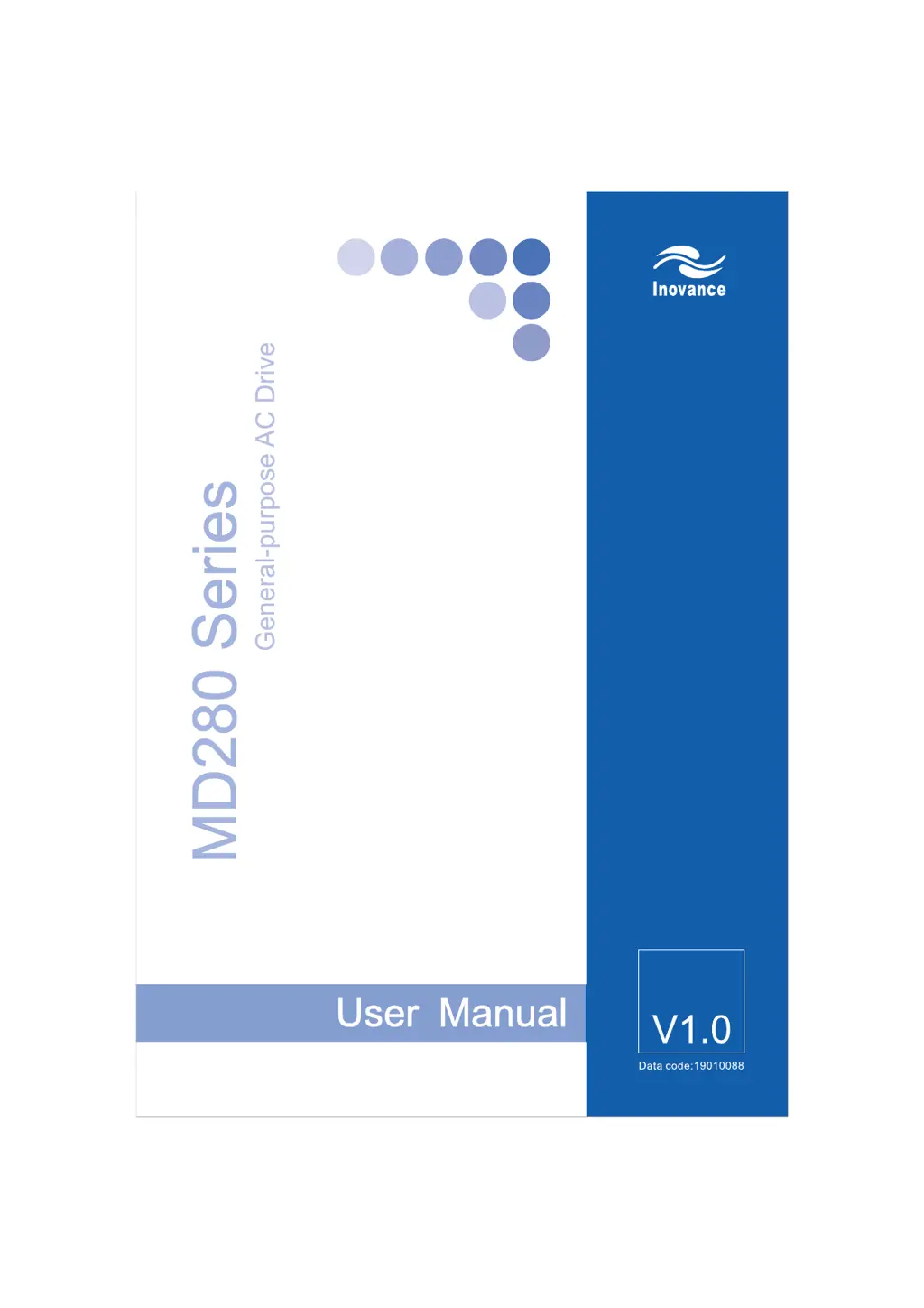
Inovance MD280NT2.2GB - User Manual

Inovance MD280NT2.2GB
168 pages
Print Icon
To Next Page IconTo Next Page
Loading...
efesotomasyon.com

Table of Contents

Questions and Answers

  • M
    Mary CarterSep 18, 2025
    Why does Inovance MD280NT2.2GB display "H&" and stops immediately?
    • J
      John CrossSep 22, 2025
      If the AC drive display is normal upon power-on but "H&" is displayed after running and the AC drive stops immediately, the cooling fan is damaged or locked-rotor occurs. Replace the damaged fan.
  • X
    xblackburnAug 25, 2025
    What to do if Inovance MD280NT2.2GB shows overcurrent during deceleration?
    • C
      Connie HallAug 25, 2025
      If your Inovance Inverter indicates overcurrent during deceleration, it could be due to a grounded or short-circuited output circuit, a deceleration time that is too short, low voltage, a sudden load added during deceleration, or the absence of a braking unit and braking resistor. Consider the following solutions: * Replace external faults. * Increase the deceleration time. * Adjust the voltage to the normal range. * Remove the added load. * Install the braking unit and braking resistor.
  • K
    Kelly MeltonAug 25, 2025
    Why does Inovance MD280NT2.2GB Inverter show overcurrent at constant speed?
    • M
      Megan RoweAug 26, 2025
      An Inovance Inverter displaying overcurrent at a constant speed may be caused by a grounded or short-circuited output circuit, a sudden load added during operation, or the AC drive model being of too small a power class. To address this: * Replace external faults. * Remove the added load. * Select an AC drive of a higher power class.
  • C
    Christina OchoaAug 27, 2025
    How to resolve overvoltage during deceleration in Inovance MD280NT2.2GB?
    • T
      Teresa AndersonAug 27, 2025
      If you are experiencing overvoltage during deceleration with your Inovance Inverter, the possible causes are: the input voltage is too high, an external force drives the motor during deceleration, the deceleration time is too short, or the braking unit and braking resistor are not installed. Here are some possible solutions: * Adjust the voltage to the normal range. * Cancel the external force or install the braking resistor. * Increase the deceleration time. * Install the braking unit and braking resistor.
  • D
    Donald BooneSep 23, 2025
    What does "Err23" displayed at power-on mean for Inovance Inverter?
    • M
      Matthew KingSep 23, 2025
      If "Err23" is displayed at power-on, the motor or the motor output cable is short-circuited to the ground. Measure the insulation of the motor and the output cable with a megger.
  • R
    rangelelizabethSep 23, 2025
    Why is there no display at power-on on Inovance Inverter?
    • R
      Ryan DuncanSep 23, 2025
      If there is no display at power-on, there is no power supply to the AC drive or the power input to the AC drive is too low. Check the power supply. Also, the cable connecting the control board and the drive board and the operation panel breaks. Re-connect the 8-core and 16-core cables.
  • K
    Kyle WilliamsSep 10, 2025
    How to resolve initial position fault on Inovance Inverter?
    • J
      Jennifer ClarkSep 12, 2025
      An initial position fault may occur because the motor parameters are not set based on the actual situation. Check whether the motor parameters are set correctly and whether the setting of rated current is too small.
  • J
    Jamie SmithSep 12, 2025
    What causes motor switchover fault during running in Inovance MD280NT2.2GB?
    • S
      Stacey ParkSep 12, 2025
      A motor switchover fault during running occurs when motor switchover is performed via terminal during running of the AC drive. Perform motor switchover after the AC drive stops.
  • M
    Maria MasonSep 4, 2025
    What causes power input phase loss in Inovance MD280NT2.2GB?
    • M
      michael11Sep 4, 2025
      Power input phase loss in your Inovance Inverter may be due to the three-phase power input being abnormal. You can try to replace external faults.
  • G
    Gabriel ParkSep 1, 2025
    What to do if Inovance MD280NT2.2GB displays motor overload?
    • C
      Caitlin SmithSep 1, 2025
      If your Inovance Inverter indicates a motor overload, possible causes include FB-01 being set improperly, the load being too heavy or locked-rotor occurring on the motor, or the AC drive model being of too small a power class. To resolve this: * Set FB-01 correctly. * Reduce the load and check the motor and mechanical conditions. * Select an AC drive of larger power class.

Summary

Chapter 1 Safety Information and Precautions

Safety Information

Essential safety guidelines and warnings for installation, operation, and maintenance of the AC drive.

General Precautions

Important general precautions for handling, installation, and usage to ensure safe and reliable operation.

Chapter 2 Product Information

Chapter 3 Mechanical and Electrical Installation

Electrical Installation Details

Details peripheral device selection, descriptions, wiring methods, and terminal layouts for electrical installation.

Chapter 4 Operation and Display

Operation Panel Functions

Describes the operation panel, including indicators, keys, and basic operations.

Drive Control Operations

Details starting, stopping, JOG running, and different drive control modes.

Running Frequency Settings

Covers setting the running frequency using various sources like analog, pulse, and PID.

Chapter 7 EMC

Chapter 8 Troubleshooting

Faults and Solutions Analysis

Provides a detailed list of faults, possible causes, and recommended solutions for the AC drive.

Common Faults and Solutions

Summarizes common faults with initial analysis and troubleshooting steps.

Warranty Agreement

Inovance MD280NT2.2GB Specifications

General IconGeneral
ModelMD280NT2.2GB
TypeInverter
Rated Power2.2 kW
Output Current5.0 A
Frequency Range0 - 400 Hz
Communication InterfaceRS485, Modbus
Cooling MethodForced Air Cooling
Enclosure RatingIP20
Control MethodV/F control
Protection FeaturesOvervoltage, undervoltage, overcurrent, overload, short circuit
Ambient Temperature-10°C to 50°C
Storage Temperature-20°C to 60°C
Humidity5% to 95% (non-condensing)
Altitude≤1000 m
Input Voltage3-phase 380V AC

Related product manuals