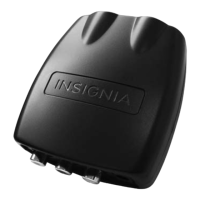
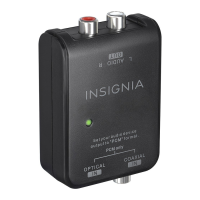
Insignia NS-DXA2 Digital to Analog Converter Box
10
www.insigniaproducts.com
Using your converter box
Turning your converter box on or off
To turn your converter box on or off:
1 Make sure that the TV is connected to your converter box and that the TV and your converter box are plugged into
power outlets.
2 Press (power). The power LED lights.
•Red—Standby mode
•Green—On mode
3 If this is the first time you have turned on your converter box, follow the on-screen prompts to set basic options. For
more information, see “Setting initial setup options” on page 8.
4 To turn off your converter box, press (power) again.
Changing channels
To change channels:
• Press CH
S or CH T to select a channel in the memorized channel list.
• Press the number buttons for the channel you want. If you want a digital sub-channel, press the number buttons for the
main channel, press –, then press the number for the sub-channel.
Adjusting the volume
To adjust the volume:
• Press VOL + or VOL – to increase or decrease the volume.
• Press MUTE to turn off the sound. Press MUTE again to restore the sound.
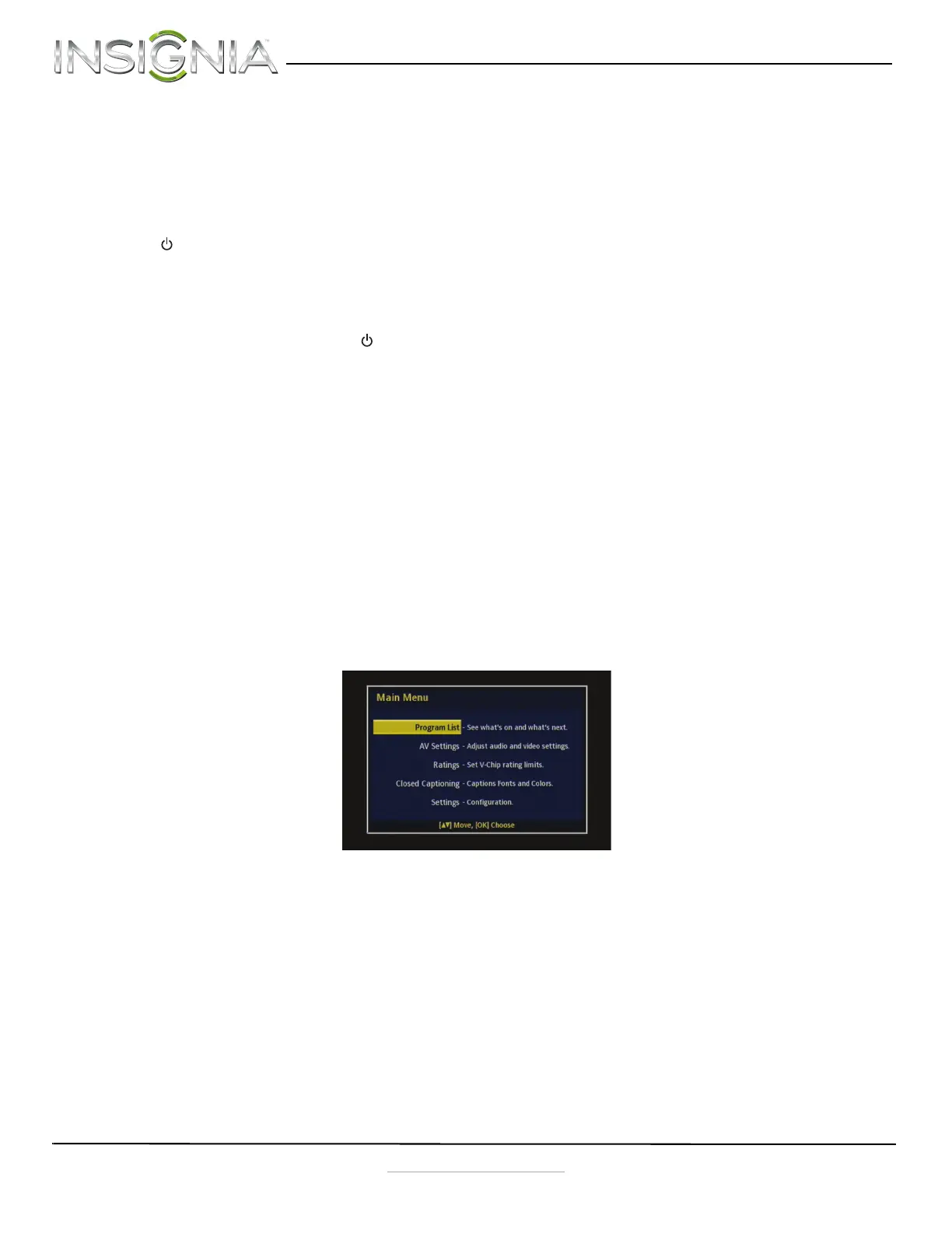
Using the Setup Menu
To open the Setup Menu:
1 Press MENU on the remote control. The Main Menu opens.
2 Press
S or T to select the menu item you want to review, then press OK to access.
NS-DXA2_13-0501_V1_ENG.fm Page 10 Monday, July 29, 2013 8:06 AM



 To Next Page