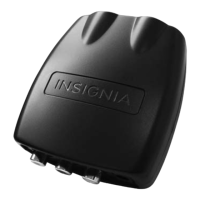
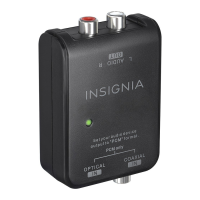
Insignia NS-DXA2 Digital to Analog Converter Box
8
www.insigniaproducts.com
Setting initial setup options
When you turn on your converter box for the first time, the Easy Install wizard opens where you can:
• Select the menu language
• Search for and memorize channels
To set basic options:
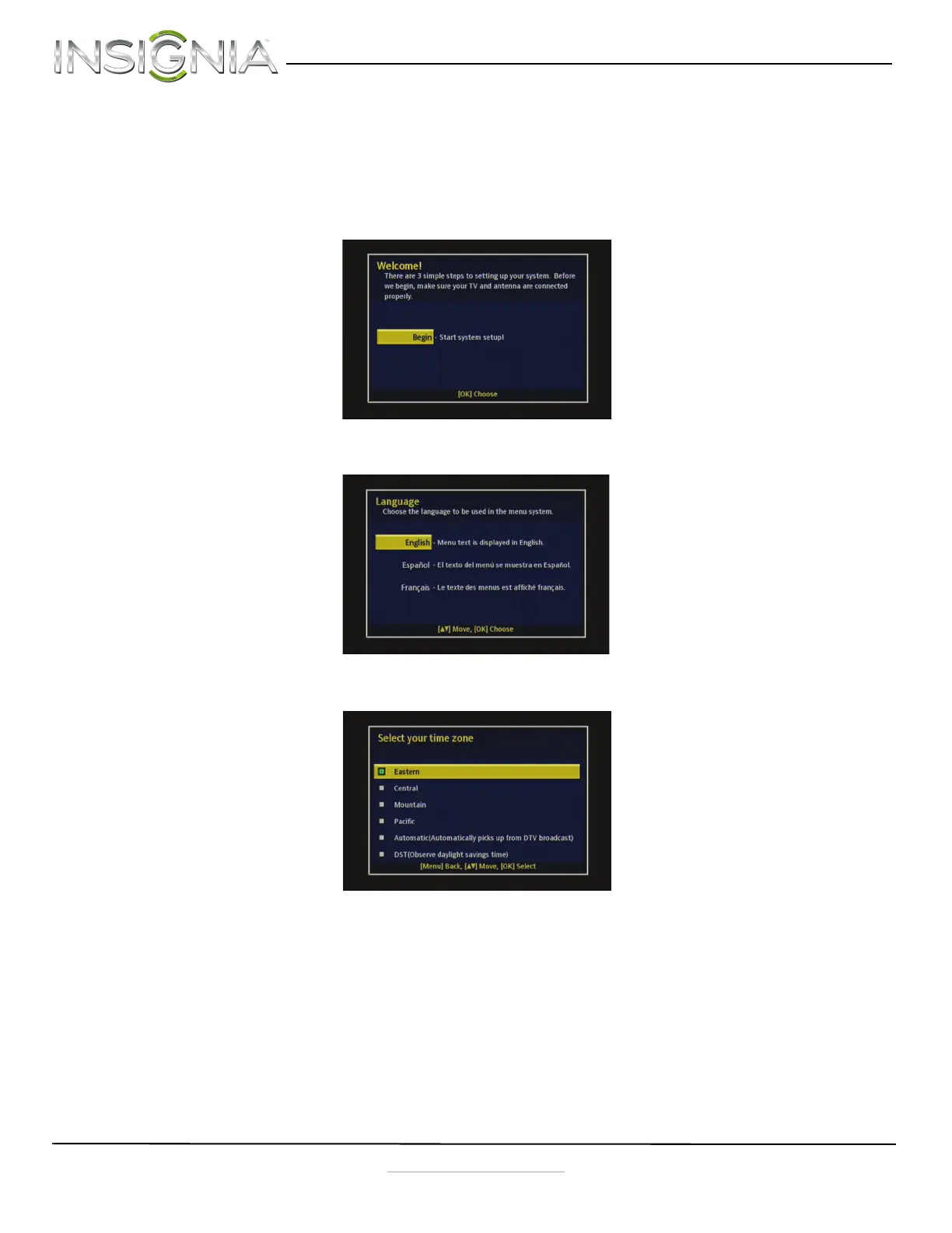
1 Turn on your converter box and TV. The WELCOME screen opens.
2 Press OK. The Language screen opens.
3 Press
S or T to select the menu language (English, Spanish, or French), then press OK. The Time Zone screen opens.
NS-DXA2_13-0501_V1_ENG.fm Page 8 Monday, July 29, 2013 8:06 AM



 To Next Page