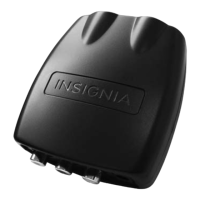
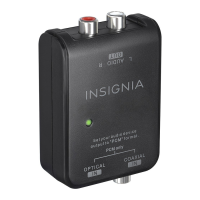
Insignia NS-DXA2 Digital to Analog Converter Box
11
www.insigniaproducts.com
Displaying the program list
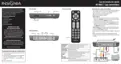
You can open the program list to display a list of what program is currently on and what program is next.
To open the Program List:
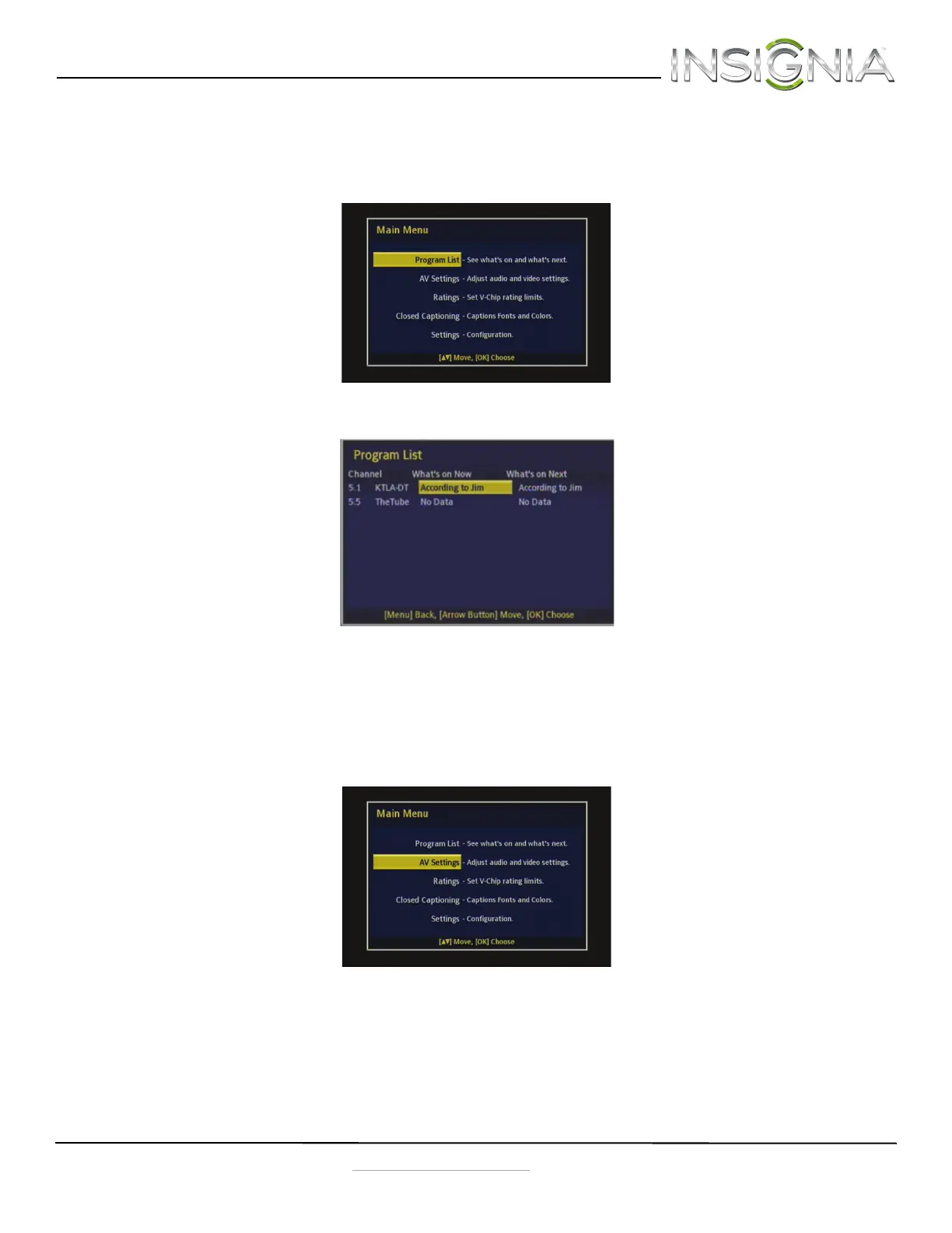
1 Press MENU on the remote control. The Main Menu opens.
2 Press
S or T to select Program List, then press OK. The Program List opens.
3 Press
S or T to select the program you want, then press OK to go to that program.
4 Press MENU to exit the on-screen menu.
Changing the AV settings
To change the AV settings:
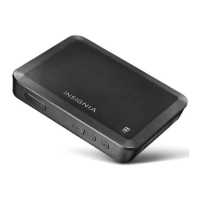
1 Press MENU on the remote control. The Main Menu opens.
NS-DXA2_13-0501_V1_ENG.fm Page 11 Monday, July 29, 2013 8:06 AM



 To Next Page