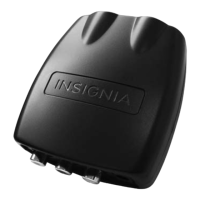
Insignia NS-DXA2 Digital to Analog Converter Box
4
www.insigniaproducts.com
Features
Package contents
•Converter box
• Remote control and batteries (2)
•RF cable
•AC adapter
• Quick Setup Guide
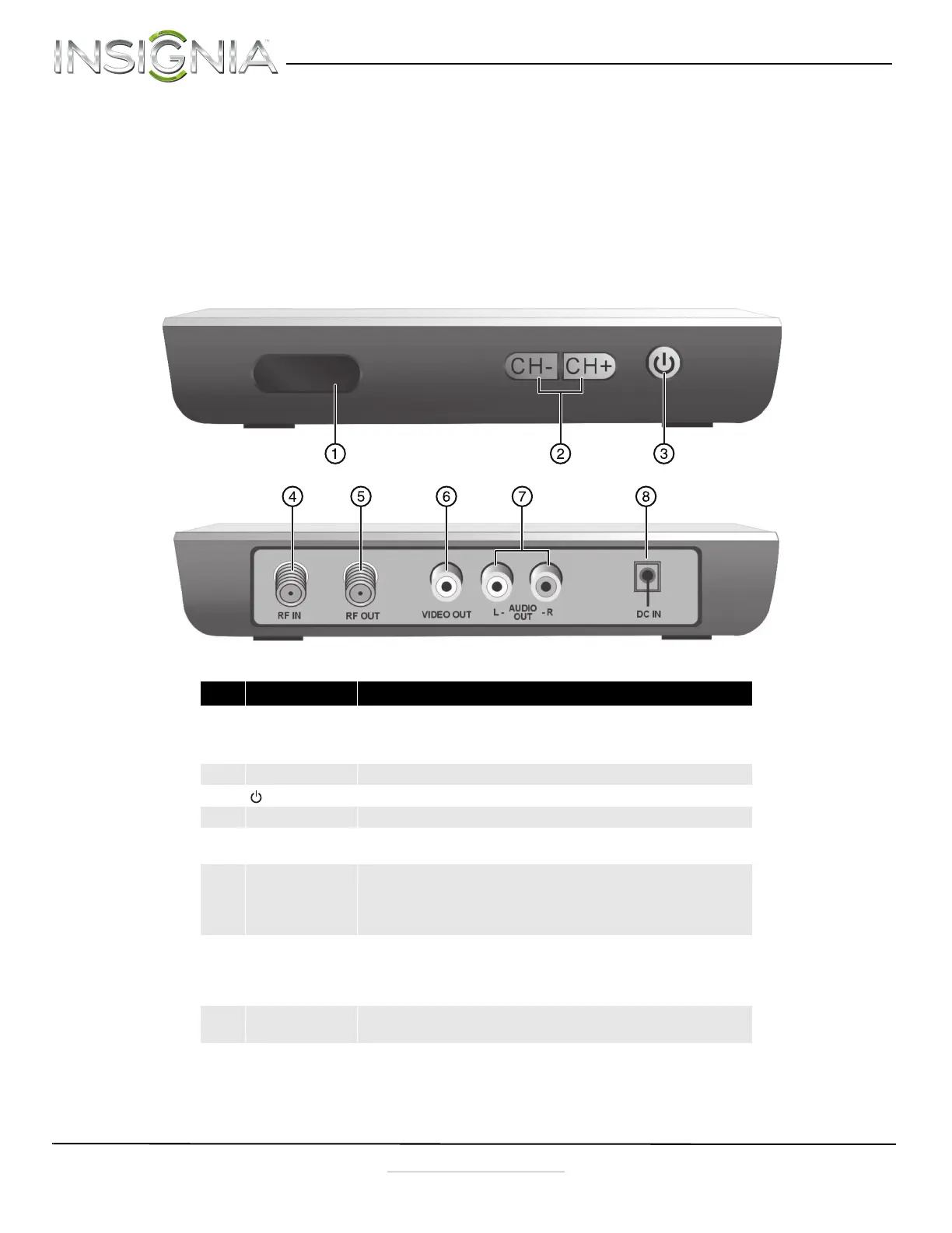
Front and Back
No. Component Description
1 Power indicator Lights when your converter box is turned on.
Red—Standby mode
Green—On mode
2 CH-/CH+ Press to scan through memorized channels.
3
(power)
Press to turn your converter box on or off.
4 RF IN Connect this jack to your antenna.
5 RF OUT If your TV does not have A/V jacks, connect this jack to the
Antenna IN jack on your TV.
6 VIDEO OUT Connect a yellow AV cable from this jack to the AV IN jack
(yellow) on your TV. This jack provides the best video.
Note: If your TV does not have AV jacks, connect your TV to
the RF OUT jack.
7 AUDIO OUT L/R Connect these jacks to the corresponding AUDIO IN L/R
jacks on your TV. These jacks provide the best audio.
Note: If your TV does not have AV jacks, connect your TV to
the RF OUT jack.
8 DC IN Connect the DC output from the AC power adapter to this
jack.
NS-DXA2_13-0501_V1_ENG.fm Page 4 Monday, July 29, 2013 8:06 AM



 To Next Page