Chapter: Installation
42 M10-17318-EN
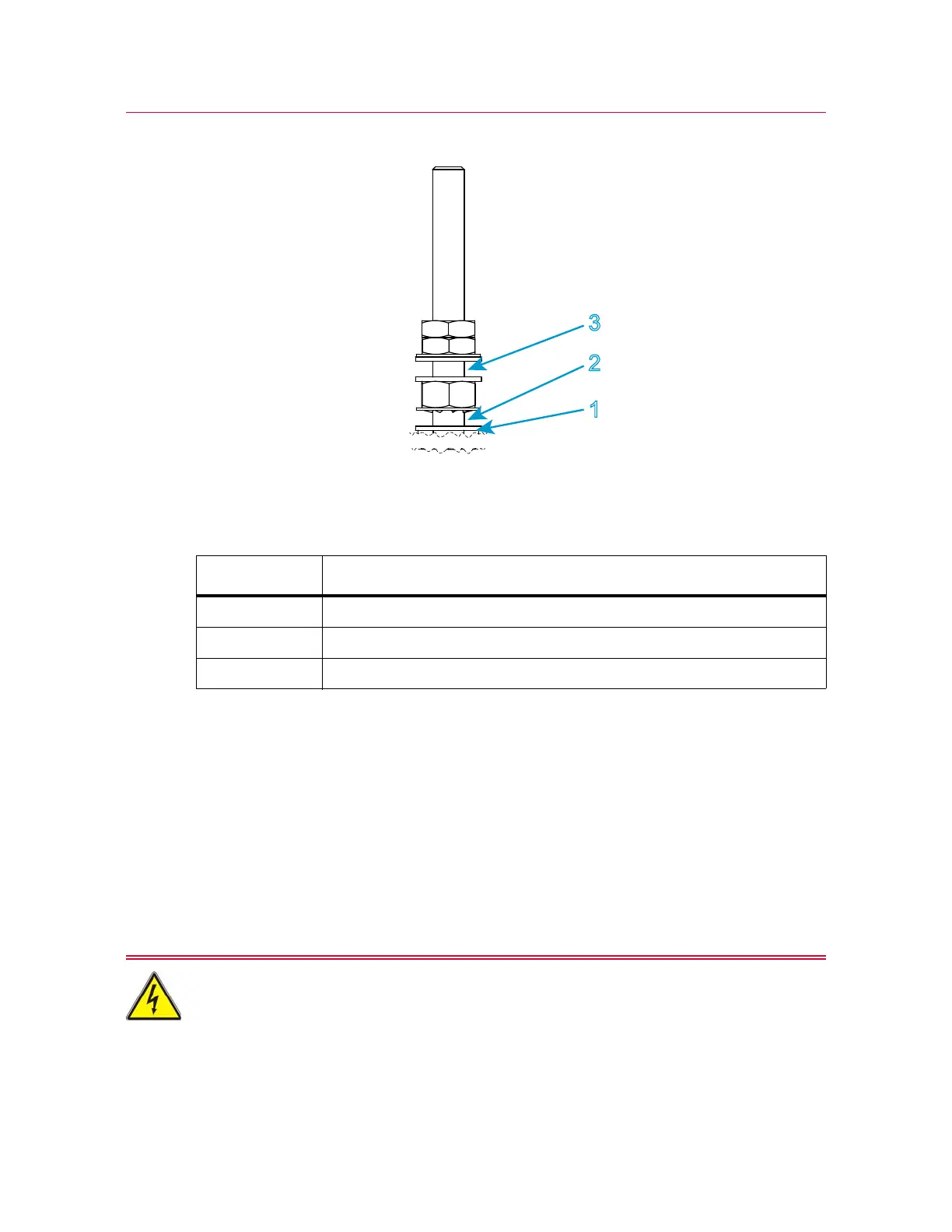
Figure 10. Ground connection detail
Legend for Figure 10
Connect the system components
Instron
®
Service installs your testing system. These instructions are provided as a
reference if you need to move the system after the initial installation.
This procedure describes the connections for the basic components of the system. If you
purchased additional accessories for your system, you need to refer to the
documentation for those accessories for proper installation.
Electrical hazard - Do not connect power cables when the power is on. Turn the
power off to avoid hazardous voltages and component damage.
Label Description
1 Sheet metal
2 Connect ground cable for frame here
3 Connect ground cable for any accessories here



 To Next Page