45
System components
Product Support: www.instron.com
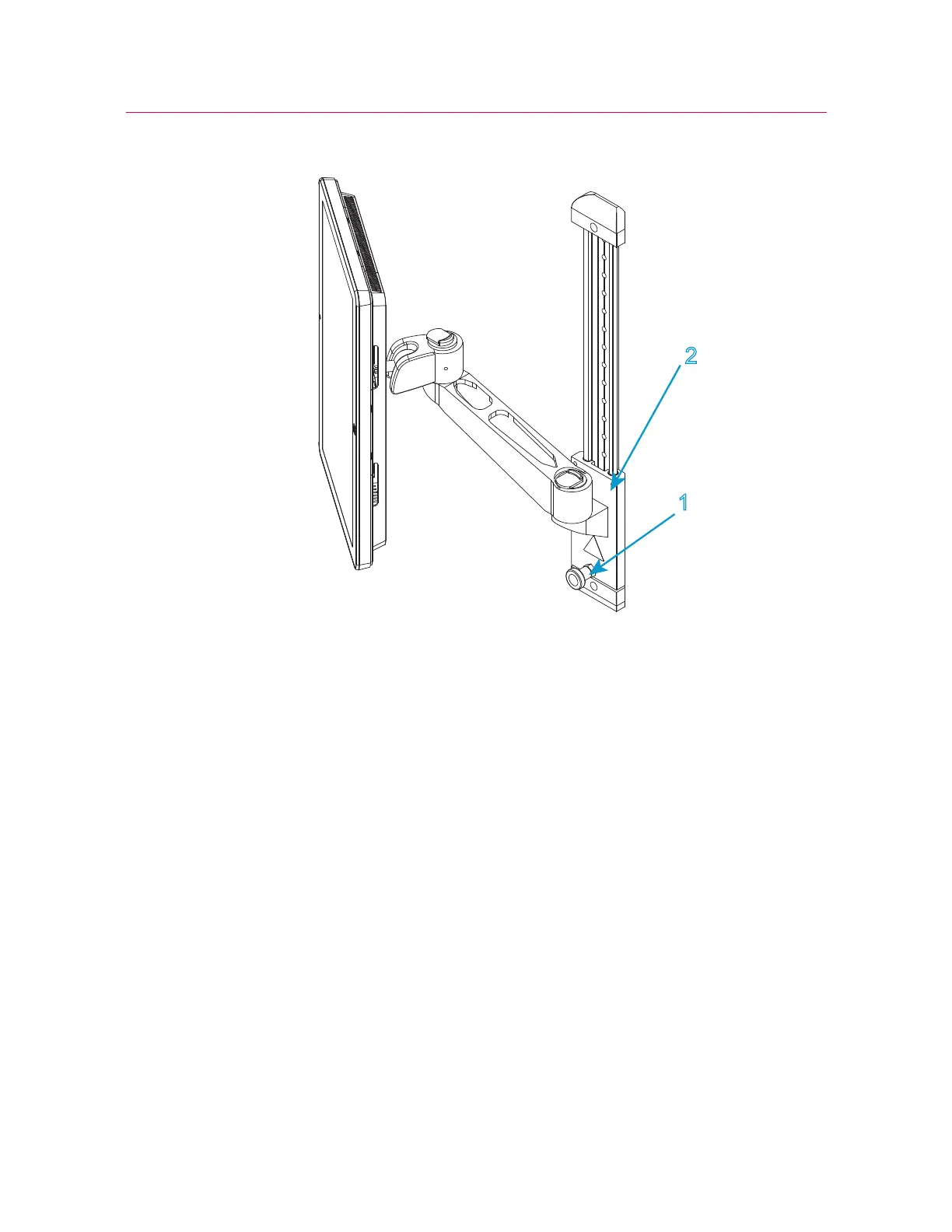
Figure 11. Height adjustment
2. Connect the Ethernet connector on the rear of the Bluehill
®
Operator Dashboard to
the Ethernet connector on the rear panel of the testing machine.
3. Connect the mains power cable to the electrical power supply.
Disconnection and moving
If you need to move the testing system you must disconnect and remove the Bluehill
®
Operator Dashboard as follows:
1. Ensure that the power switch is set to Off and the mains power cable is disconnected.
2. Disconnect all cables that connect to or from the Bluehill
®
Operator Dashboard.



 To Next Page