Chapter: Function of controls
60 M10-17318-EN
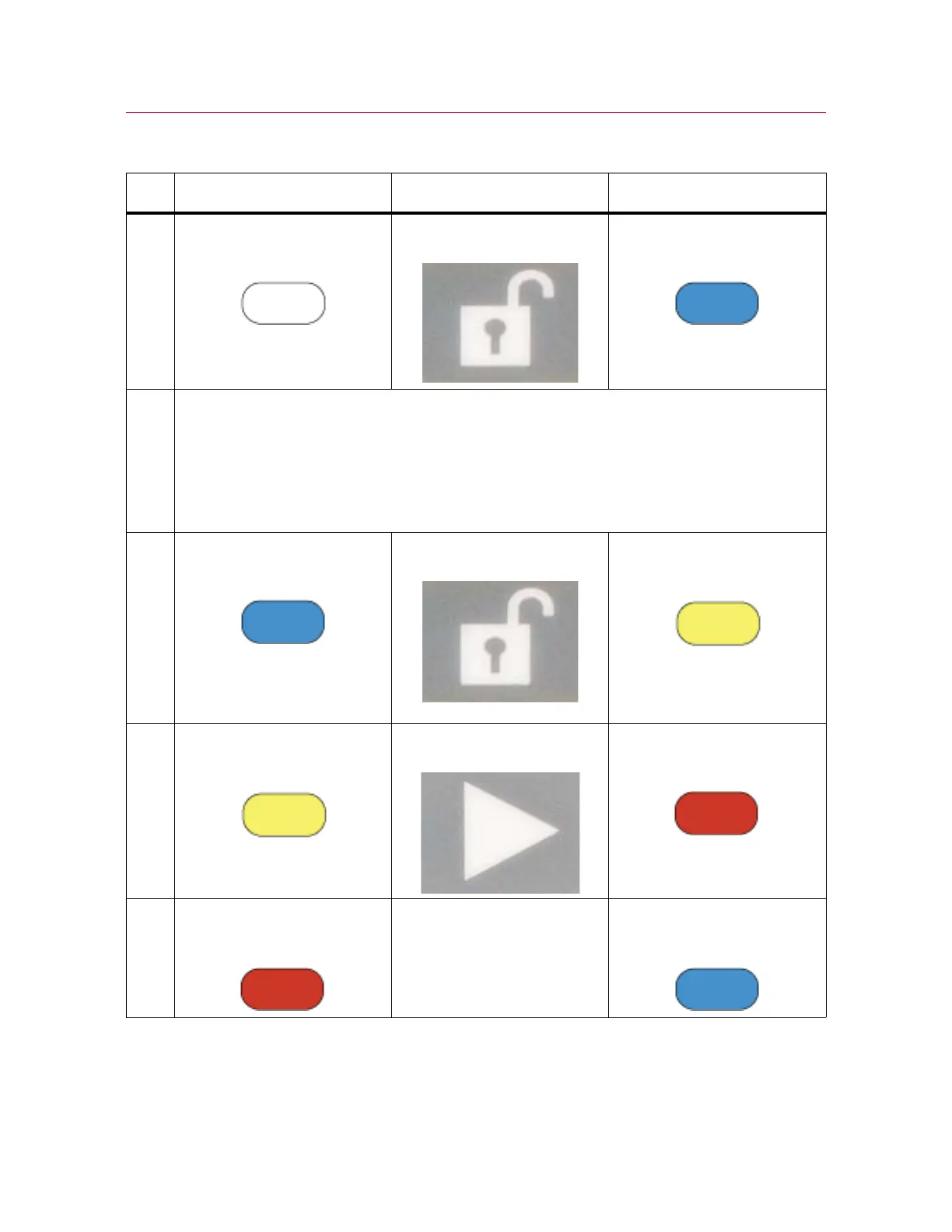
Table 5. Move between modes
Initial condition Action Result
1 DISABLED
(white)
Press SET UP
(blue)
2 System remains in set up mode until you make a change. During this time you can:
• move the crosshead at the restricted speed set up in the Admin tab, up to a maximum of
600 mm/min
• operate pneumatic grips at the initial pressure set up in the Admin tab, up to a maximum of
15 psi
When the specimen is installed and
Bluehill
®
is displaying the Test screen, you can move on.
3 SET UP
(blue)
Press CAUTION
(yellow)
Pneumatic grips clamp to full
pressure.
4 CAUTION
(yellow)
Press (within 2 secs) TESTING
(red)
5 TESTING
(red)
Test runs to completion. SET UP
(blue)



 To Next Page