3.9. Programming with a PC
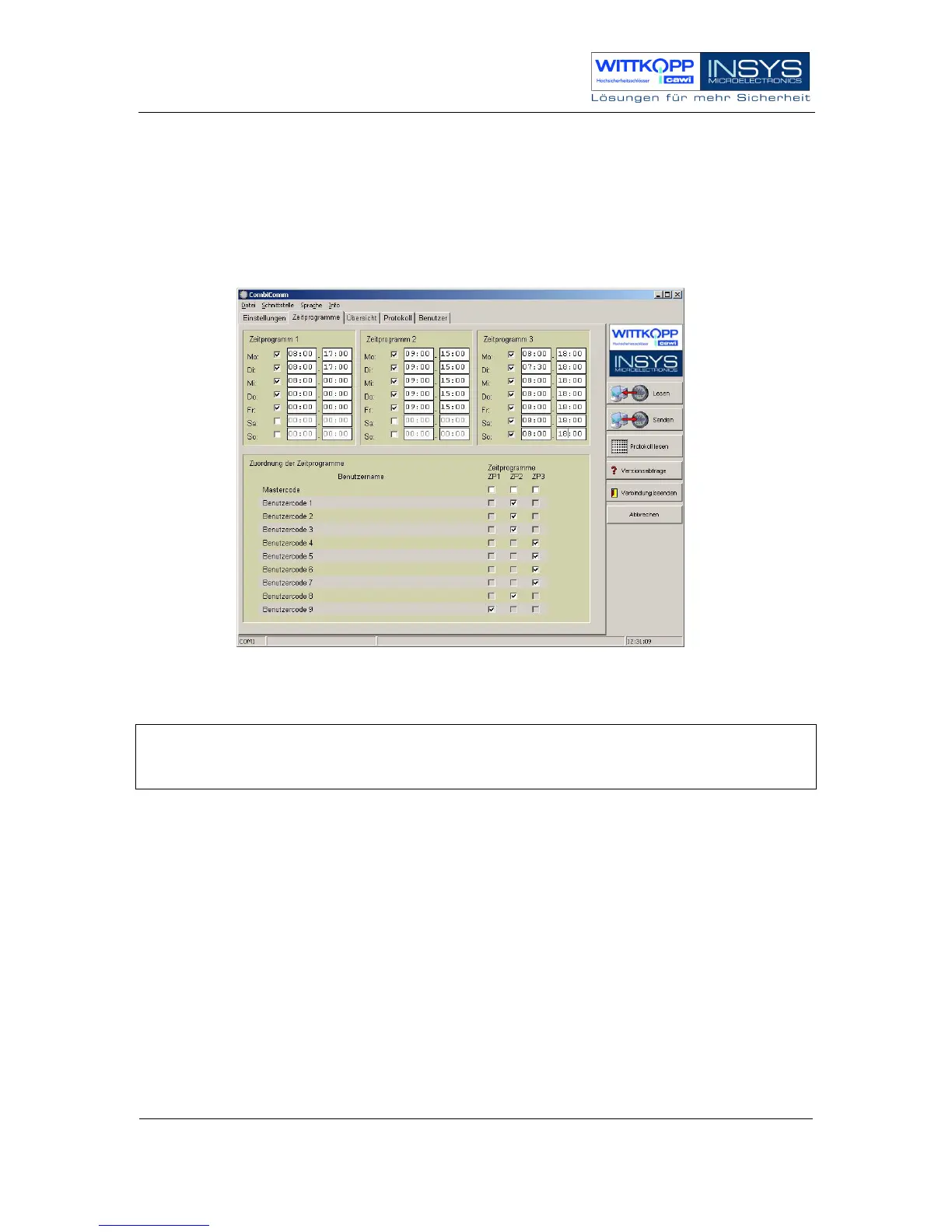
Programming with a PC is done using the CombiComm parameterization set.
More detailed information can be found in the manual of the CombiComm PC
software.
Programming with a PC can only be done when the electronic lock is open!
Note:
Before the connection is established, the CombiComm PC software must be
started and the correct communication interface must be selected.
The following settings, among others, can be made with a PC:
• User-defined time programs
• 4-eyes principle
• IO functions
• Silent alarm incl. alarm delay
• Quick opening code
• Opening delay / release time
• Date / time
• Reading out the event log



 To Next Page