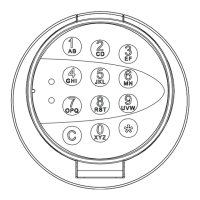
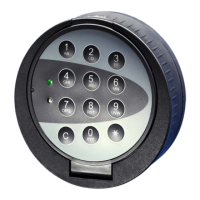
EloStar time
Safety notes
• Immediately change the factory-set master CODE 1 2 3 4 5 6 for security reasons.
• Do not use any personal data for your new CODE such as birthdays or other information that
could be guessed from knowledge about you.
•
After entering your new CODE, open and close the electronic lock several times with your PIN
and new CODE while the door is open.
•
You can always cancel an entry that you have started with the
C
key.
1. Opening the lock
Opening with a code
0
Enter your user number (0 = master code)
123456
1
Enter the opening code
If a power interruption has occurred, e.g. battery change, the code has to be
entered twice.
If a signal sequence sounds after you have entered your user number, the lock is
blocked for access:
A time program is active
Lock blocked by master
Lock blocked by a connected burglar alarm system, for example
When the lock is open, the green LED flashes every second (only when the function
“Automatic locking after 10 sec.” is activated). In this state, all functions of the lock
can be programmed. (See Programming the lock)



 To Next Page