3.12.5. Signaling the status of the deadbolt of the lock
Notes:
• The electronic lock can signal the status of the deadbolt via this output
contact.
• The function can either be programmed to OUT1 or OUT2, see function
numbers.
Activation of the “Status indication” function:
*9*
Enter program number 9
123456 *
1
Enter the master code
01*
1
Enter the function number (e.g. 01)
Connect IN1
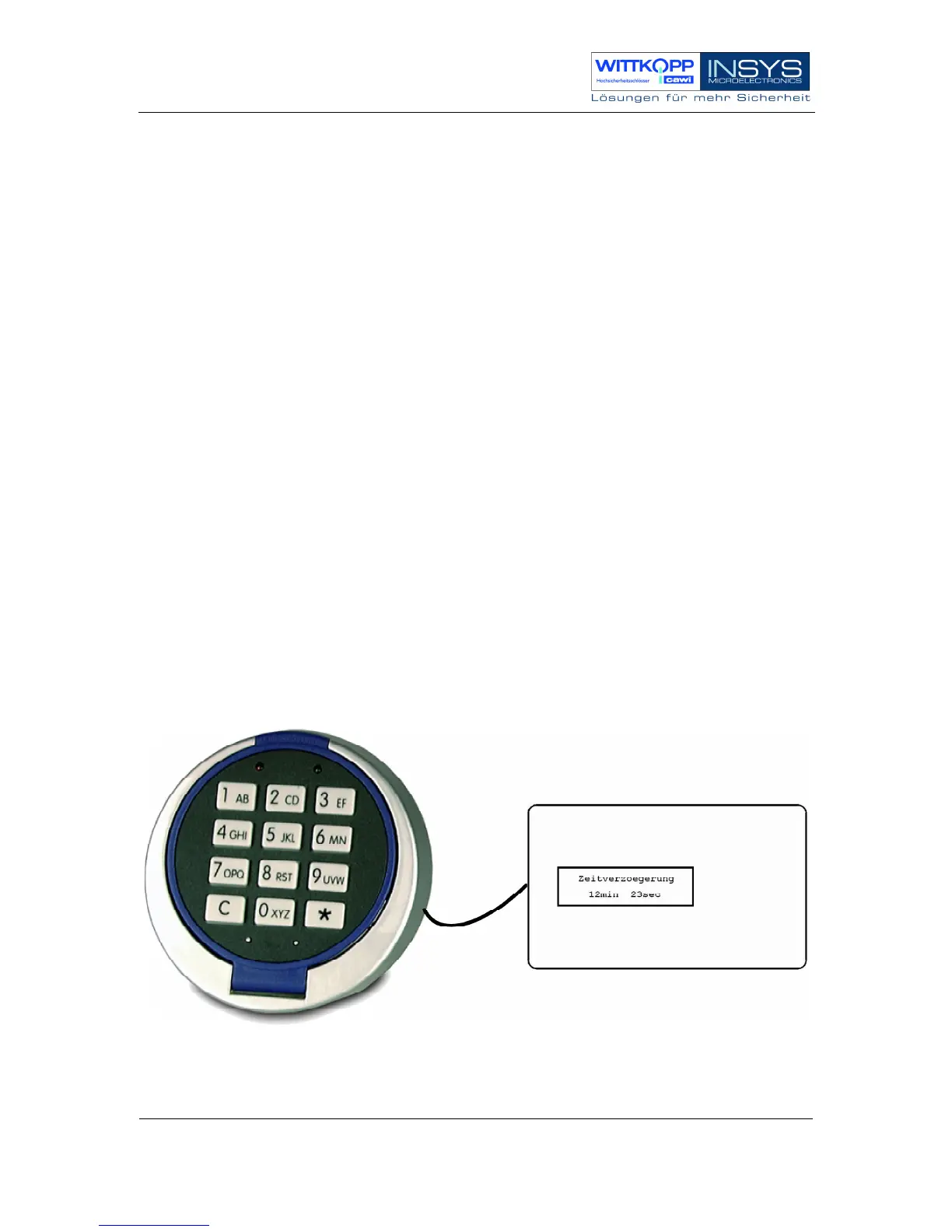
3.13. Connection of the external LCDXT display
For optical display of a programmed opening delay (count down =
“Zeitverzoegerung”), the mobile display LCDXT (optional accessory) can be
connected.
More detailed information can be found in the manual of the display.



 To Next Page