4
E
FUNCTION SETUP
A
i
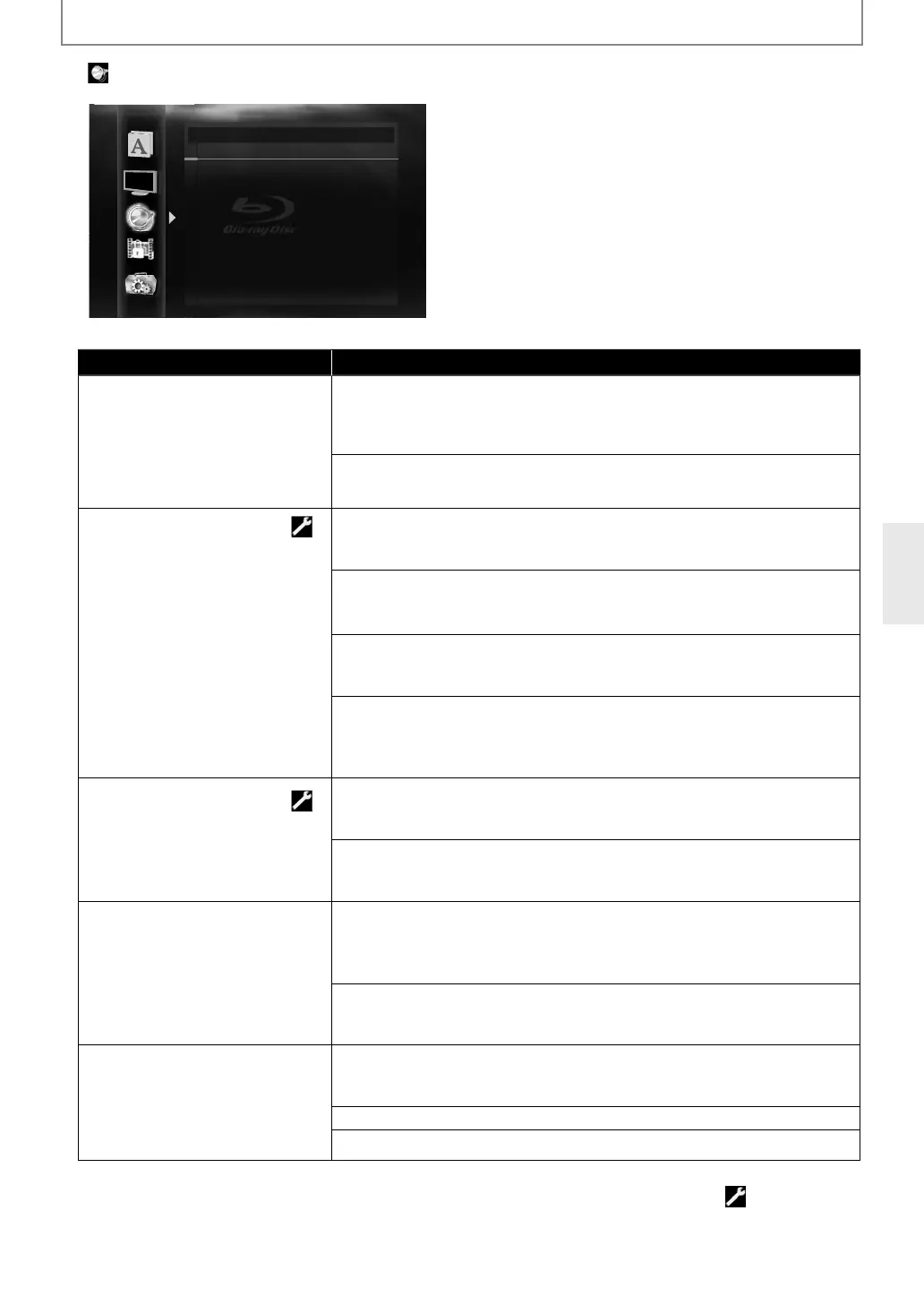
Audio
BD Audio Mode HD Audio Output
HDMI Audio Out HDMI Multi (Normal)
7.1ch Audio Out Multi Channel
Down Sampling Off
DRC Auto
or how to select the setting items and options, re
er to “Custom” on page 41
Setting items Options
BD A
i
M
or BD, se
ects w
et
er to out
ut
e secon
ar
an
interactive
audio with primar
audio i
it is
available or onl
the primar
audio. Refer to “Setting the BD
Au
io Mo
e” on pa
e 36
D Audio Out
ut*:
utputs on
t
e primar
au
io. Set t
is mo
e in or
er to output Do
igital, Dolb
Digital Plus, Dolb
TrueHD, DTS or DTS-HD audio o
BD
hrou
h HDMI connection.
Mix Au
io Output:
utputs the secondar
and interactive audio with primar
audio if it is available.
HDMI Au
io Out
h
i
f
rm
f
r
h
i
out
ut from HDMI OUT and
A
DI
TP
(DIGITAL OPTICAL / COAXIAL)
acks.
DMI Mu
ti(Norma
)*:
he multi-channel audio signals are output from HDMI OUT
ack with
i
r
m
r LP
M
HDMI Multi
LPCM
:
he multi-channel audio signals are output
rom HDMI OUT jack with LPCM.
Re
er to pages 46-48
or setting options.
DMI 2
h
he audio signals are output from the HDMI OUT jack with a downmixed to
LP
M
u
io Mute:
utes the HDMI audio si
nal, and set the si
nal format from AUDIO OUTPUT
DIGITAL OPTICAL / COAXIAL)
acks.
Re
er to “Di
ital out settin
” on pa
e 46
or settin
options.
7
1ch A
i
t
h
i
rm
r
h
i
output
rom the AUDIO OUTPU
(ANALOG 7.1c
) jac
s
ulti Channel*:
he multi-audio signals are output
rom the AUDIO OUTPUT (ANALOG 7.1ch)
acks. Re
er to pages 46-48
or speaker setting options.
h
nn
l
own-mixed 2-channel audio signals are output from the AUDIO OUTPUT
ANALOG 7.1c
)
ac
s.
Down Samp
in
Sets the digital audio output
rom
AUDIO OUTPUT
DIGITAL
OPTICAL/COAXIAL) jac
s w
en
p
aying
ac
BD or DVD recor
e
in LP
M.
n:
PCM signals are converted to 48 kHz
or output.
Set to “On” when usin
di
ital connections to an AV receiver that is not
compatible with samplin
frequencies of 96 kHz.
ff*
or BD an
DVD recor
e
in LPCM wit
out copyrig
t protection, 2-c
anne
u
io signa
s up to 192
Hz are output as LPCM signa
s wit
no conversion.
DR
Sets whether to com
ress the
range of sound volume (d
namic
range control) when Dolb
Digital,
olb
Digital Plus or Dolb
rueHD audio is pla
ed back.
uto
:
hen the discs recorded in Dolb
TrueHD format are in pla
back, this unit detects
RC setting of the disc and set “DRC” setting to “On” or “Off” automaticall
.
n
) Settin
s with (*) are the de
ault.
“Quick” menu consists of the setting menus frequently used, and they are accompanied with
•
nder
ollowin
circumstances, “HDMI Multi(Normal)”, “HDMI Multi(LPCM)” and “HDMI 2ch” are not available.
- HDMI cable is not connected to HDMI OUT jack.
-
nn
TV i
ff
- Connecte
TV is not compati
e wit
au
io output.
E5SF0UDDBS50.2ENv2.indd45E5SF0UDDBS50.2ENv2.indd45 2010/08/0515:17:232010/08/0515:17:23



 To Next Page