Listening to Internet radio
21
It
De
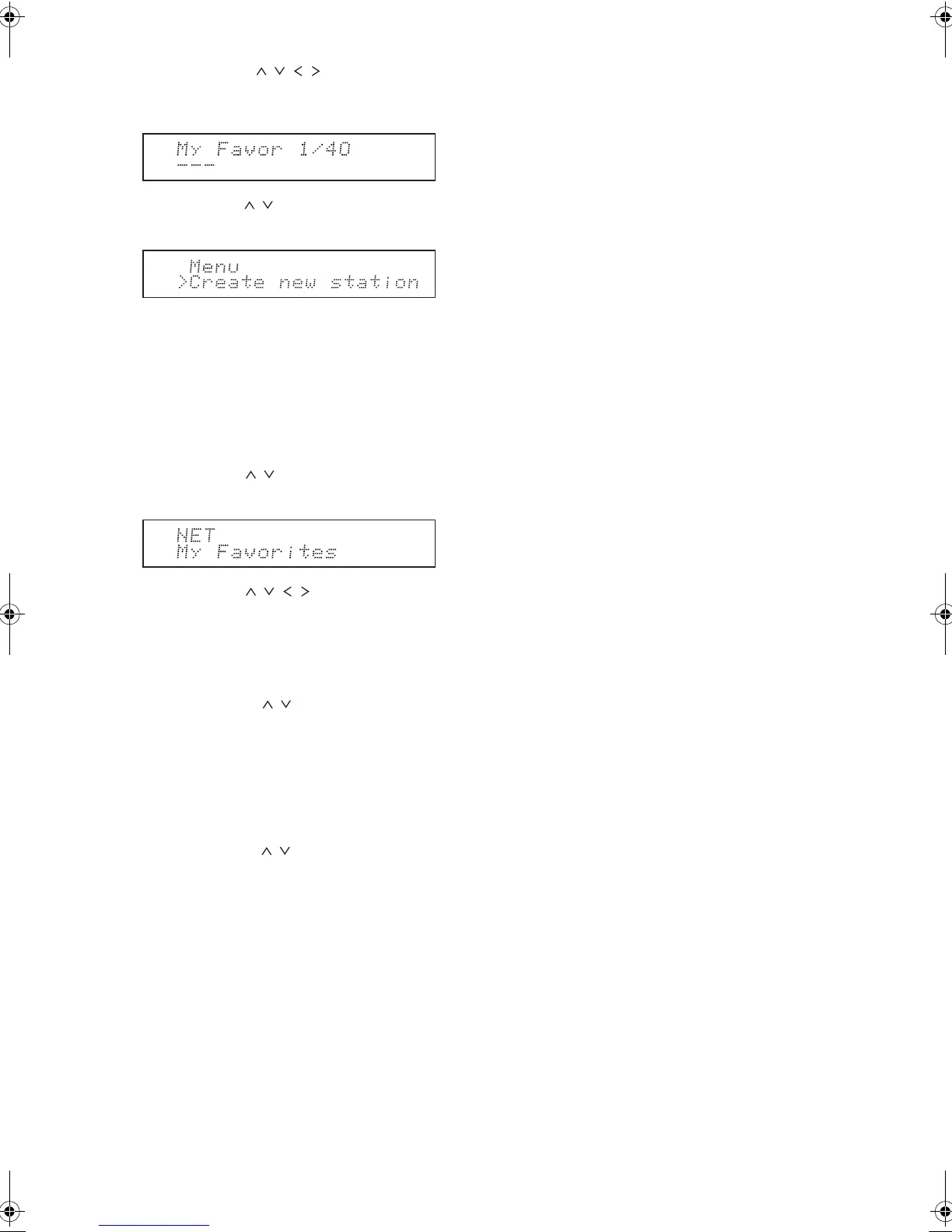
3. Press the direction ( / / / ) buttons to select a
number to which a radio station is not registered, and
press the Menu button.
4. Use the direction ( / ) buttons to select “Create new
station” and press the Enter button.
5. Input the name of the radio station.
0 For information on how to input characters, see
“Inputting characters” (> 36) under “Various
settings”.
6. Input the URL of the radio station.
∫ Playing a registered radio station
1. Press the NET button.
2. Use the direction ( / ) buttons to select “My
Favorites” on the display and press the Enter button.
3. Use the direction ( / / / ) buttons to select a
radio station and press the Enter button.
Playback starts.
To remove a radio station that has been added:
1. Select the radio station in the “My Favorites” and
press the Menu button.
2. Use the direction ( / ) buttons to select “Delete
from My Favorites” and press the Enter button.
A message requesting confirmation appears.
3. Press the Enter button.
To change the name of a radio station that has
been added:
1. Select the radio station in the “My Favorites” and
press the Menu button.
2. Use the direction ( / ) buttons to select “Rename
this station” and press the Enter button.
3. Input the name of the radio station.
0 For information on how to input characters, see
“Inputting characters” (> 36) under “Various
settings”.
DTM40.7_mst.book 21 ページ 2015年7月24日 金曜日 午後12時58分



 To Next Page