35
It
De
Various settings
Adjusting sound quality, etc.
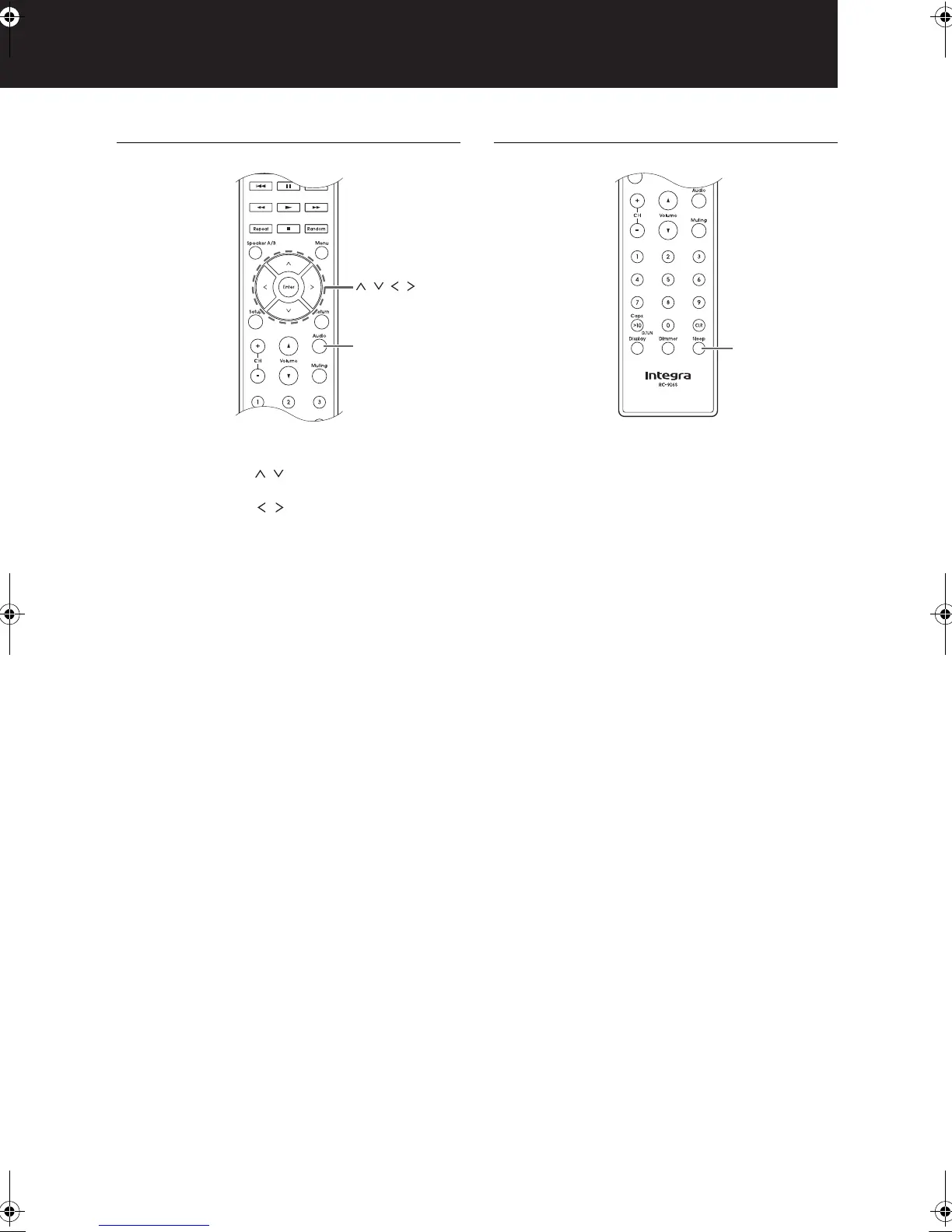
1. Press the Audio button.
2. Press the direction ( / ) buttons to select the setting
you want to adjust.
3. Press the direction ( / ) buttons to adjust the
setting.
∫ Direct
You can use the Direct feature that outputs pure sound as
it was intended by bypassing the tone control circuits
during play.
On
Off (default setting)
0 “DIRECT” appears on the display when “On” is
selected.
0 “Bass” and “Treble” are disabled when “On” is
selected.
∫ Bass
Adjusts the bass level.
Select between j10 dB and i10 dB in 2 dB
increments. (default setting: 0 dB)
∫ Treble
Adjusts the treble level.
Select between j10 dB and i10 dB in 2 dB
increments. (default setting: 0 dB)
∫ Balance
Adjusts the audio output balance between the left and
right speakers.
Select between Li10 and Ri10 in 2 steps
increments. (default setting: 0)
Sleep timer
With the sleep timer, you can set the unit so that it
automatically turns off after a specified period.
1. Press the Sleep button repeatedly to select the time.
0 With the Sleep button, you can set the sleep time
from 90 to 10 minutes in 10 minute increments.
The setting is complete 5 seconds after you have
displayed the desired time.
0 When the sleep timer has been set, “SLEEP”
appears on the display.
∫ Checking the remaining time: If you press the Sleep
button, the remaining time until the unit will be put into
standby mode appears.
∫ To cancel the sleep timer: Press the Sleep button
repeatedly until “SLEEP” disappears.
Audio
, , ,
DTM40.7_mst.book 35 ページ 2015年7月24日 金曜日 午後12時58分



 To Next Page