Listening to AM/FM radio
31
It
De
Presetting a radio station
It allows you to register up to 40 of your favorite radio
stations. Registering radio stations in advance allows you
to tune into your radio station of choice directly.
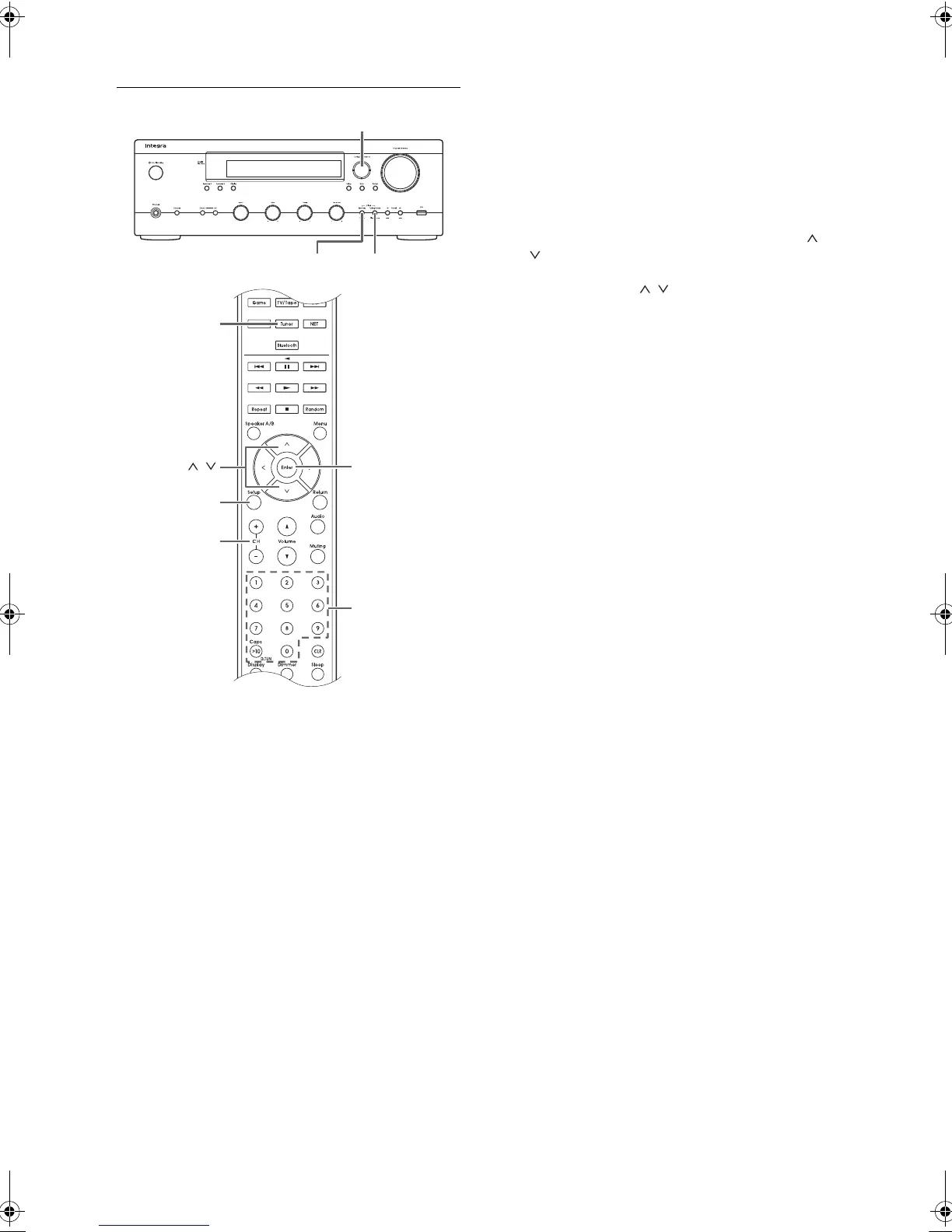
∫ Registering radio stations
1. Tune into the AM/FM radio station you want to register.
2. Press the Memory button on the unit.
3. Press the Preset 21 buttons several times to select a
number between 1 and 40 while the preset number is
flashing (about 8 seconds).
4. Press the Memory button again to register the station.
The preset number stops flashing and lights to indicate
that the station is registered.
∫ Selecting preset stations
1. Press the Tuner button of the remote control
repeatedly to select either “AM” or “FM” on the display.
2. Press CH (i/j) buttons to select a preset number.
0 You can also select by directly entering the preset
number with the number buttons. Alternatively you
can press the Preset 21 buttons on the unit.
Naming a preset radio station:
1. Press the Setup button of the remote control while a
preset number is displayed, use the direction ( /
) buttons to select “4. Source”, and press the
Enter button.
2. Use the direction ( / ) buttons to select “Name
Edit” and press the Enter button.
3. Enter a name up to 10 characters long.
0 For information on how to input characters, see
“Inputting characters” (> 36) under “Various
settings”.
Erasing a preset radio station:
1. Press and hold the Memory button on the main unit
and press the Tuning Mode button to delete the
preset number.
The preset number is deleted, and the number on
the display goes off.
Memory Tuning Mode
CH (
/
)
Setup
Tuner
Enter
,
Preset
DTM40.7_mst.book 31 ページ 2015年7月24日 金曜日 午後12時58分



 To Next Page