39
First Time Setup
—Continued
Speaker Configuration
Here you can specify which speakers are connected and
their individual sizes.
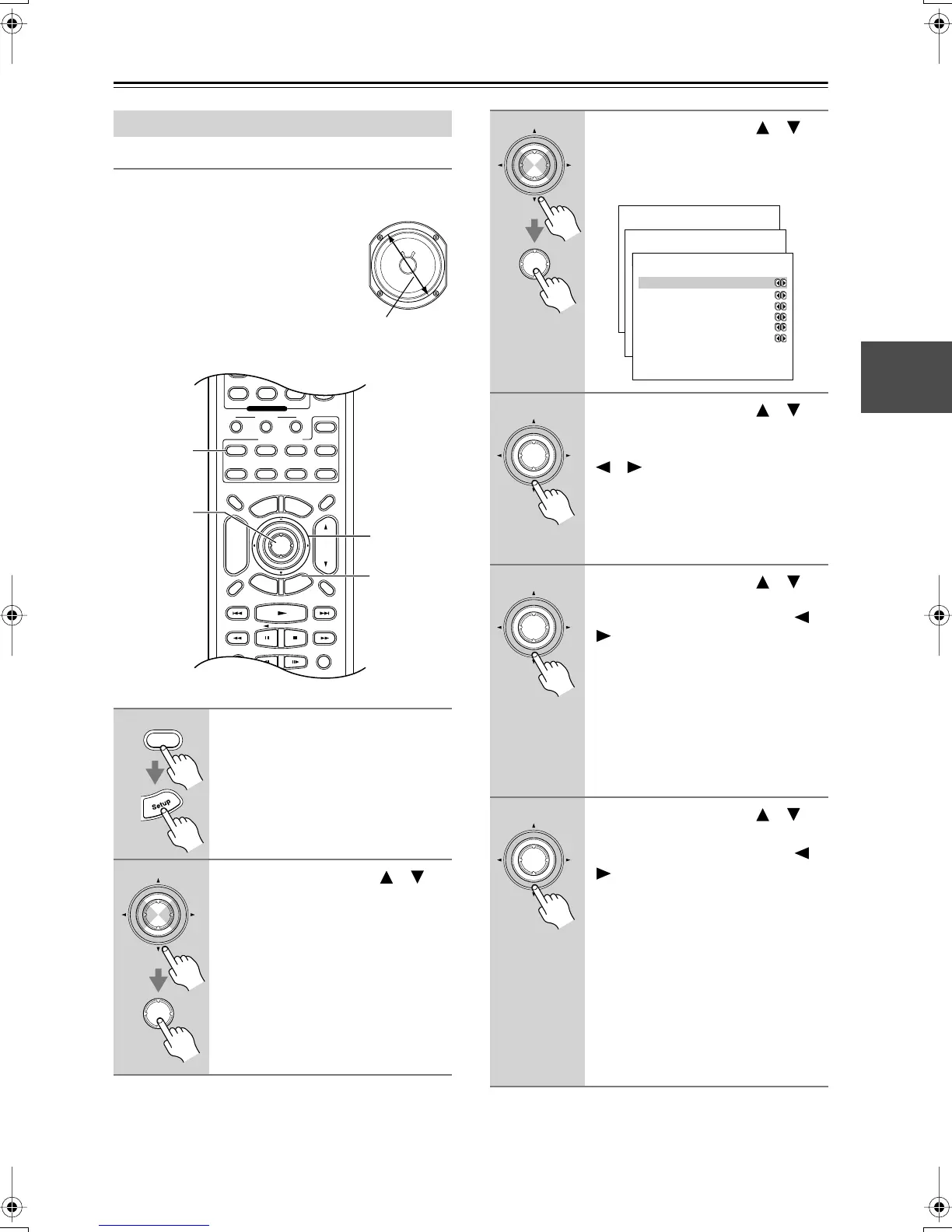
For speakers with a cone diameter
over 6-1/2 inches (16 cm), specify
large,
and for those with a diameter
below this, specify
small.
Speaker Setup
1
Press the [Receiver] button fol-
lowed by the [Setup] button.
The main menu appears onscreen.
2
Use the Up and Down [ ]/[ ]
buttons to select “2. Speaker
Setup,” and then press [Enter].
The Speaker Setup menu appears.
Cone diameter
Display Muting
RandomRec
Last Memory
AngleSubtitleAudio
E
x
i
t
G
u
i
d
e
Prev
CH
TV VOL
--
/
---
Dimmer
Tape
TV
Input
Sleep
Enter
Surround
StereoAll ST
T
o
p
M
e
n
u
M
e
n
u
S
e
t
u
p
R
e
t
u
r
n
VOL
CH
Disc
SATTV VCR Cable
DVD
Receiver
CD
+
10 0
Clear
789
Macro
123
MD/CDR
+
-
Input Selector
CD Tape
Tuner
Remote Mode
Zone 2
1, 12
2–11
2, 3
1
Receiver
Enter
Enter
3
Use the Up and Down [ ]/[ ]
buttons to select “1. Speaker
Config,” and then press [Enter].
The Speaker Config menu appears.
4
Use the Up and Down [ ]/[ ]
buttons to select “a. Subwoofer,”
and then use the Left and Right
[ ]/[ ] buttons to select:
Yes:
Select if a subwoofer is con-
nected.
No:
Select if no subwoofer is con-
nected.
5
Use the Up and Down [ ]/[ ]
buttons to select “b. Front,” and
then use the Left and Right [ ]/
[] buttons to select:
Small:
Select if the front speakers are
small.
Large:
Select if the front speakers are
large.
Note:
• If the Subwoofer setting in step 4 is
set to No, this setting is fixed at
Large.
6
Use the Up and Down [ ]/[ ]
buttons to select “c. Center,” and
then use the Left and Right [ ]/
[] buttons to select:
Small:
Select if the center speaker is
small.
Large:
Select if the center speaker is
large.
None:
Select if no center speaker is
connected.
Note:
• If the Front setting in step 5 is set to
Small, the Large option cannot be
selected.
Enter
Enter
Menu
------------------------
1.Initial Setup
2.Speaker Setup
Advanced Setup
3.Surround Setup
4.Audio Adjust
5.Listening Mode Preset
6.Preference
Basic Setup
2.Speaker Setup
------------------------
2.Speaker Distance
3.Level Calibration
4.Equalizer Settings
1.Speaker Config
2-1.Speaker Config
------------------------
b.Front :Large
c.Center :Small
d.Surround :Small
e.Crossover :100Hz
f.Double Bass :Off
a.Subwoofer :Yes
Enter
Enter
Enter
DTR-4.5En.book Page 39 Tuesday, August 10, 2004 9:39 AM



 To Next Page