23
En
Audio Connection Formats
Audio component can be connected by using any of the fol-
lowing audio connection formats: analog, analog multichan-
nel, optical, coaxial, or HDMI.
When choosing a connection format, bear in mind that the
AV receiver does not convert digital input signals for analog
line outputs and vice versa. For example, audio signals con-
nected to an optical or coaxial digital input are not output by
the analog VCR/DVR OUT.
If signals are present at more than one input, the inputs will
be selected automatically in the following order of priority:
HDMI, digital, analog.
IN
OUT
*
1
*
2
*
1
*
1
*
1
*
3
*
1
*
3
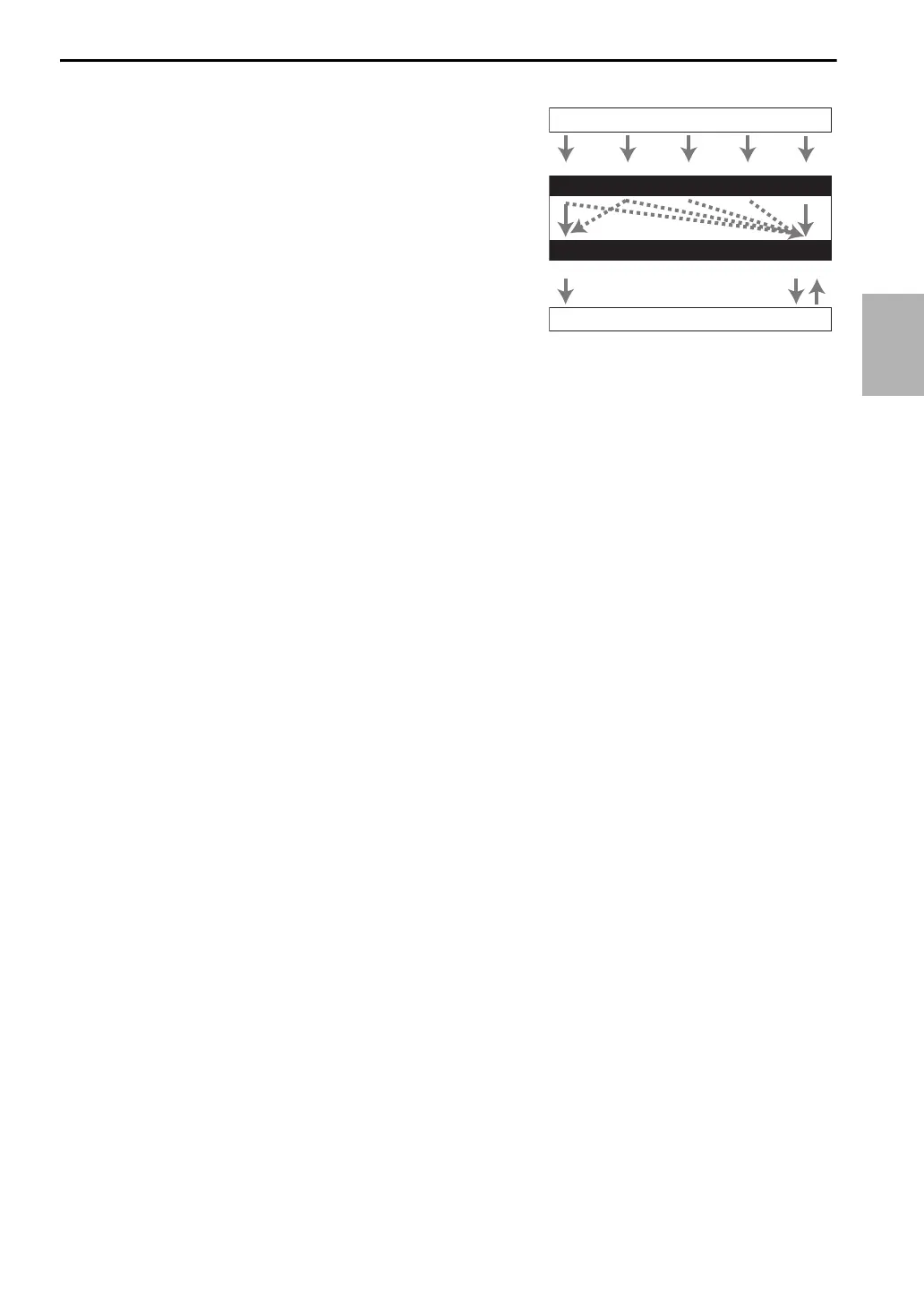
Blu-ray Disc/DVD player, etc.
AV receiver
TV, projector, etc.
HDMICoaxial Analog
Audio Signal Flow Chart
HDMI Analog
Multichannel
*1
Depends on the “Audio TV Out” setting (➔ 61).
*2
This setting is available, when “Audio Return Ch” setting
is set to “Auto” (➔ 62), you must select the TV/CD input
selector and your TV must support ARC function.
*3
Only the front L/R channels are output.
Optical



 To Next Page