78
En
• This procedure can also be performed on the AV receiver by
using Setup, arrows, and Enter.
■ Zone 2 Out
Fixed
:
The Zone 2 volume must be set on the amp in that
zone.
Variable:
The Zone 2 volume can be set on the AV receiver.
If you’ve connected your Zone 2 speakers to an amp with
no volume control, set the “Zone 2 Out” setting, respec-
tively, to “Variable” so that you can set the volume, bal-
ance, and tone of zone 2 on the AV receiver.
■ Zone 2 Maximum Volume
Off, 50 to 99 (Absolute display)
Off
, –32dB to +17dB (Relative display)
With this setting, you can limit the maximum volume for
Zone 2.
■ Zone 2 Power On Volume
Last
, Min, 1 to 99 or Max (Absolute display)
Last
, –QdB, –81dB to +18dB (Relative display)
This setting determines what the volume will be for
Zone 2 each time the AV receiver is turned on.
To use the same volume level as when the AV receiver was
last turned off, select “Last”.
The “Zone 2 Power On Volume” cannot be set higher
than the “Zone 2 Maximum Volume” setting.
This section explains how to turn Zone 2 on and off, how
to select an input source for Zone 2, and how to adjust the
volume for Zone 2.
Controlling Zone 2 from the AV receiver
• When Zone 2 is turned off, the output from the 12V TRIGGER
OUT goes low (0 volts).
Setting the Multi Zone
1
Press Receiver followed by Setup.
The main menu appears onscreen.
• If the main menu doesn’t appear, make sure the appropri-
ate external input is selected on your TV.
2
Use q/w to select “Hardware Setup”, and then
press Enter.
The “Hardware Setup” menu appears.
3
Use q/w to select “Multi Zone”, and then press
Enter.
The “Multi Zone” menu appears.
4
Use q/w to select an item, and use e/r to change
it.
The items are explained below.
5
Press Setup.
The setup menu closes.
7. Hardware Setup
1. Remote ID
2. Multi Zone
3. Tuner
4. HDMI
5. Auto Power Down
6. Network
7. Firmware Update
7-2. Multi Zone
Zone2 Out
Zone2 Maximum Volume
Zone2 Power On Volume
Fixed
Off
Last
Using Zone 2
1
To turn on Zone 2 and select an input source, press
Zone 2 followed by an input selector button
within 8 seconds.
Zone 2 turns on, the Zone 2 indicator lights.
• 12V TRIGGER OUT goes high (+12 V).
To select AM or FM, press Tune r input selector and
Zone 2 repeatedly.
(North American models) You can also select SIR-
IUS.
To select the same source as that of the main room,
press Zone 2 twice. “Zone 2 Selector: Source”
appears on the display.
2
To turn off Zone 2, press Off.
The zone is turned off, and the Zone 2 indicator
goes off.
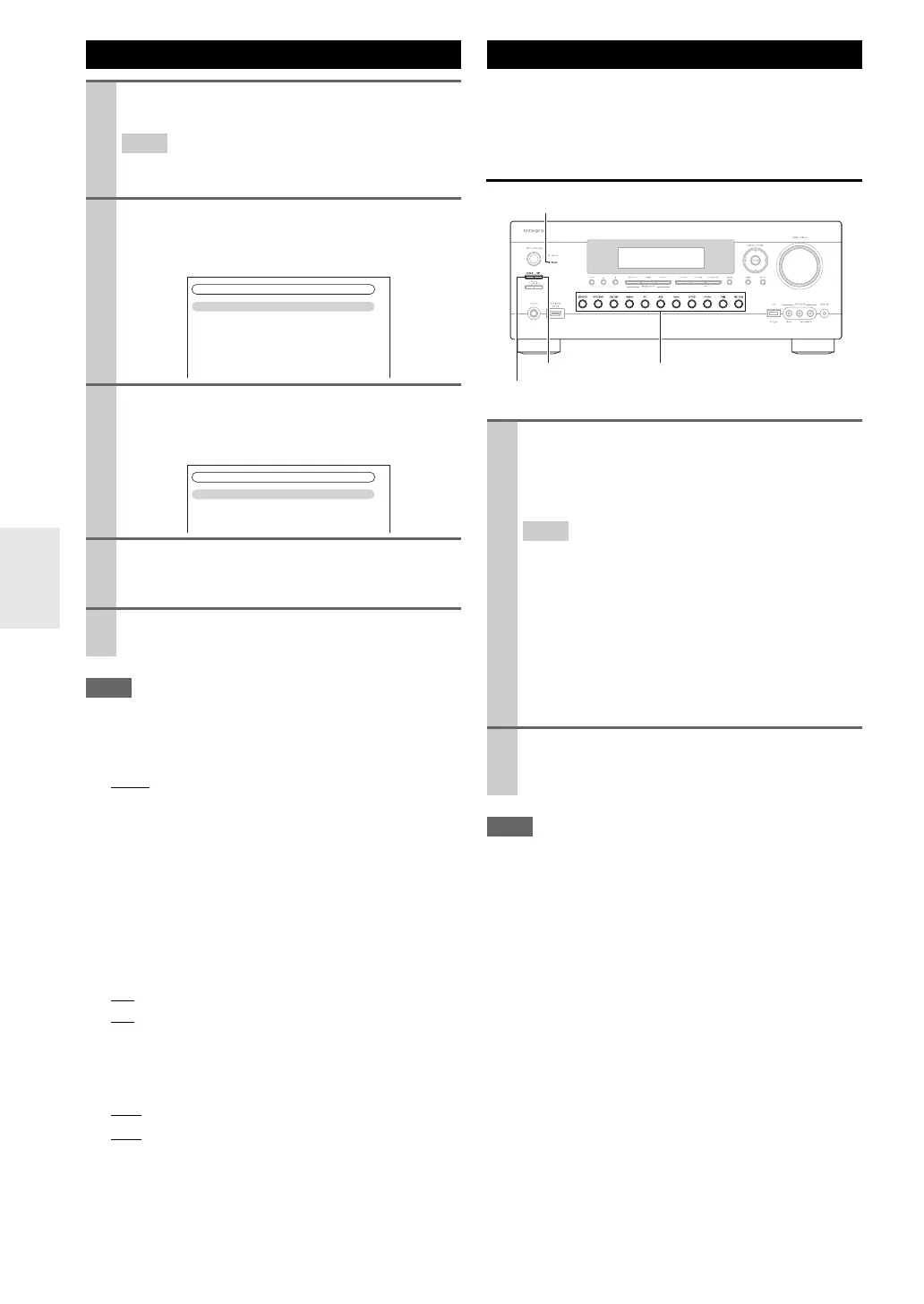
Zone 2 indicator
Input selector buttons
Zone 2
Off



 To Next Page