15
Remote Controller
—Continued
A
Standby button (38)
This button is used to set the AV receiver to
Standby.
B
On button (38)
This button is used to turn on the AV receiver.
C
Input Selector buttons (53)
These buttons are used to select the input source.
Only the RC-588M has a [PHONO] button.
D
Multi CH button (63)
This button is used to select the DVD analog multi-
channel input.
E
Remote Mode buttons
These buttons are used to select the remote control-
ler modes.
F
Dimmer button (54)
This button is used to adjust the display brightness.
G
Arrow [ ]/[ ]/[ ]/[ ] & Enter buttons (42)
These buttons are used to select items on the
onscreen setup menus.
H
CH +/– button (57)
This button is used to select radio presets.
I
Return button
This button is used to return to the previously dis-
played onscreen setup menu.
J
Display button (55, 57)
This button is used to display various information
about the currently selected input source.
K
Listening mode buttons (58)
Surrond button
This button is used to select the Dolby Digital, Pro
Logic IIx, Neo:6, DTS and other listening modes.
All ST button
This button is used to select the All Ch Stereo listen-
ing mode.
THX button (RC-585M only)
This button is used to select the THX listening
modes.
Stereo button
This button is used to select the Stereo listening
mode.
Pure A button
This button is used to select the Pure Audio listen-
ing mode.
Direct button
This button is used to select the Direct listening
mode.
[ DSP] & [DSP ] buttons
These buttons are used to select the Onkyo original
DSP (digital signal processor) listening modes.
L
Test Tone, CH SEL, Level- & Level+ buttons
(50)
These buttons are used to adjust the level of each
speaker individually. The [Level–] & [Level+] but-
tons are also used to adjust the volume in Zone 2.
M
L Night button (62)
This button is used to set the Late Night function.
N
Macro buttons (89)
These buttons are used with the Macro function.
O
Sleep button (54)
This button is used to set the Sleep function.
P
VOL button (53)
This button is used to adjust the volume of the AV
receiver.
Q
Setup button (42)
This button is used to access the onscreen setup
menus that appear on the connected TV.
R
Muting button (54)
This button is used to mute the AV receiver.
S
Re-EQ button (RC-585M only) (62)
This button is used to turn the Re-EQ function on
and off.
T
Light button
This button is used to turn on or off the remote con-
troller’s illuminated buttons.
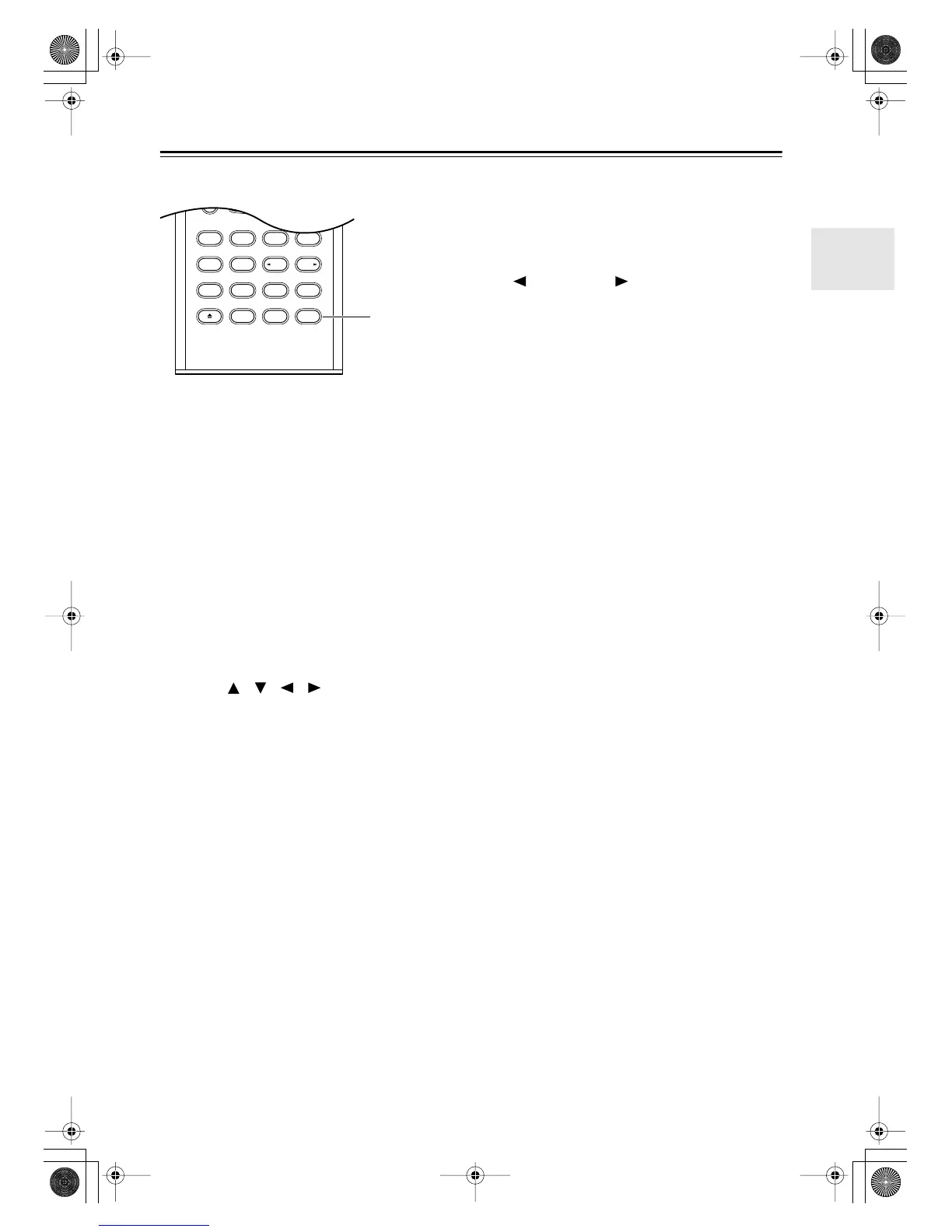
U
Cine Fltr button (RC-586M only) (62)
This button is used to set the CinemaFILTER func-
tion.
Pure A
RandomRec
Last Memory
AngleSubtitleAudio
MemorySearchA
-
BRepeat
RC
-
586M
Test Tone
CH SEL
Surround
Direct
StereoAll ST
Level
+
Level
-
L Night
DSP DSP
Video OffOpen/Close
Cine Fltr
U
RC-586M
DTR-6.5,5.5En.book Page 15 Wednesday, July 28, 2004 9:07 AM



 To Next Page