Intel Desktop Board DG41TX Product Guide
46
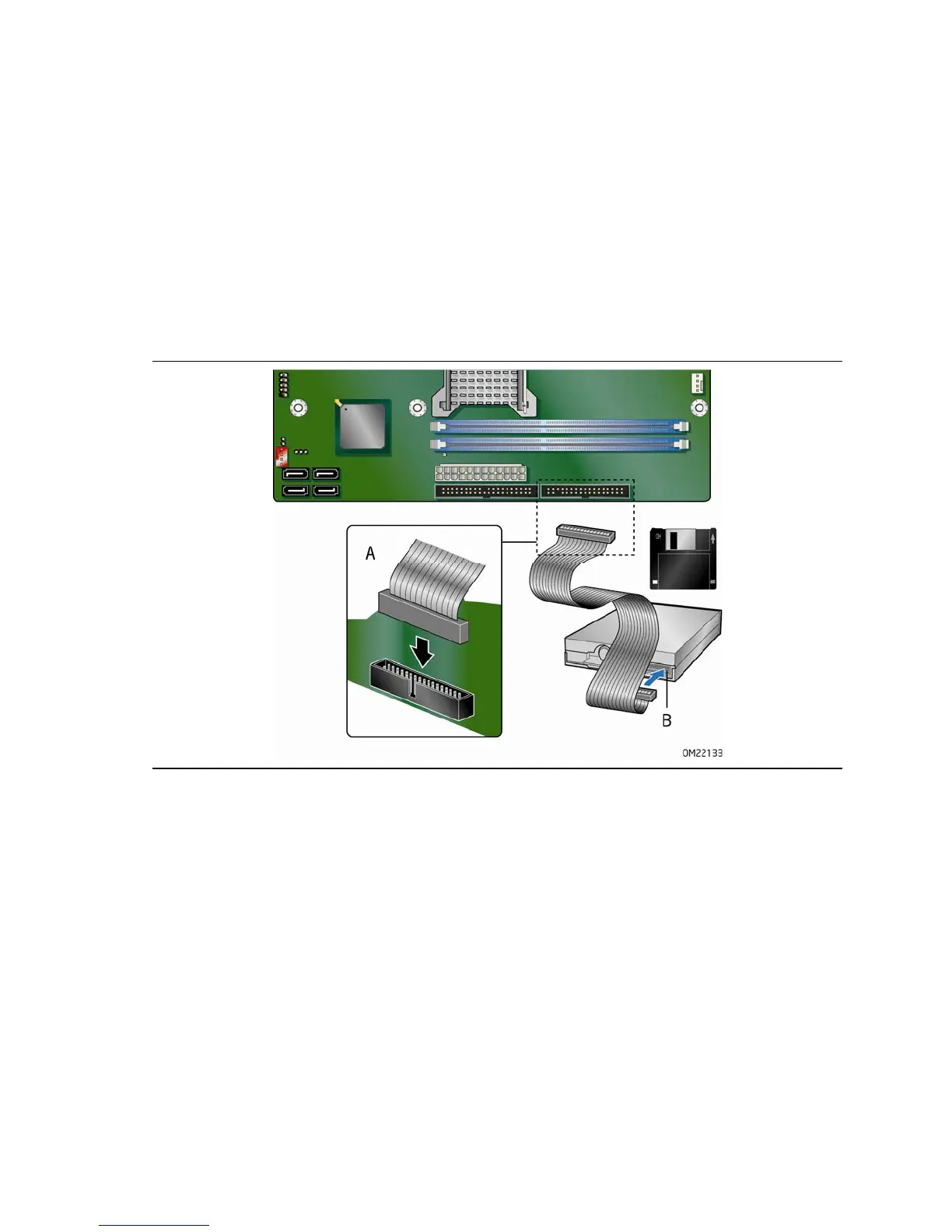
Connecting the Diskette Drive Cable
A diskette drive cable can be used to connect a single diskette drive to the Desktop
Board.
For correct function of the cable:
1. Observe the precautions in "Before You Begin" on page 29.
2. Attach t
he cable end labeled P1 to the diskette drive connector on the Intel
Desktop Board (Figure 20, A).
3. Attach the c
a
ble end labeled P2 to the diskette drive (Figure 20, B).
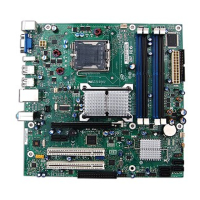
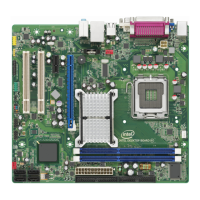
Figure 20. Connecting the Diskette Drive Cable





 To Next Page