22
After restoring the settings, the router will return all parameters to the factory default, so if you want to use it
again, you will have to make the necessary settings again.
» Back up the current settings: to generate the le with the backup of your router settings just click the
Backup
button.
The le will be downloaded according to your web browser settings.
» Restore settings from a backup: to restore settings using a previously generated backup le, click the button
Restore
backup
to choose the le from your device and select the backup le.
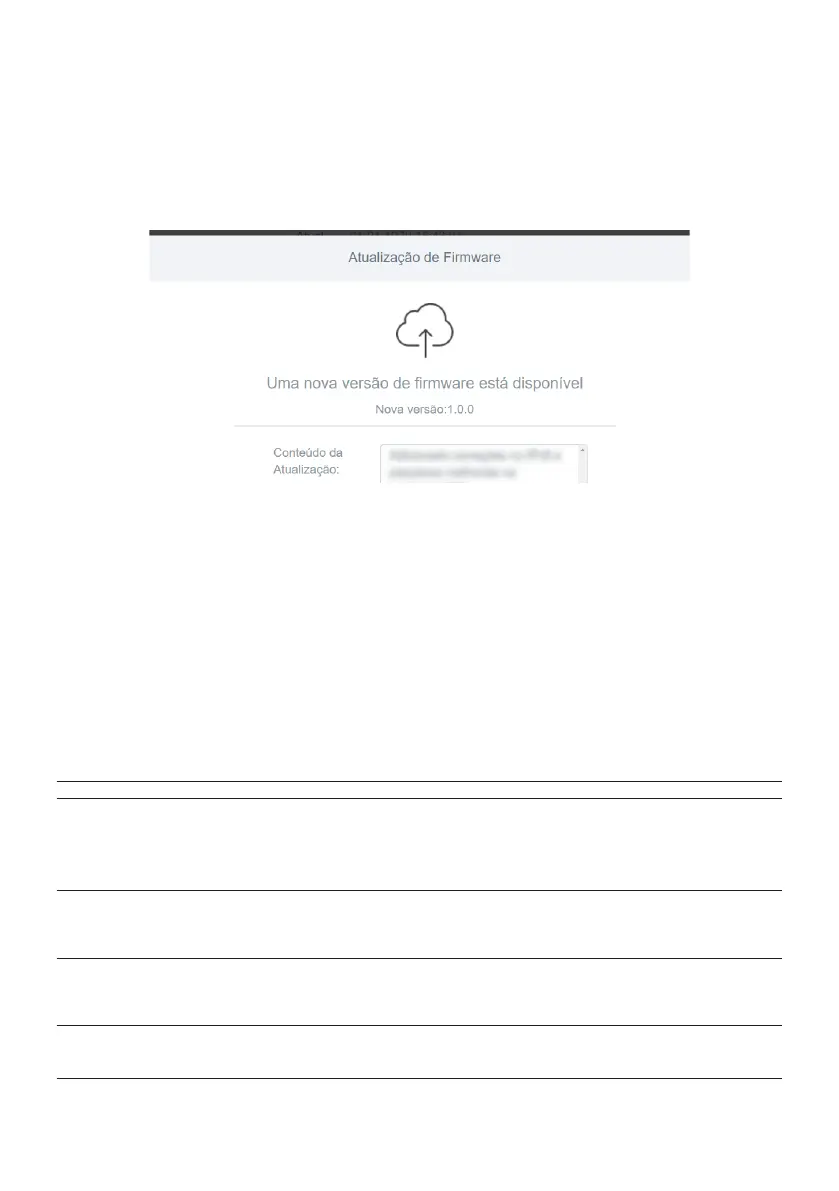
» Update rmware: whenever there is a new rmware version, your RF 301K will notify you upon entering the web
interface.
New rmware version available screen
You can also check if a new version is available in the menu
System settings
click on the button
Online update
,
and if there is a new version just click
Update Now
.
If you need to perform an update manually, you can download the latest version of the software for your router
from our website. After downloading the le, access the product's web conguration interface and navigate to
the menu
System Settings
, click the button
Search...
to choose the rmware le from your device and select the
le you downloaded.
Note: we recommend performing the update process connected via cable to the router.
» Automatic maintenance: the function
Automatic Maintenance
allows you to restart the router daily at a specic time.
By default this function is enabled, the router will restart daily between 3am and 5am if not in use.
5. Frequently Asked Questions
What to do when I can't access
the Internet?
You can try the following options:
1. Make sure all cables are connected correctly and that all network equipment is active;
2. Turn the router and the other equipment that provide your Internet connection off and on;
3. Make sure there is no problem with your broadband (ADSL/cable) service.
If the problem continues, contact our technical support for more details.
What do I do when I can't access
the web wizard?
Check all physical connections.
Your computer/laptop must be connected to the LAN port of your router, or connected to your router’s
Wi-Fi
network.
Make sure that your computer is congured to
obtain an IP address
automatically from the network settings.
What can I do if I forget the
wireless password?
option 1: connect to the router via the network cable, access the web interface, go to the menu
Wi-Fi Network
Conguration
and set your password again.
option 2: Restore the router to factory settings by pressing the
WPS/ RST
button for 20 seconds. Recongure the
router using the installation wizard.
What can I do if I forget the
password to access the web
interface?
Restore the router to factory default settings by pressing the
WPS/RST
button for 20 seconds.
Recongure the router using the installation wizard.



 To Next Page