OtoRead Screener Operating Instructions Page 21
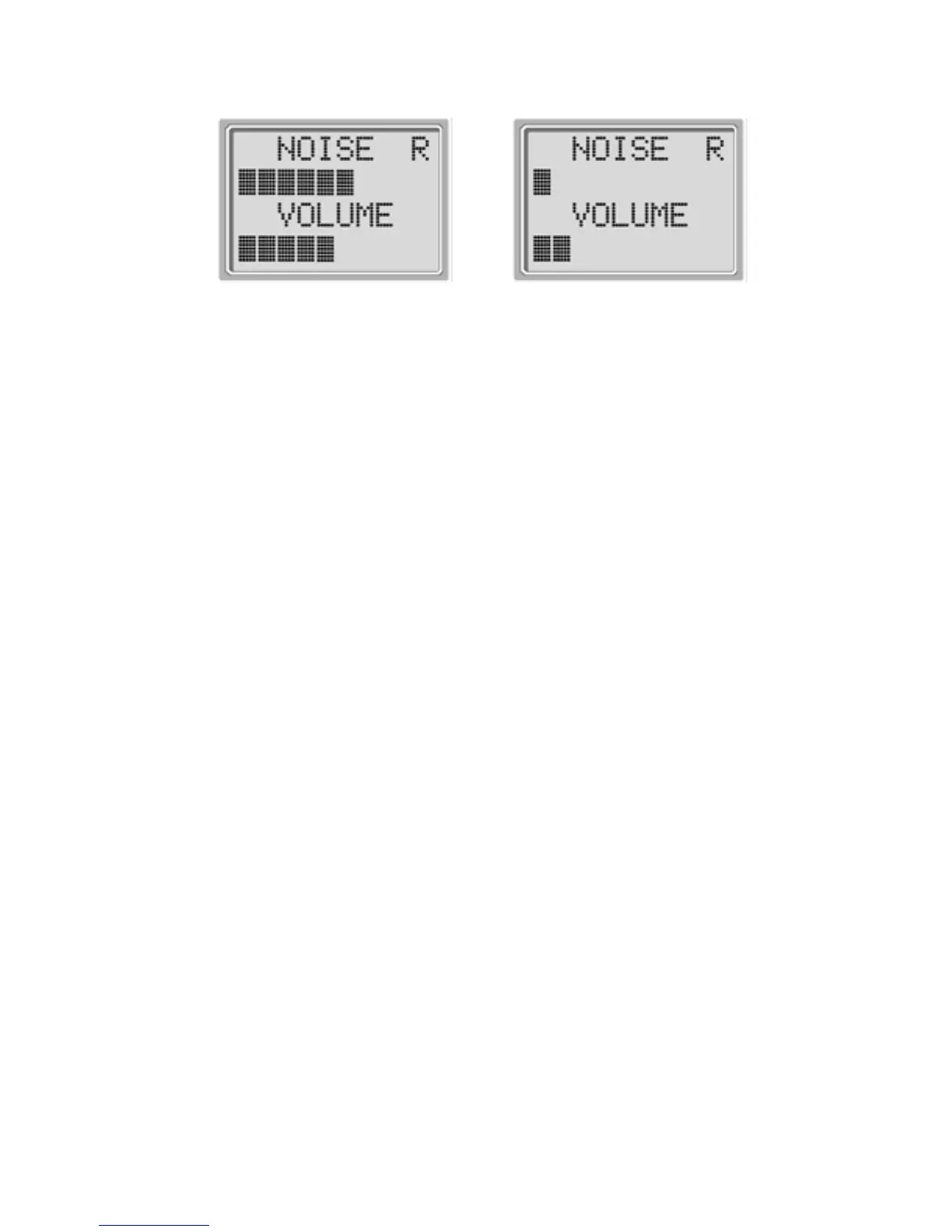
Display # 4
Display # 5
When testing DPOAEs, the default test time is 16 seconds.
When testing TEOAEs, the default test time is 64 seconds,
however, the test will automatically stop when the pass criteria
has been met or exceeded. The arrow key can be used to
abort a TEOAE test in progress.
Testing Children with PE Tubes
To test children with PE tubes, the auto start needs to be
disabled. This is accomplished by first inserting the OtoRead
with appropriate ear tip into the ear canal and obtaining a
proper seal. To disable auto start, at the main menu select the
ear to be tested by holding down the RIGHT or LEFT arrow
keys for 3 seconds until the green “test” light turns off. Once
the key is released, the OtoRead will calibrate and test as
before.
Auto Calibration
The OtoRead instrument will automatically perform a calibration
at the start of each test and Display # 6 will briefly be shown
on the LCD. During calibration a series of tones will be
presented to the ear canal to calibrate the levels of the
frequencies to be tested. It is very important that the probe be
held steady in the patient’s ear canal while the yellow test LED
is illuminated.















 To Next Page