Chapter 2: Installation
6 TruVision NVR 10 User Manual
Unpacking the TVN 10 and its accessories
When you receive the product, check the package and contents for damage, and verify
that all items are included. There is an item list included in the package. If any of the
items are damaged or missing, please contact your local supplier.
Items shipped with the product include:
• IR (infrared) remote control
• Two AAA batteries for the remote control
• AC power cords
• USB mouse
• Brackets
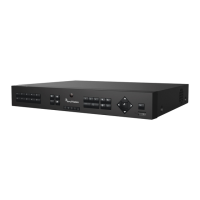
• NVR
• CD with software and manuals
• TruVision NVR 10 Quick Start Guide
• TruVision NVR 10User Manual (on CD)
• TruVision NVR 10 Operator Guide (on CD)
Back panel
Figure 2 on page 7 shows the back panel connections and describes each connector
on a typical TVN 10 network video recorder. Details may vary for specific models.
Before powering up the NVR, connect a main monitor for basic operation.


 To Next Page