19
EN
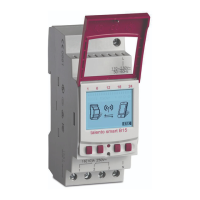
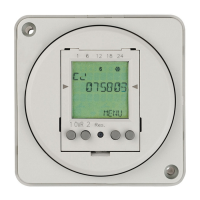
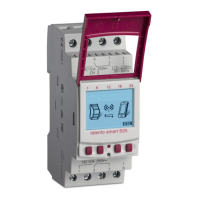
Display
Function of buttons on the right (Fig.2/
7
+
8
)
Menu Enter programming mode.
Bluetooth Pressing this button activates the Bluetooth function and enables a connec-
tion to be established.
ESC Press briefly = goes back one step.
Press and hold (2seconds) = back to automatic mode.
OK Make the selection and apply it.
< Undo the last input, e.g. when entering the time.


 To Next Page
 Loading...