Chapter 1 — Use the IP30
IP30 Handheld RFID Reader User Guide 3
What’s New in This Release
This version of the user manual contains these updates:
• Added support for the CK3X mobile computer. For more
information, see “Attach the IP30 to the CK3 Series Mobile
Computer” on page 14.
Unpack the IP30
These items are included with the IP30:
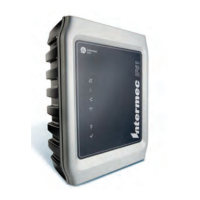
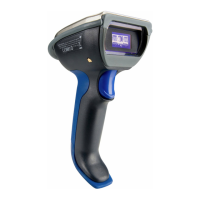
• IP30 RFID Handle
• Product documentation
• Mounting plates (for CK3 Series, CK61 Series, and 70 Series only)
What You Need
To use the IP30, you need these items:
• Battery (Model AB3 or AB19)
• Battery charger or dock with power supply
• CN3B, CN3F, CN4 Series, CK3 Series, CK61 Series, or 70 Series
• A custom application to read and write tags. For help, see “RFID
Applications and the IP30” on page 22.
You may also need to upgrade your Windows operating system and
SmartSystems Platform Bundle (SSPB) before you can connect the
IP30 to your mobile computer. To download the latest operating
system and SSPB, visit the downloads page for your mobile computer
at www.intermec.com > Products > Computers > Handheld
Computers > Your Mobile Computers > Downloads tab.



 To Next Page