Chapter 1 — Use the IP30
IP30 Handheld RFID Reader User Guide 5
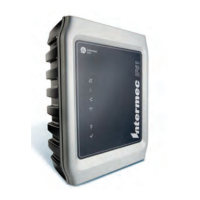
About the Intermec Ready-to-Work Indicator
The blue Ready-to-Work
TM
indicator shows when a connection is
established between your mobile computer and IP30. The next table
explains the different states of the Ready-to-Work indicator.
If there is no host activity after 5 minutes, the IP30 enters low power
mode. The IP30 remains Ready-to-Work as long as the mobile
computer maintains a communications link. To determine if the IP30
is ready to work, pull the trigger.
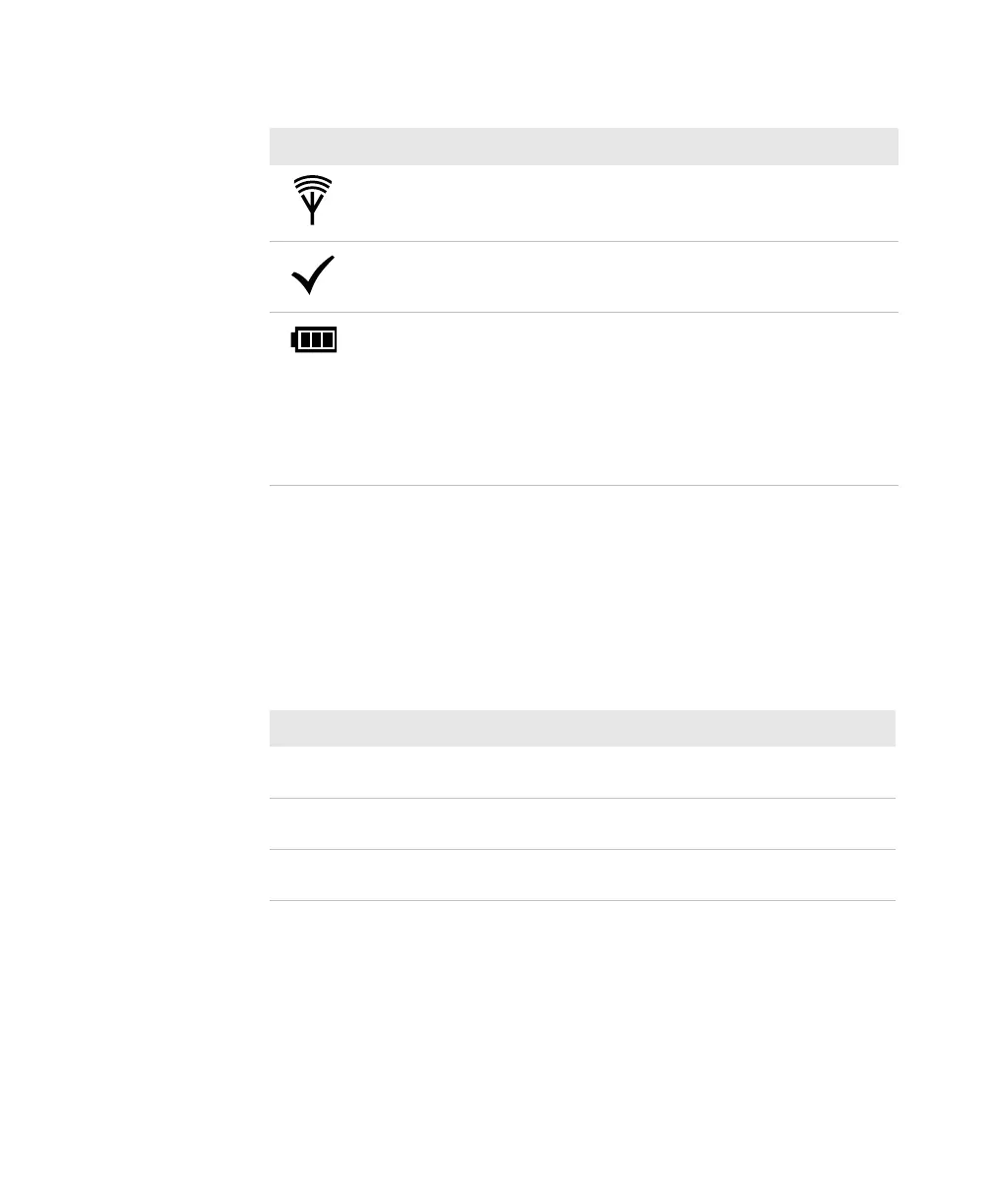
RFID Transmit Flashes when the IP30 RFID reader is
transmitting data.
Tag ID Flashes when an RFID tag ID is
successfully read or written to.
Battery Indicates the battery status:
• Green: The battery is fully charged
(more than 80% capacity).
• Orange: The battery is charged (from
20% to 80% capacity).
• Red: The battery is low (less than 20%
capacity).
LED Icon Descriptions (continued)
LED Icon LED Name Description
Ready-To-Work Indicator Descriptions
LED Description
Off The IP30 is not yet ready for operation, or is in low power
mode.
Blinking The IP30 is not associated with or connected to the mobile
computer.
Steady A connection has been established between the IP30 and the
mobile computer.



 To Next Page