Chapter 2 — Set Up the Printer
60 PC23 and PC43 Desktop Printer User Manual
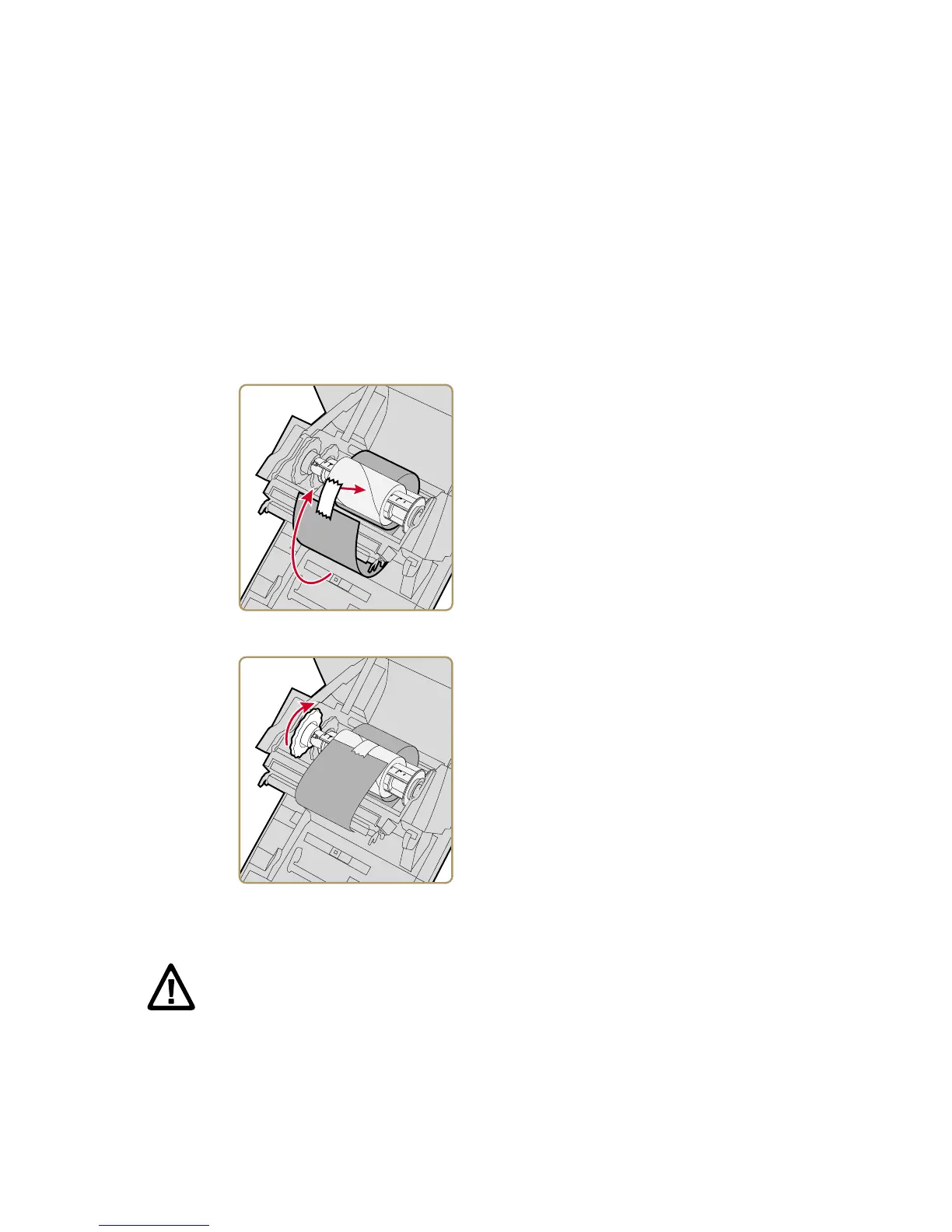
7 Attach the ribbon to the takeup core.
8 Turn the slack-wheel to take up slack in the ribbon.
Connect the Printer to Power
1 Connect the power adapter to the power port on the rear of the
printer.
2 Connect the power adapter to AC power. When the adapter is
connected to AC power, the green LED in the adapter connector
turns on and stays on.
Caution: Use only the AC power adapter supplied with the printer.
The use of a power adapter not approved by Intermec voids the
product warranty and may damage the printer.



 To Next Page